
When roofing crews face changing weather, material delays, or last-minute inspections, the best roofing software doesn’t just look good in a demo; it keeps projects moving through chaos. For companies managing multiple roofing projects simultaneously, choosing software comes down to one question: how well does this software help me run roofing jobs when conditions change?
Our evaluation criteria: We assessed platforms based on five critical factors for multi-project coordination: (1) real-time field-to-office synchronization capability, (2) offline mobile functionality that maintains productivity without connectivity, (3) multi-project management tools including dependencies and task tracking, (4) automation features that reduce administrative burden, and (5) verified customer ratings from G2 and Capterra reflecting real-world performance during active jobs.
Comparing the Best Roofing Software: Features That Matter for Active Jobs
| Rank | Software | Avg Review Score | Real-Time Sync | Offline Mode | Multi-Project Mgmt | AI Features | Implementation | Integrations | Customer Portal | Pricing | Best For |
| 1 | Zuper | 4.7 | Instant bi-directional | Full offline with auto-sync | Kanban, Gantt, dependencies | AI Responder, call summaries, voice notes | 3 months | 60+ (QuickBooks, HubSpot, Sage) | Self-service with payments | Per-user subscription | 3+ concurrent projects |
| 2 | AccuLynx | 4.5 | Real-time with delays | Limited offline | Milestone workflows | None | 2-4 months | ABC Supply, SRS, QXO | Limited access | Custom quote | Material cost accuracy |
| 3 | Jobber | 4.6 | Cloud-based sync | Some offline capability | Drag-drop calendar, job tracking | AI automation, auto-responder, voice notes | 1-2 months | QuickBooks, EagleView, CompanyCam | Client Hub with self-service | Starting $39-$599/month | Small-mid teams 1-5 crews |
| 4 | ServiceTitan | 4.3 | Centralized dashboard | Requires connection | Enterprise scheduling 10+ crews | None | 3-6 months | Extensive enterprise integrations | Customer notifications | Per-technician | 10+ crews, enterprise ops |
| 5 | JobNimbus | 4.6 | Cloud with sync delays | Basic offline | Board view, status tracking | None | 1-2 months | QuickBooks, Hover, EagleView | No built-in portal | Starting ~$25/user/month | Residential CRM/sales |
What Separates the Best Roofing Software from the Rest
#1: Zuper – Complete CRM and Field Operations for Residential Roofers
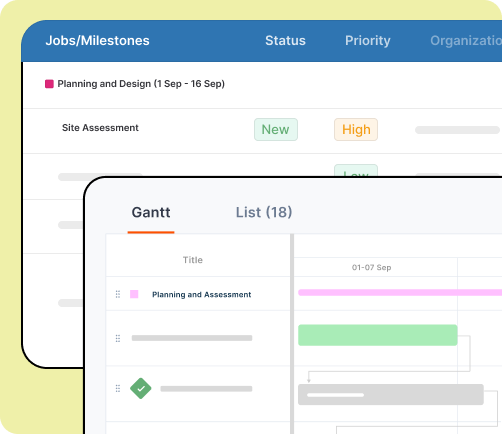
What sets it apart: Zuper combines powerful CRM capabilities with field service management specifically designed for residential roofing contractors. The platform manages the entire customer journey from initial lead capture through final payment, with full offline mobile capability ensuring crews stay productive at every job site regardless of connectivity. Field teams capture photos with voice descriptions, complete inspections, collect signatures, and process payments—all syncing automatically when connection returns.
Key features: Customer portal provides homeowners with self-service access to view proposals, approve estimates, track job progress, and make payments—increasing transparency and reducing status update calls. Automated customer notifications handle appointment confirmations, technician arrival alerts, and schedule changes, improving customer satisfaction. The AI Responder answers homeowner questions after hours and manages rescheduling requests, ensuring no lead goes cold due to missed communication.
Customer reviews: Users praise Zuper’s flexibility and support, with one calling the team “the best I have EVER worked with” for their dedication to customizing workflows for residential contractors (4.7/5 stars).
#2: AccuLynx – Material Cost Accuracy Through Supplier Integration
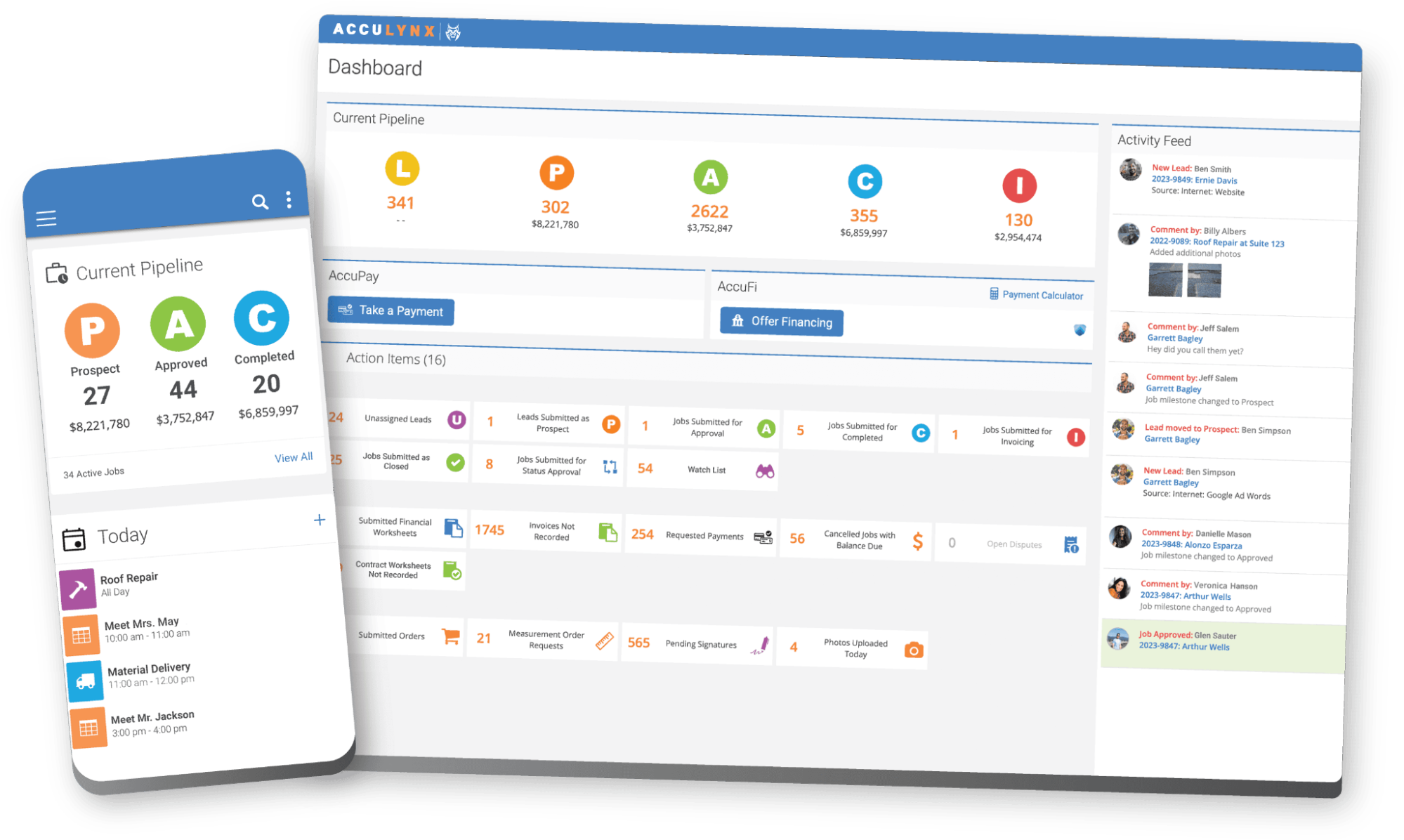
What sets it apart: AccuLynx’s real-time supplier integration with ABC Supply, SRS Distribution, and QXO provides current pricing data directly within estimating workflows, eliminating cost discrepancies that erode margins.
Key features: Automated workflows trigger based on project milestones. Milestone tracking manages projects through standard phases, though the system requires internet connectivity for field functionality.
Customer reviews: Users appreciate the interface and customer service, though multiple reviewers note pricing increases without new features (4.5/5 stars).
#3: Jobber – Easy-to-Use All-in-One for Growing Teams
What sets it apart: Jobber emphasizes ease of use and fast implementation for residential and small commercial roofing contractors. The platform integrates quoting, scheduling, invoicing, and payments in an intuitive interface that requires minimal training, making it ideal for teams transitioning from paper-based systems.
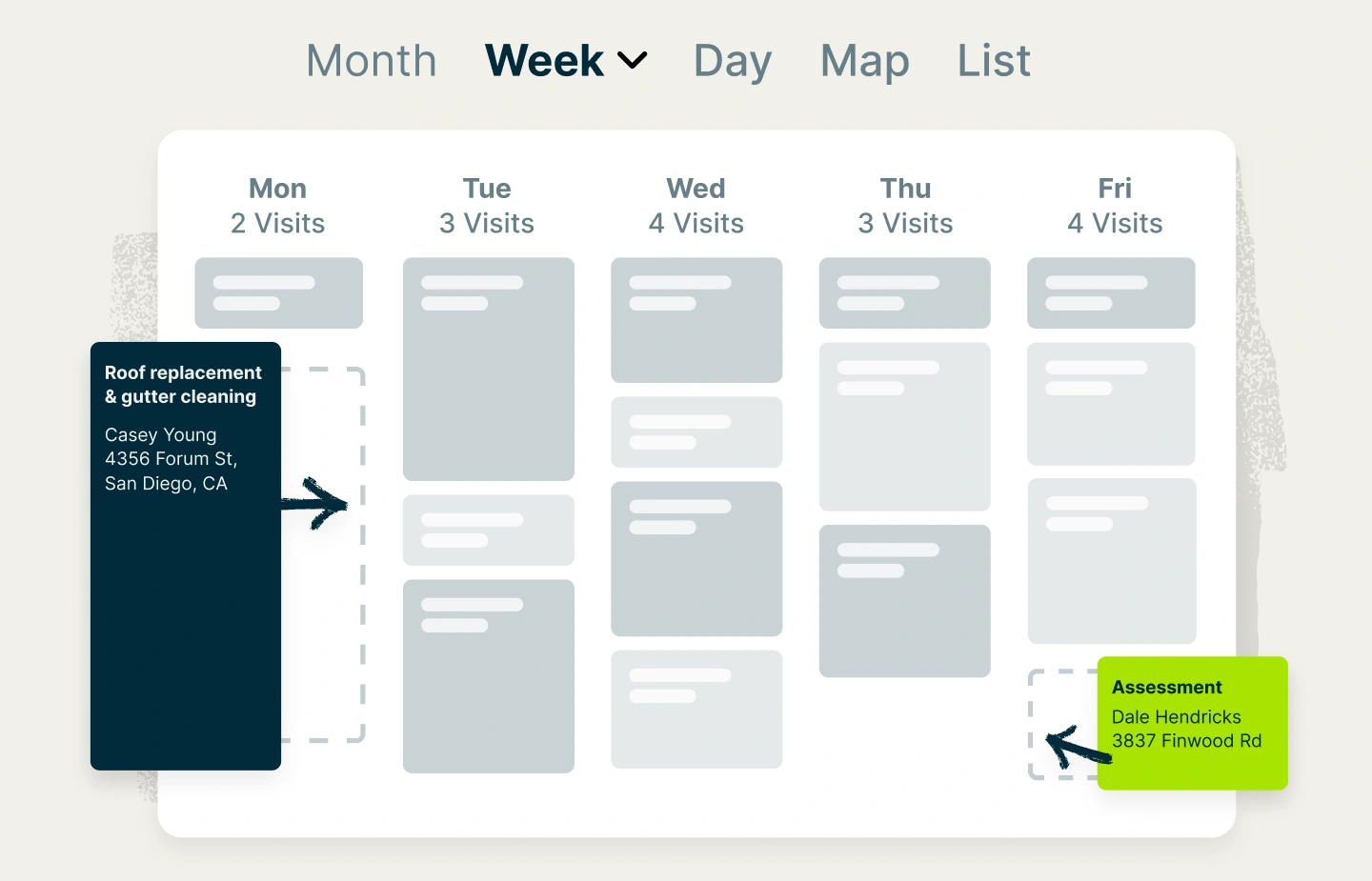
Key features: Smart scheduling with drag-and-drop calendar, customizable job templates, EagleView integration for aerial measurements, automated follow-ups, and Client Hub for customer self-service. The mobile app provides some offline access for viewing job details and capturing photos. Powerful automation handles visit reminders, invoicing, payment processing, and review requests.
Customer reviews: Users love the ease of use and customer service, rating it 4.6/5 on both G2 and Capterra. However, some note limitations for complex production management compared to enterprise platforms.
#4: ServiceTitan – Enterprise-Grade for Large Operations
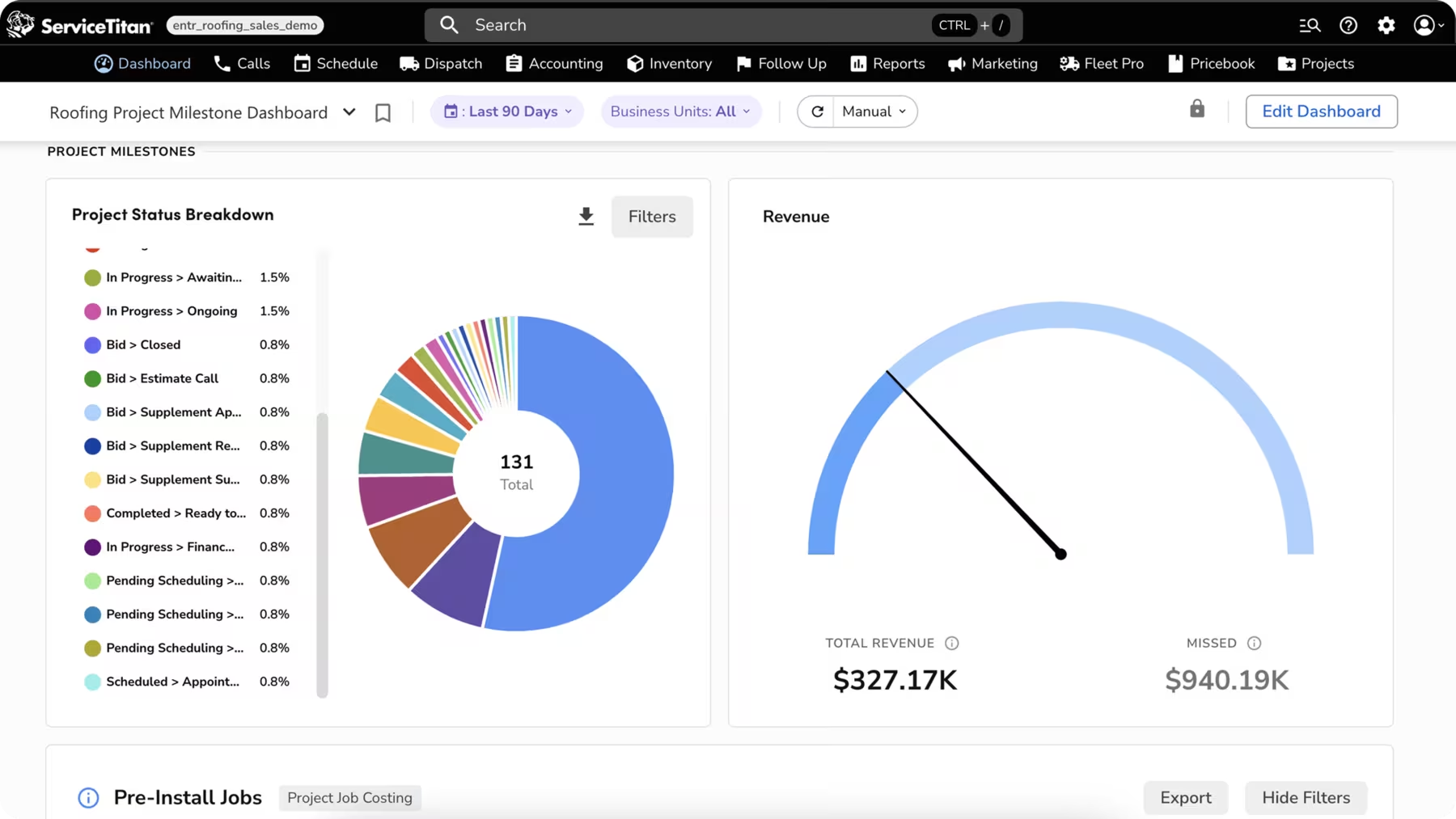
What sets it apart: ServiceTitan offers comprehensive functionality for operations managing 10+ crews with a centralized dispatch board, pre-built dashboards, and call recording.
Key features: Extensive automation handles confirmations and notifications across large volumes. Enterprise scheduling handles complex routing, although the mobile applications require connectivity, and complexity can overwhelm smaller contractors. Implementation takes 3-6 months.
Customer reviews: Users praise the comprehensive features but criticize poor customer service, expensive pricing, and an onboarding process that “will take a minimum of 3 months” (4.3/5 stars).
#5: JobNimbus – Visual Project Organization for Entry-Level Teams
What sets it apart: JobNimbus emphasizes visual project organization with customizable board views and color-coded status tracking that makes it easy for teams transitioning from paper-based systems or spreadsheets.
Key features: Board views organize contacts by status. However, it lacks job costing, vendor portals, customer portals, and schedule conflict detection capabilities, which are essential for coordinating complex projects. Mobile functionality is limited without internet.
Customer reviews: Called “the most customizable CRM” with great value, though it “doesn’t do any job costing or vendor portals” (4.6/5 stars).
Top 3 Platforms by Category
Different roofing operations prioritize different capabilities. Here’s how the best roofing software platforms rank across key categories:
Multi-Project Coordination
- Zuper – Kanban boards, Gantt charts, task dependencies, and real-time visibility across all active projects make it the clear leader for coordinating 3+ concurrent jobs
- ServiceTitan – Enterprise-grade scheduling handles 10+ crews simultaneously with complex routing and capacity planning
- AccuLynx – Milestone-based workflows track projects through standard phases effectively for predictable job sequences
Mobile App & Offline Functionality
- Zuper – Full offline capability with auto-sync; field crews access all features without connectivity
- Jobber – Some offline access for viewing jobs and capturing photos; solid mobile experience overall
- AccuLynx – Limited offline functionality; requires internet for most field operations
Ease of Use & Implementation Speed
- Jobber – Intuitive interface with 1-2 month implementation; minimal training required
- JobNimbus – User-friendly CRM with 1-2 month setup; great for teams new to software
- Zuper – Customizable platform with 3-month implementation; balances power with usability
Automation & AI Features
- Zuper – AI Responder for after-hours customer service, AI call summaries, voice-to-text notes
- Jobber – AI assistant, voice notes, and auto-responder
- AccuLynx – Milestone-based workflow automation for repetitive tasks
How Zuper Leads for Multi-Project Operations
When managing multiple roofing projects across different stages, Zuper’s platform maintains momentum through three core capabilities:
Complete mobile functionality with offline mode: Field crews access job details, checklists, photo capture with voice notes, signatures, and payments from phones. Everything syncs automatically when the connection returns. Location intelligence displays each technician’s position with GPS timestamps on clock-ins and tasks.
Intelligent automation and communication: Team messaging keeps conversations attached to projects. Automated customer notifications handle confirmations and changes. The AI Responder manages customer questions and rescheduling after hours. Customer portals provide self-service access to proposals, estimates, progress, and payments.
Real-time visibility and accountability: Checklists ensure consistent processes. Time tracking by job provides accurate payroll and profitability data, while catching scope creep before it erases margins. Companies report a 30% reduction in new hire ramp time, a 40% improvement in same-day close rates, and hours saved weekly.
Zuper integrates with 60+ platforms, including QuickBooks, HubSpot, Hover, GAF, SRS Distribution, and Stripe, eliminating double-entry and ensuring synchronized systems.
Conclusion: Choose Software Built for Real Roofing Jobs
Selecting the best roofing software means focusing on operational realities. Can the platform maintain coordination when multiple crews work on different phases? Does it keep the field and office synchronized when conditions change?
Our ranking reveals clear differentiation: Zuper leads for real-time multi-project coordination with offline capability and AI automation (4.7/5), AccuLynx ranks second for material cost accuracy (4.5/5), Jobber places third as an accessible all-in-one solution for growing teams (4.6/5), ServiceTitan fits enterprise operations with large budgets (4.3/5), and JobNimbus works for residential sales but lacks production depth (4.6/5).
For roofing companies managing multiple projects, the best roofing software provides real-time visibility, adaptive coordination, and clear accountability, delivering ROI through faster completion, reduced delays, and improved margins.
See how Zuper supports multi-project roofing operations with real-time coordination and complete visibility. Schedule a demo to experience the difference the best roofing software makes for growing contractors.