Zuper + Hover
Hover measurements, right inside your jobs
Order a Hover capture, sync the data, and start estimating. All from the same screen where you manage the job.
One workflow, from capture to estimate

The Zuper + Hover integration connects your measurement data directly to the job where your team actually works. Hover captures the roof. Zuper pulls the numbers in. Your estimator builds the proposal without ever switching platforms or re-entering a single dimension.
No re-keying measurements
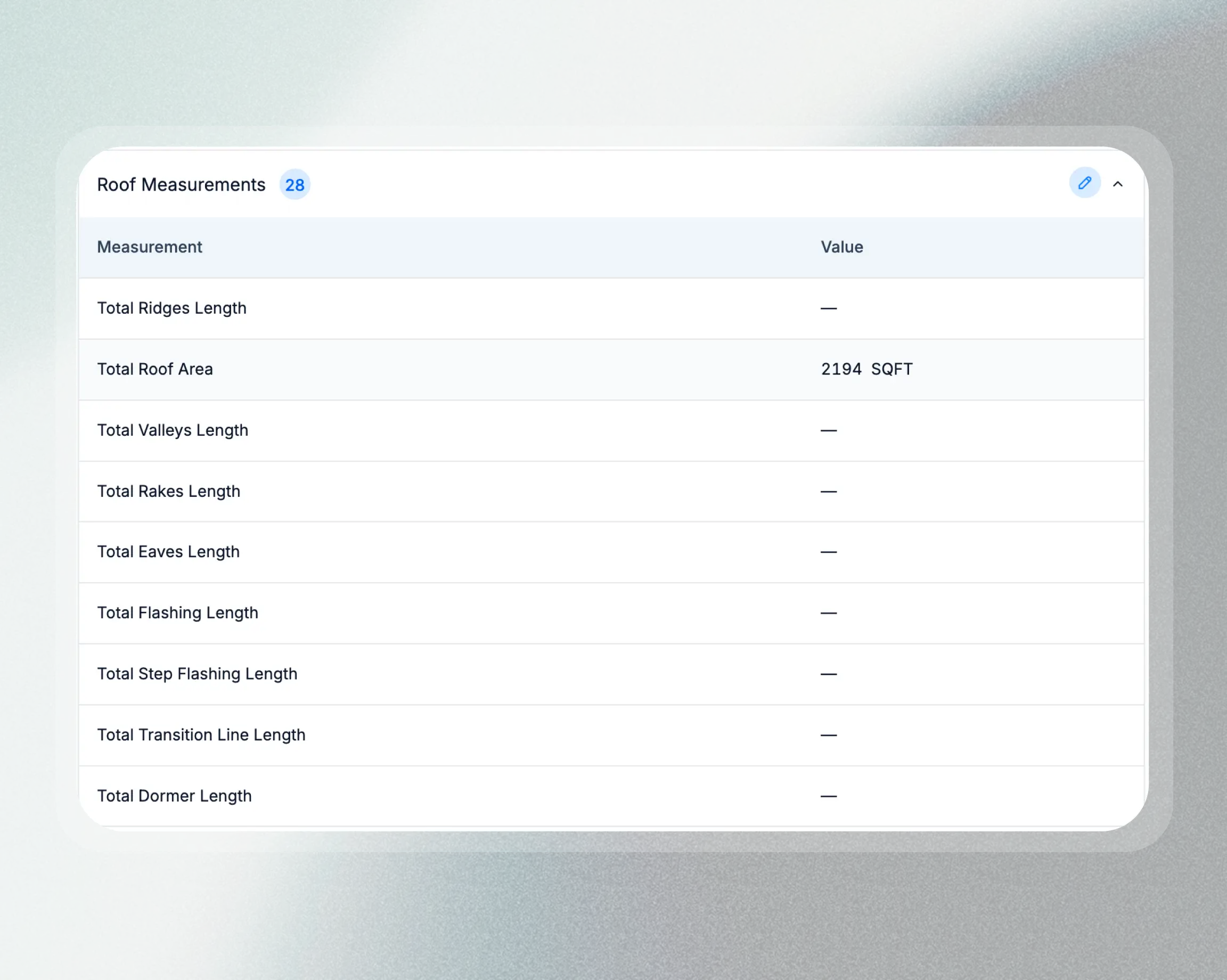
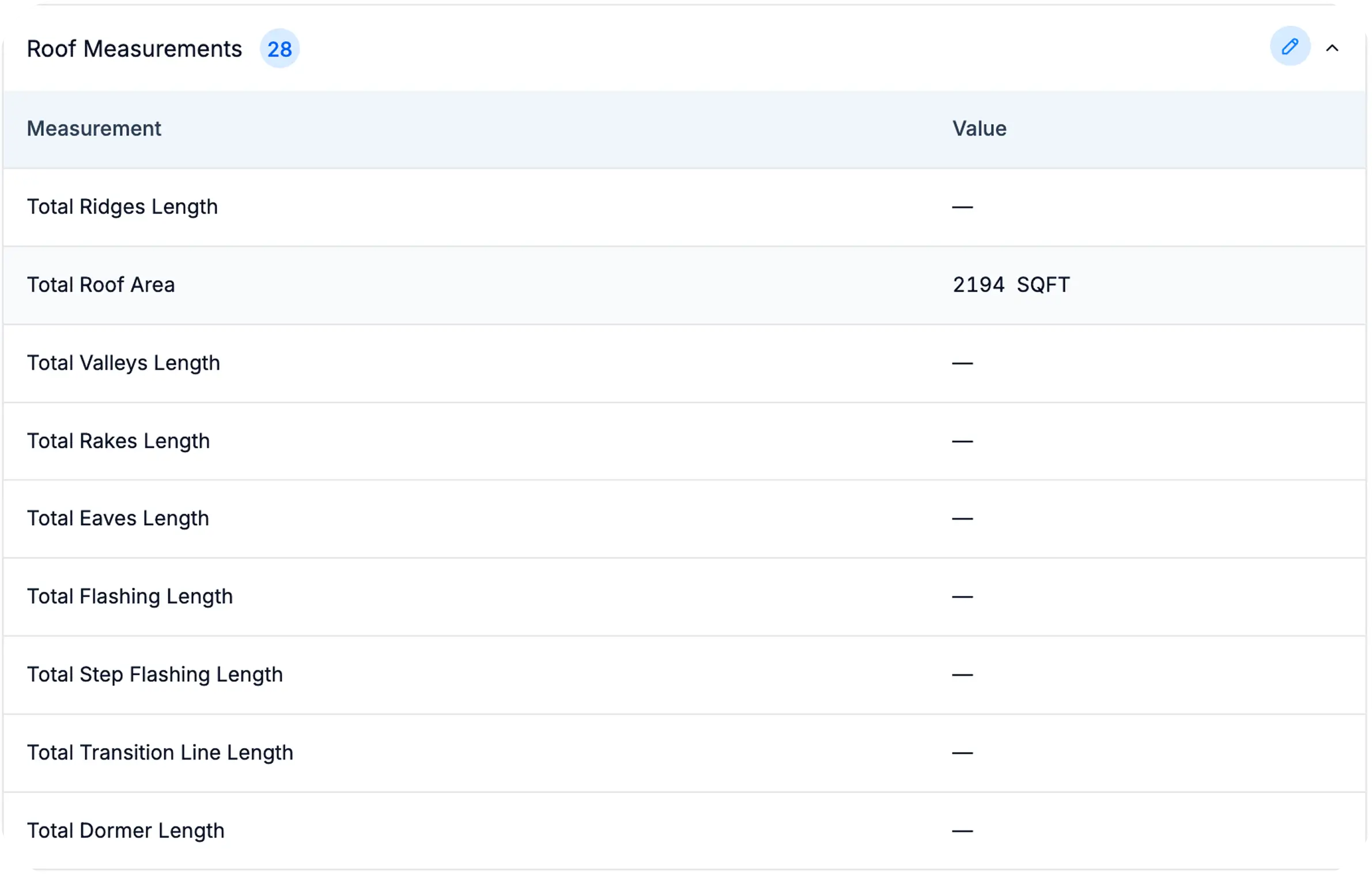
Hover's roof area, ridge lengths, valleys, and slopes sync straight into Zuper's measurement tokens. The numbers land exactly where your estimate templates need them.
No hunting for reports
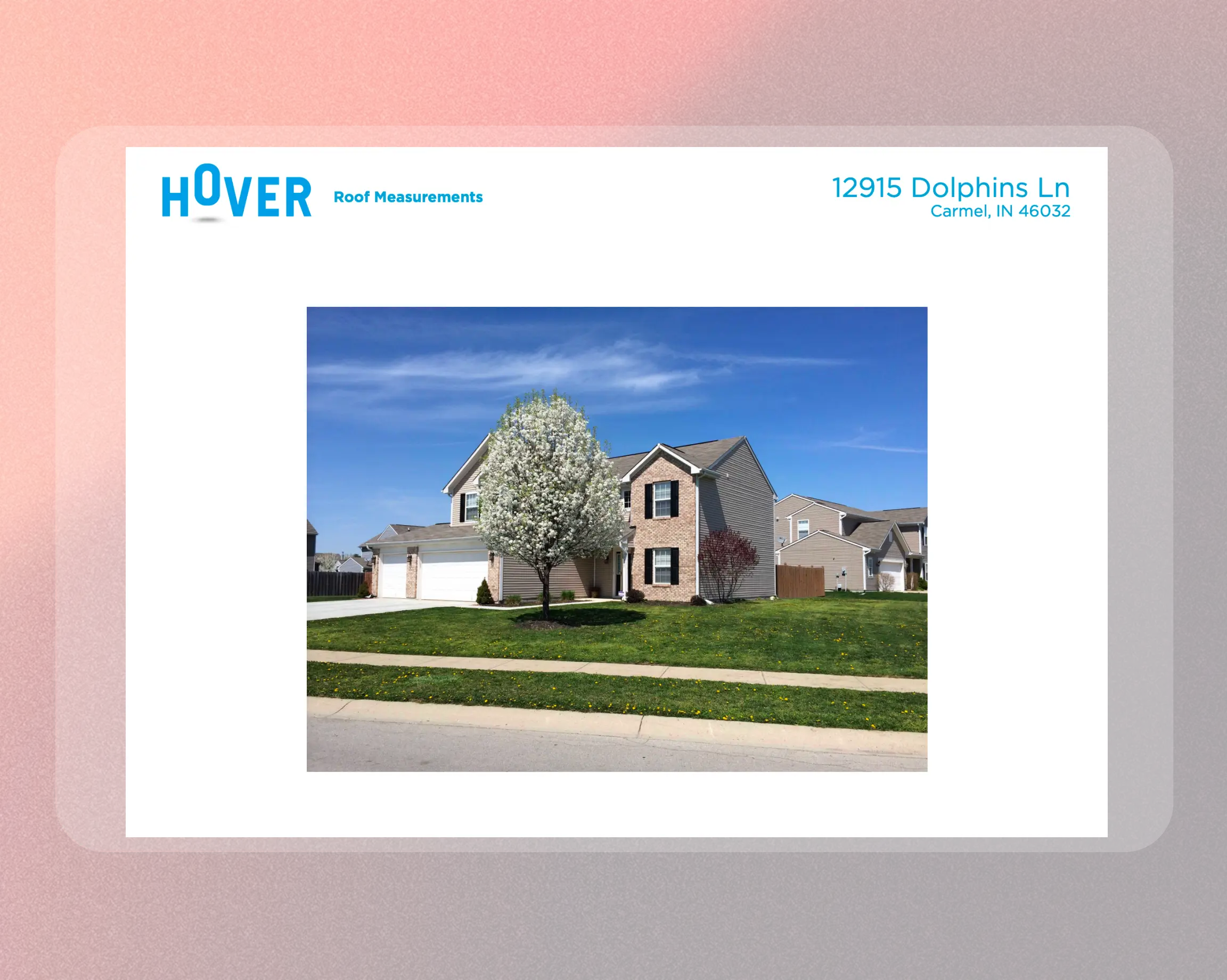
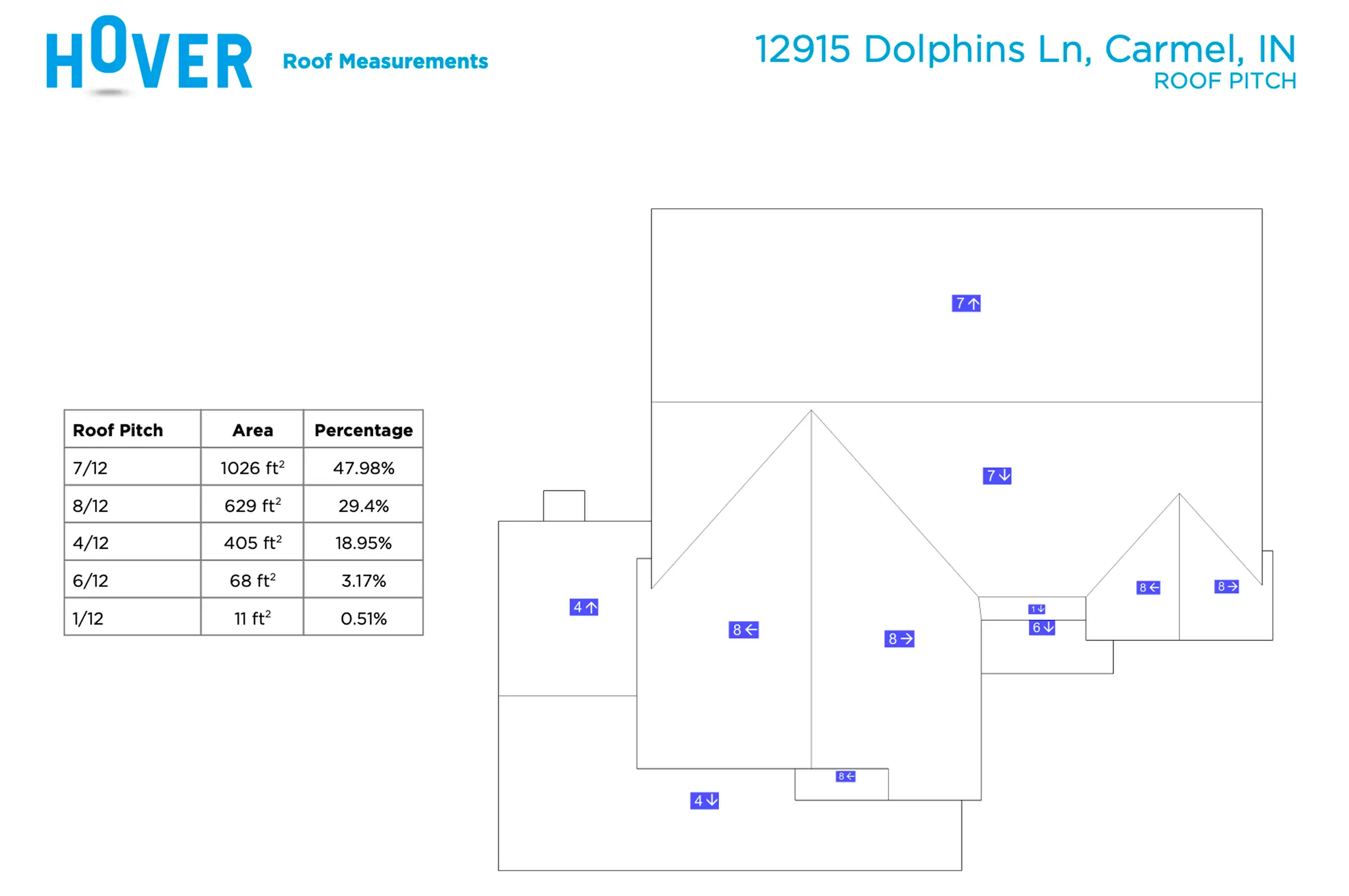
View measurement PDFs inline, open Hover's 3D model with one click, and download the full report package. Everything stays attached to the job.
No broken handoffs
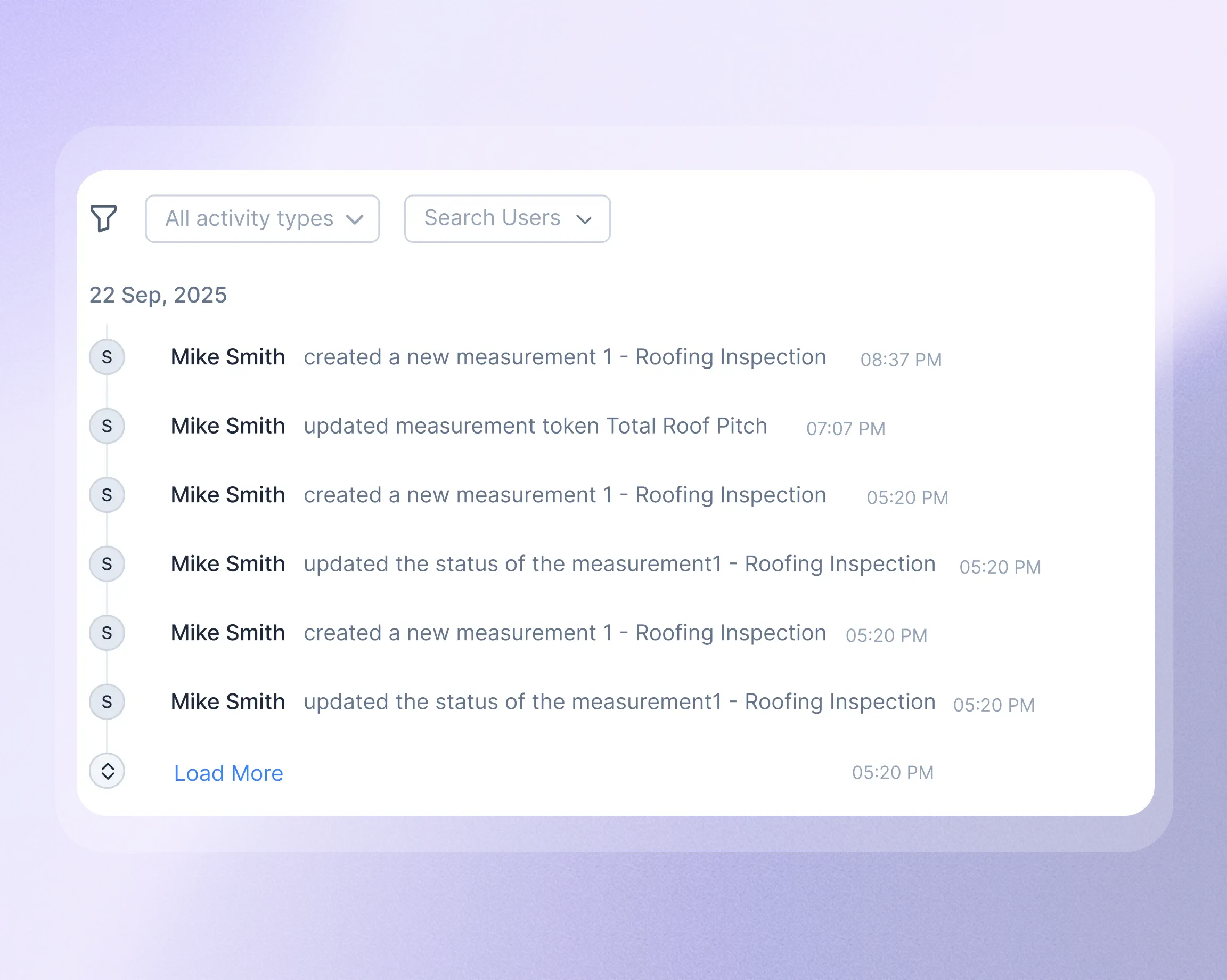
Every measurement order, sync, edit, and removal is logged in Zuper's job activity. If someone else picks up the job, they'll see exactly what happened and when.
Four steps. No IT department required.
Install Hover from the Zuper App Store
Find Hover under Measurements & Estimations, click Install, and authenticate with your Hover admin account. Enter your Zuper API key in the Hover config screen and you're connected.
Order or link a measurement from any job
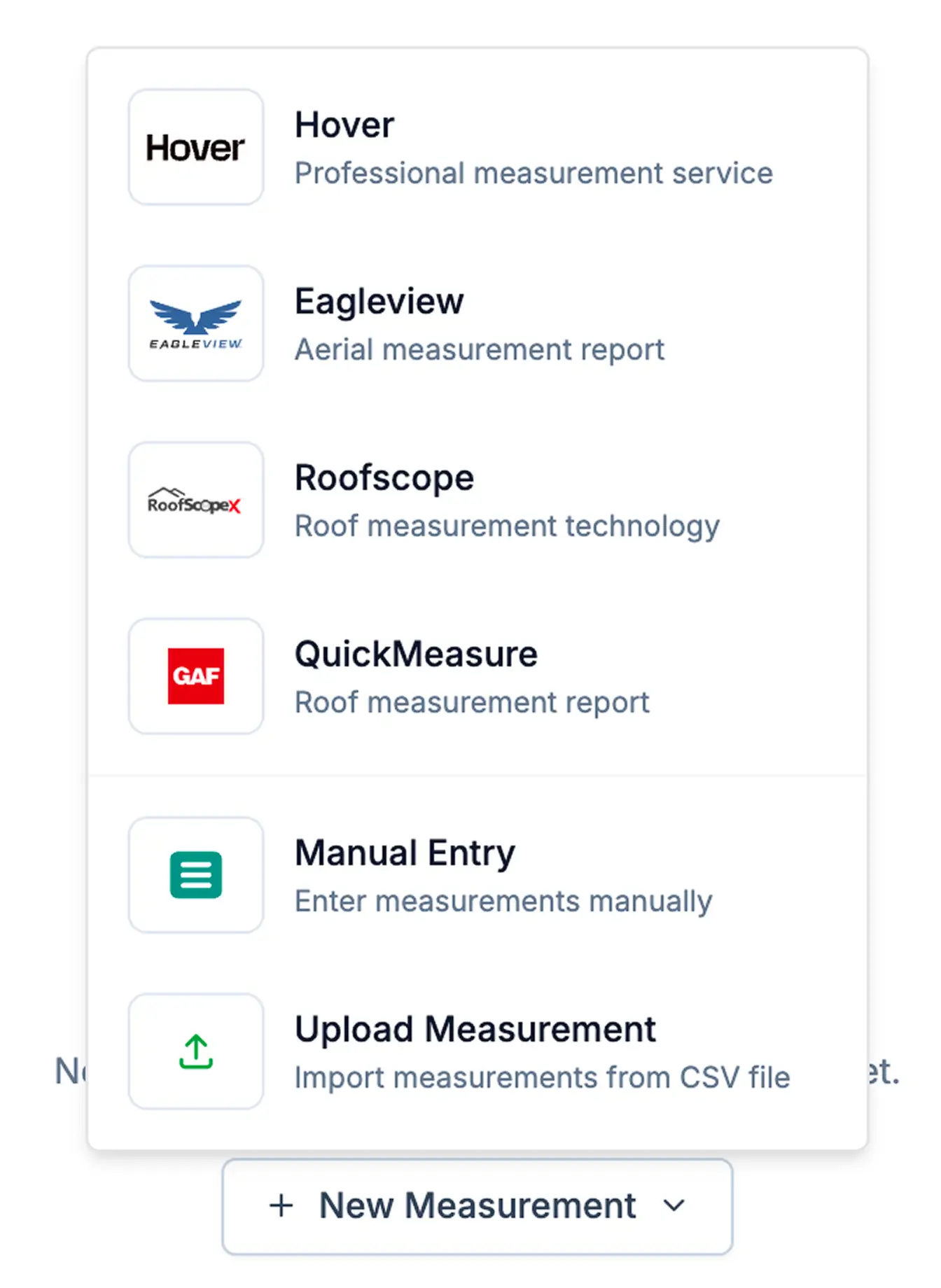
Open a job, go to the Measurements tab, and click New Measurement. Create a new Hover capture (assign it to your field rep, the homeowner, or a third party) or search for an existing Hover project by address.
Measurements sync automatically
Once Hover completes the capture, all measurement values map to Zuper's standard tokens. No file uploads. No manual entry. The data shows up in the job, ready to use.
Build your estimate with real numbers
Download detailed PDFs, review roof visuals, and pull synced measurements directly into your proposals. Need to adjust a value after a site visit? Edit it in Zuper and the change is flagged and logged.
See it working on a real job
We'll walk you through the Zuper + Hover integration on a live demo, using your actual workflow. Bring your questions. We'll show you exactly how measurement reports flow from capture to estimate.
