

“Our guys used to hate paperwork. Now, they just talk while they work. We’ve seen a 40% drop in missing compliance photos since switching to Voice AI.”
Lisa Crocker
Chief Admin Officer, Roof Doctors
Track subcontractor work the same way you track your own crews. Send the work order on a link with the full scope, and get proof of the finished work on the job.
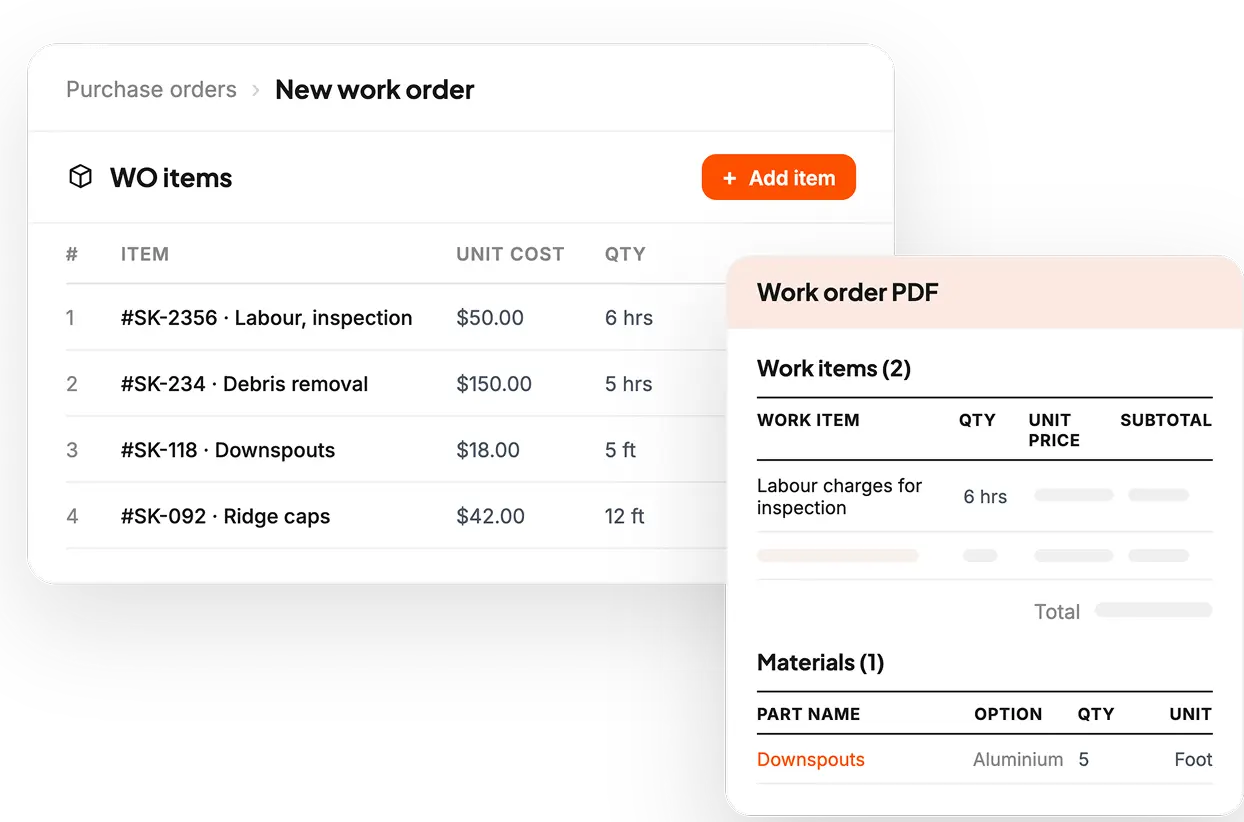
A job can hold any number of work orders. Each subcontractor gets a link with just their scope and price. They never see what the customer pays or what anyone else's order says.
Work order is built from what the customer signed. The crew gets the full job details before they drive out.
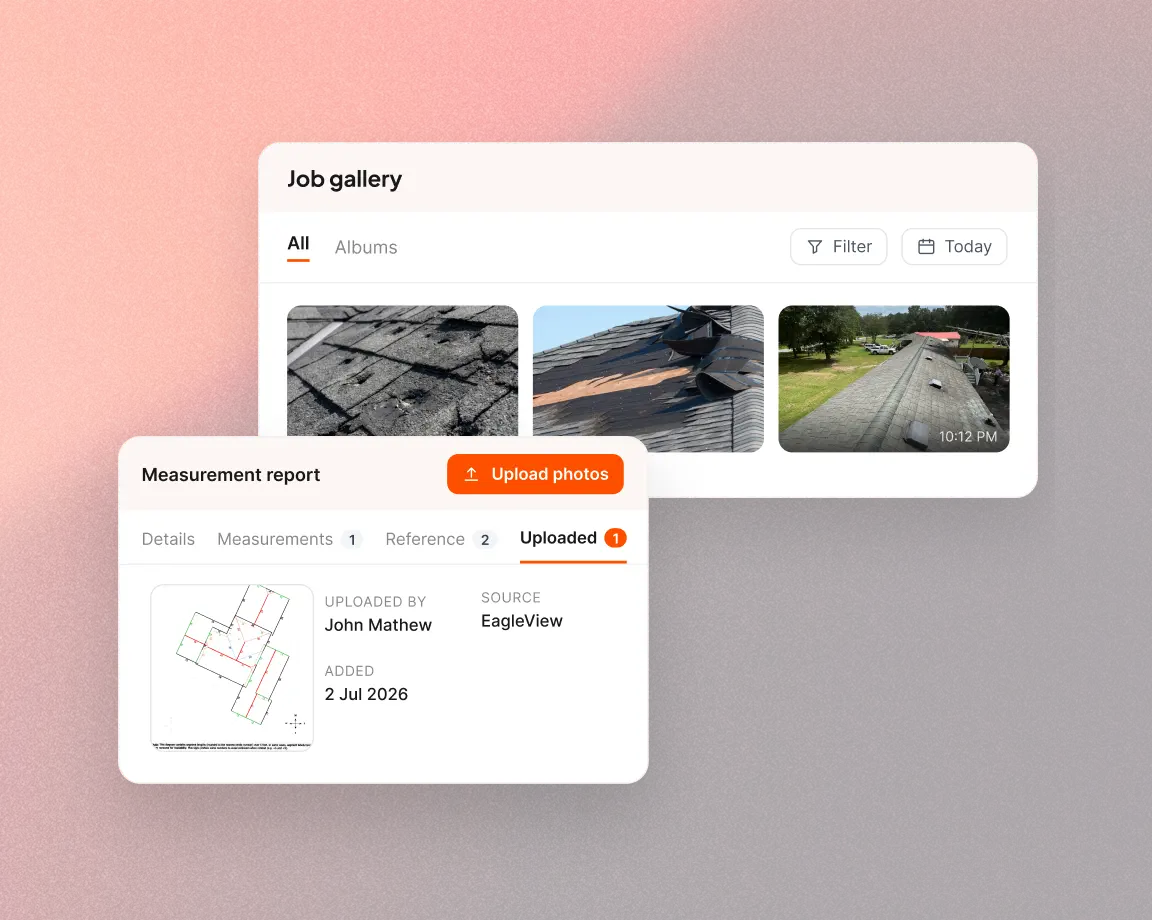
Photos and videos from the crew are time-stamped and filed under the work order. See what got done before paying the subcontractor.
Add a subcontractor one time and their details stay on the record. When the next job needs a crew, you can see who's insured and what they've handled before.
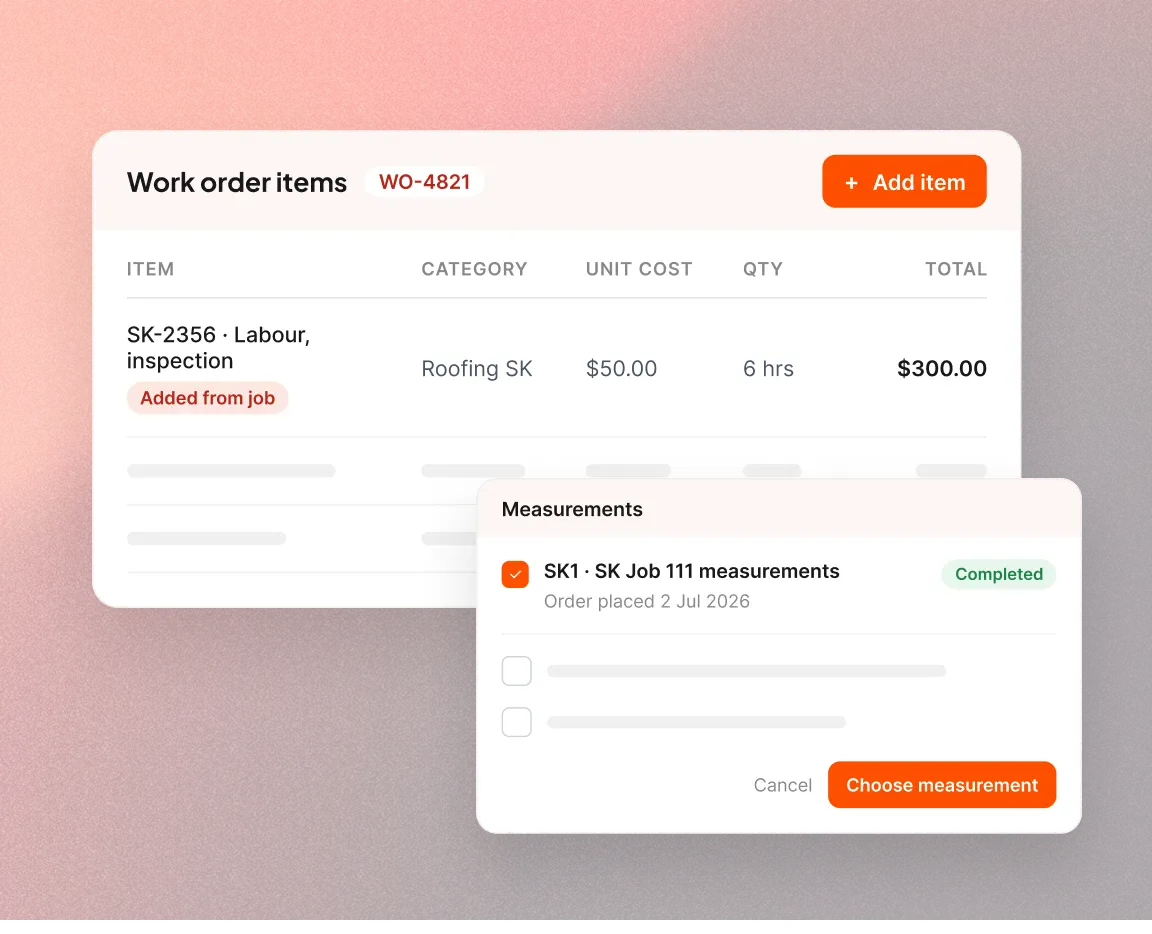
Nothing that was sold gets dropped in the handoff. The line items are pulled from the accepted proposal and the rest is filled in from the job. You can send the order the day the deal closes.
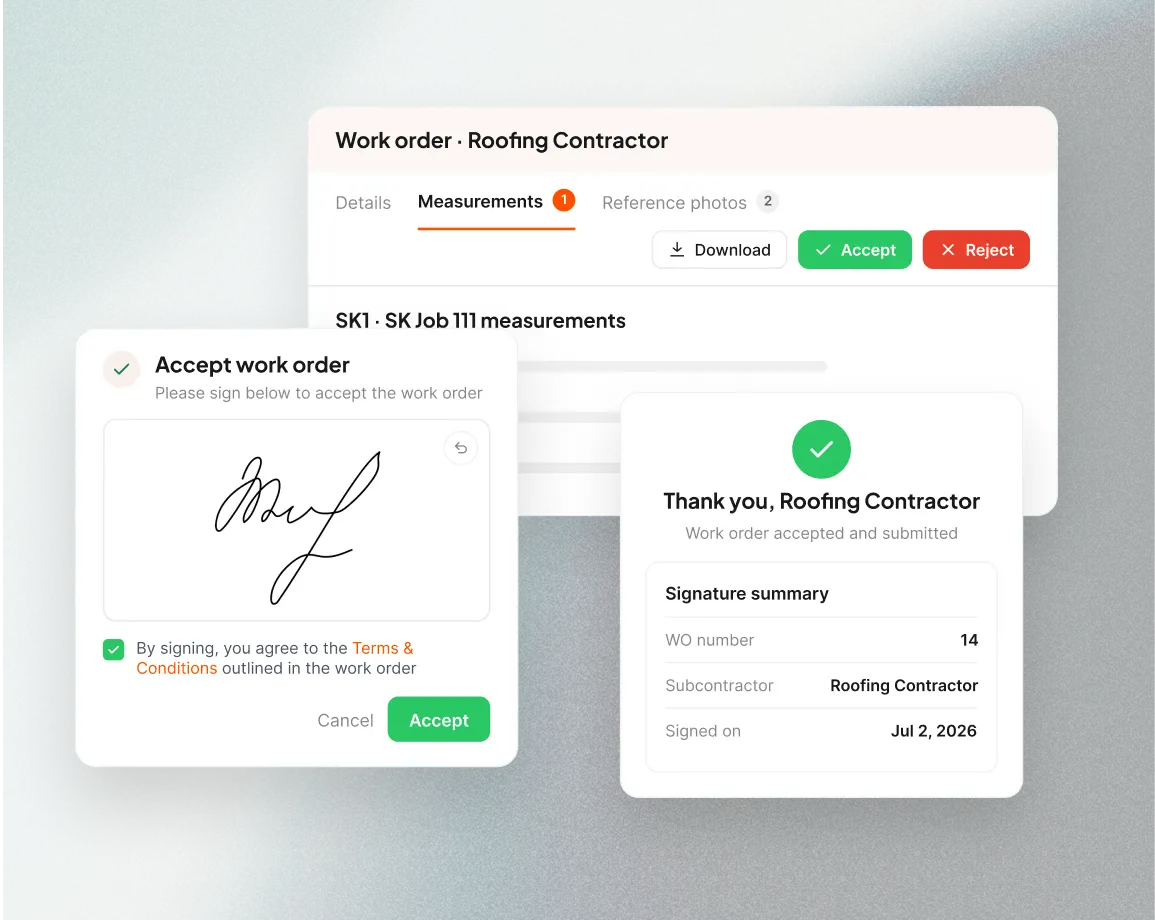
The scope and the rate are agreed in writing before the crew shows up. The subcontractor opens the work order from an email link and signs it. Both sides get a copy of the signed order.
When the crew uploads from the link, a notification shows in Zuper. Photos are filed in an album named for the work order. Review them, then mark the order completed and paid.
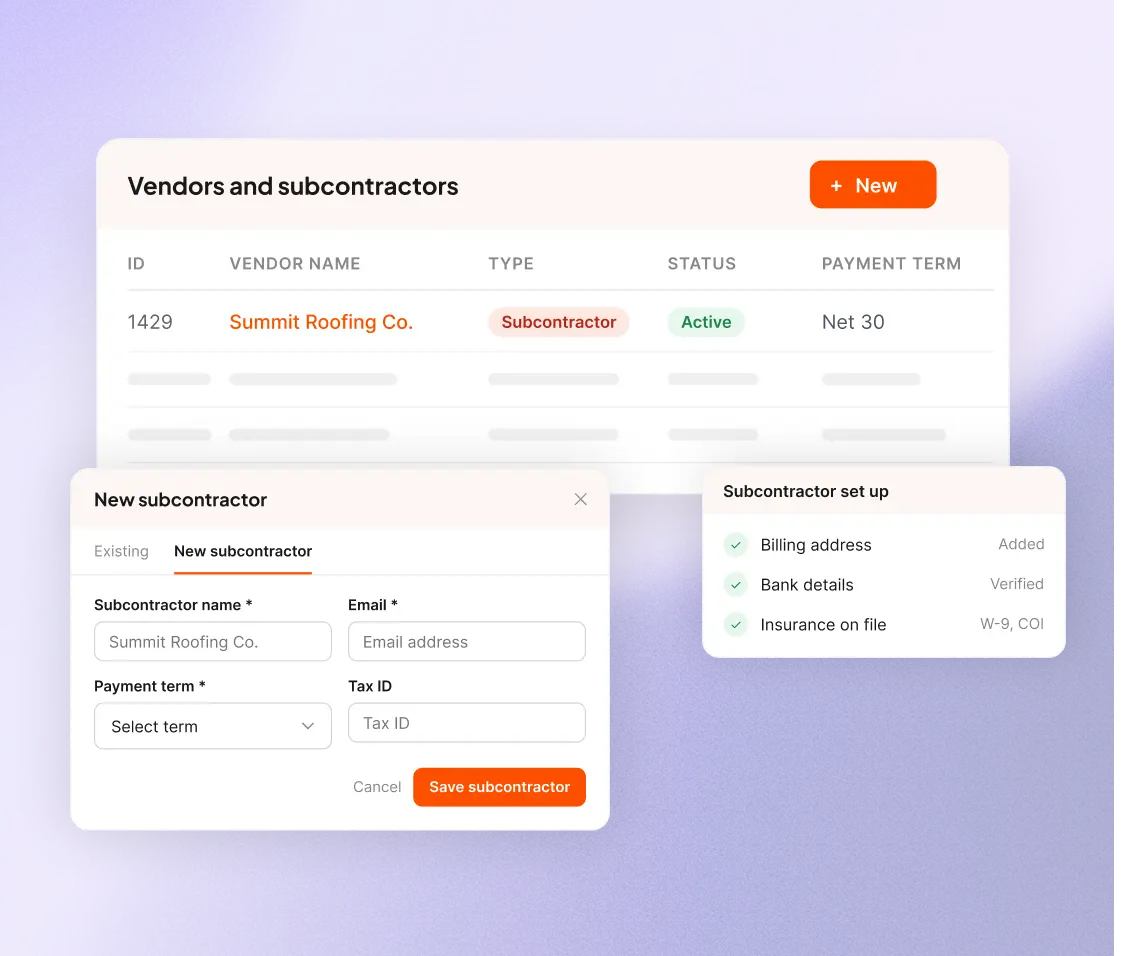
Add a subcontractor one time and their details stay on the record. When the next job needs a crew, you can see who's insured and what they've handled before.
Nothing that was sold gets dropped in the handoff. The line items are pulled from the accepted proposal and the rest is filled in from the job. You can send the order the day the deal closes.
The scope and the rate are agreed in writing before the crew shows up. The subcontractor opens the work order from an email link and signs it. Both sides get a copy of the signed order.
When the crew uploads from the link, a notification shows in Zuper. Photos are filed in an album named for the work order. Review them, then mark the order completed and paid.
“Our guys used to hate paperwork. Now, they just talk while they work. We’ve seen a 40% drop in missing compliance photos since switching to Voice AI.”
Chief Admin Officer, Roof Doctors

“What makes Intelligent Quoting different is simple: it completes the missing link in the quoting process, so reps can go from roof to quote to close without the extra rework. At Maven, we were able to increase our close rates from 30% to 70%.”
CEO, Maven

“Zuper blows any software out of the water. I've tested out lots of different CRMs and software. For roofing, this is just the best.”
Office Manager, Dickinson Roofing

“Zuper Glass has already saved my life once - because I had both of my hands free, I was able to catch myself on a wet roof.”
CEO, Marasun

“Zuper has been working fantastically well for us. The flexibility and configurability are honestly my favorite parts it's designed mobile-first, and for the guys in the field, it really, really shines.”
I.T. Administrator, Russell Quality Roofing

“As you start to scale, you have to have a CRM, photo management, a phone system, time management, and a proposal builder. That's the standard in roofing. With Zuper, we have all of it in one place.”
Owner, A&A Roofing
Ensure that the work you hand out remains as visible as the work you keep in-house.
