Revenue Management
From signed contract to cash in the bank.
A margin nobody watched, an invoice nobody sent, a payment nobody collected. This pillar closes every gap between a finished roof and the cash.
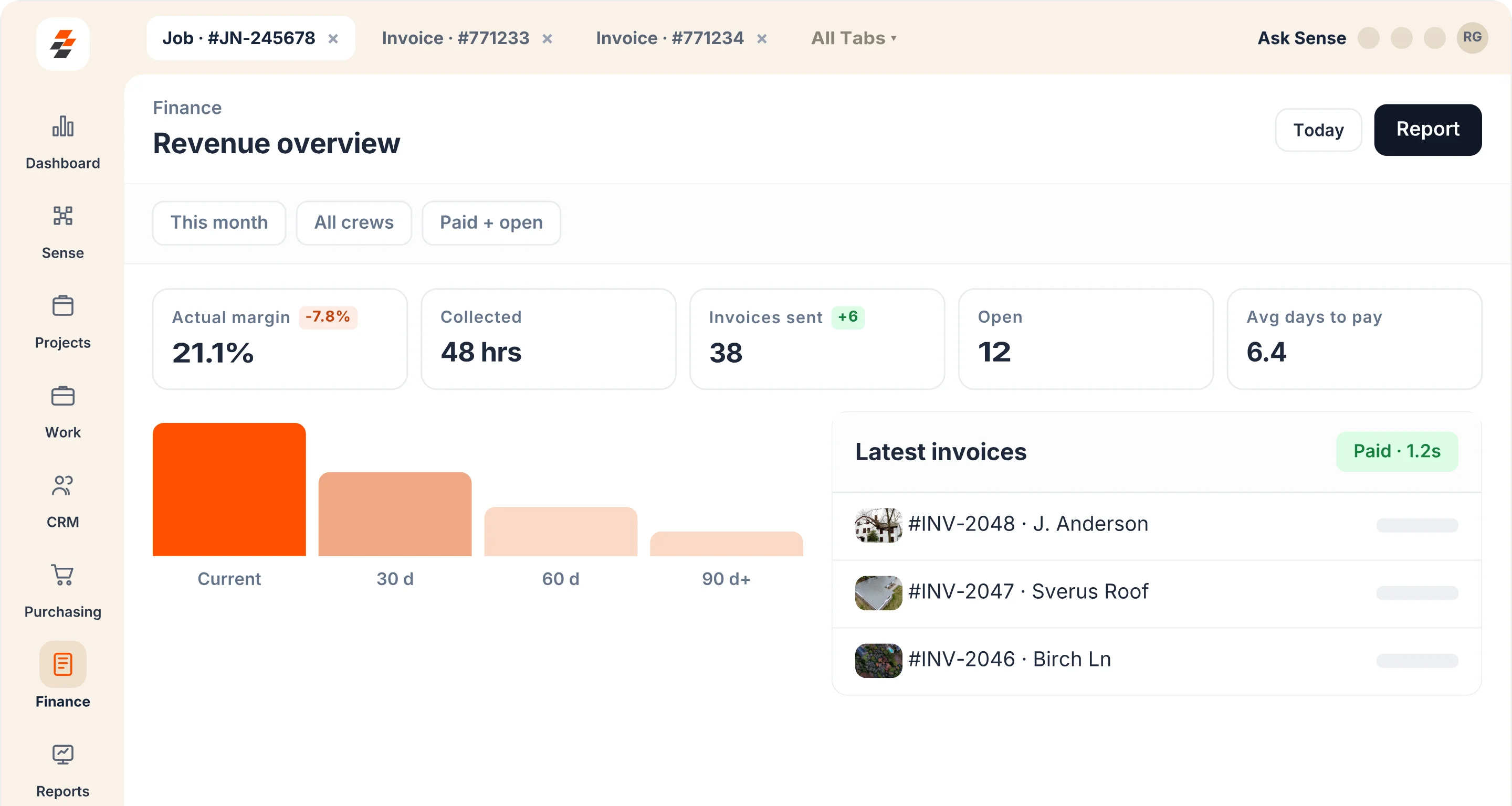
Four places the money leaks out of a finished roof
Every one of them happens after the hard part is over: the roof is on and the crew has gone home.
The billing gap
Jobs close before invoices go out
The crew finishes the job on Thursday. The invoice goes out the following Tuesday. Four days of cash is sitting on the table because no one had time to type it up.
The margin blind spot
You don't know the margin until after the job
Labor runs long, a material order changes, a sub charges more than the quote — by the time you find out, the job is closed and the damage is done.
The AR stack
Unpaid invoices fall through the cracks
A 30-day invoice becomes 60 because no one remembered to follow up. Multiply that across 40 open jobs and the company is funding a lot of work it hasn't been paid for yet.
How Revenue Management Works
From completed job to collected payment
Every dollar that leaves the job site should show up in your account. Zuper closes the gap between the work and the cash.
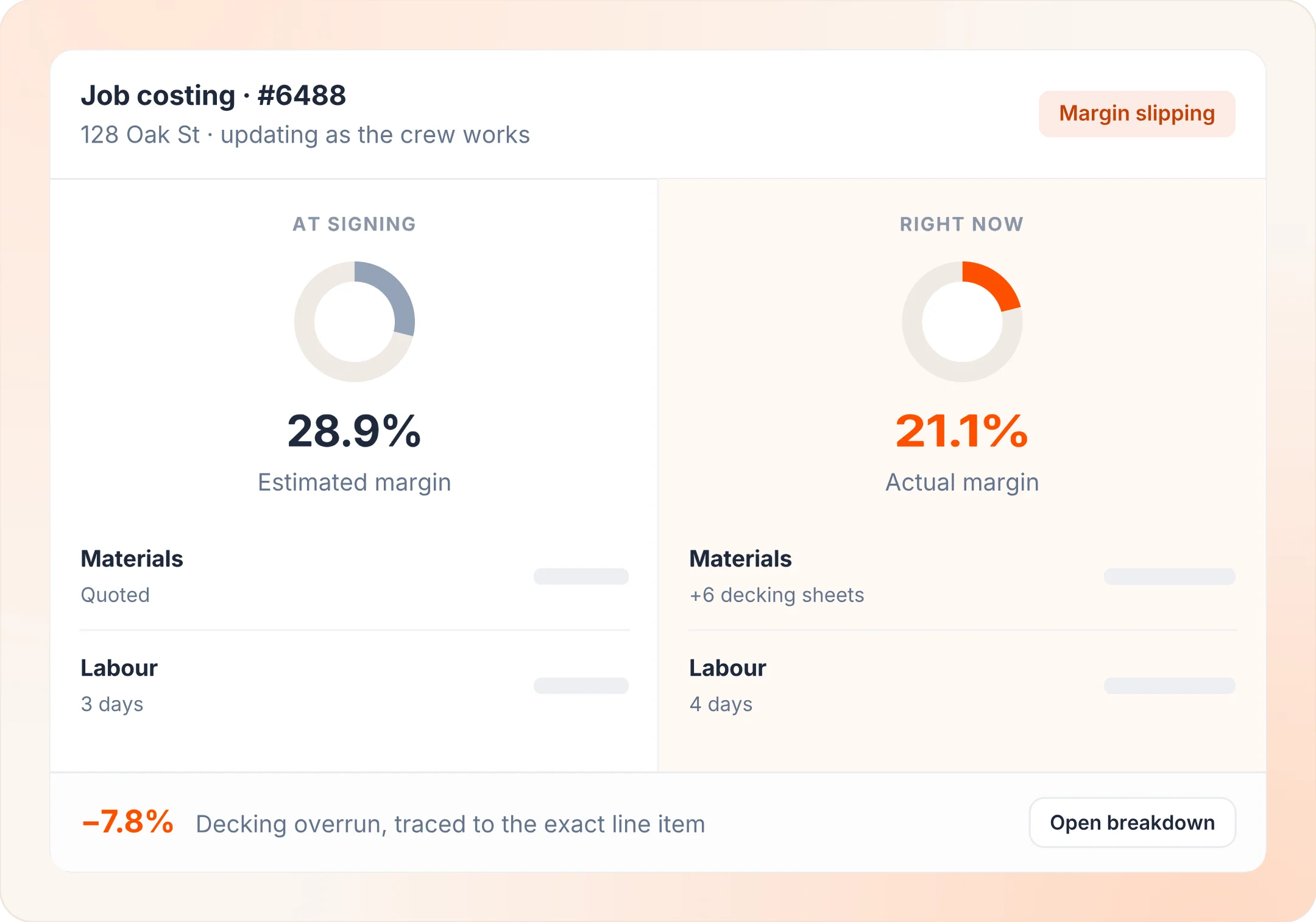
Job Costing and Profitability
See the margin on every job, not just the total
Labor hours, material costs, subcontractor charges and overhead are all pulled onto the job record as they happen. A live margin number shows whether the job is tracking to the number you sold — before the final invoice goes out.
- Live cost tracking. Every cost category updates in real time as the job moves.
- Margin at a glance. See profit on any job without running a separate report.
- Compare estimate to actual. Spot where estimates are thin and where crews are running over.
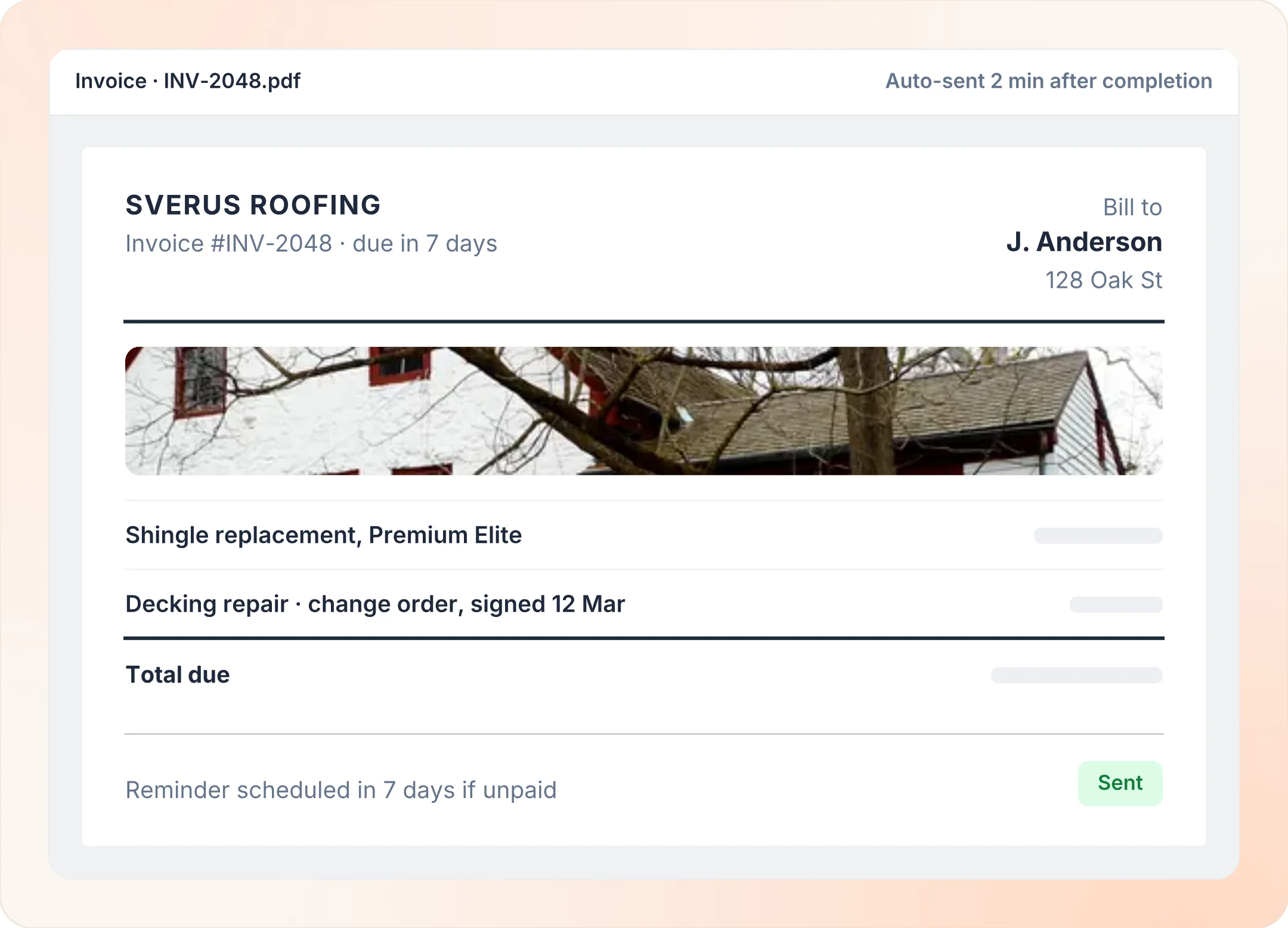
Automated Invoicing
The invoice writes itself when the job closes
When a job status moves to complete, Zuper pulls the scope, materials and labor into a branded invoice and sends it to the homeowner — no data re-entry, no office step in between. Payment terms, line-item detail and your logo are all set once and applied to every job.
- Triggered on job close. No manual step needed to generate and send the invoice.
- Pulls from the job record. Scope, parts, hours and taxes come through exactly as built.
- Branded and consistent. Every invoice looks the same, regardless of which office admin touched the job.
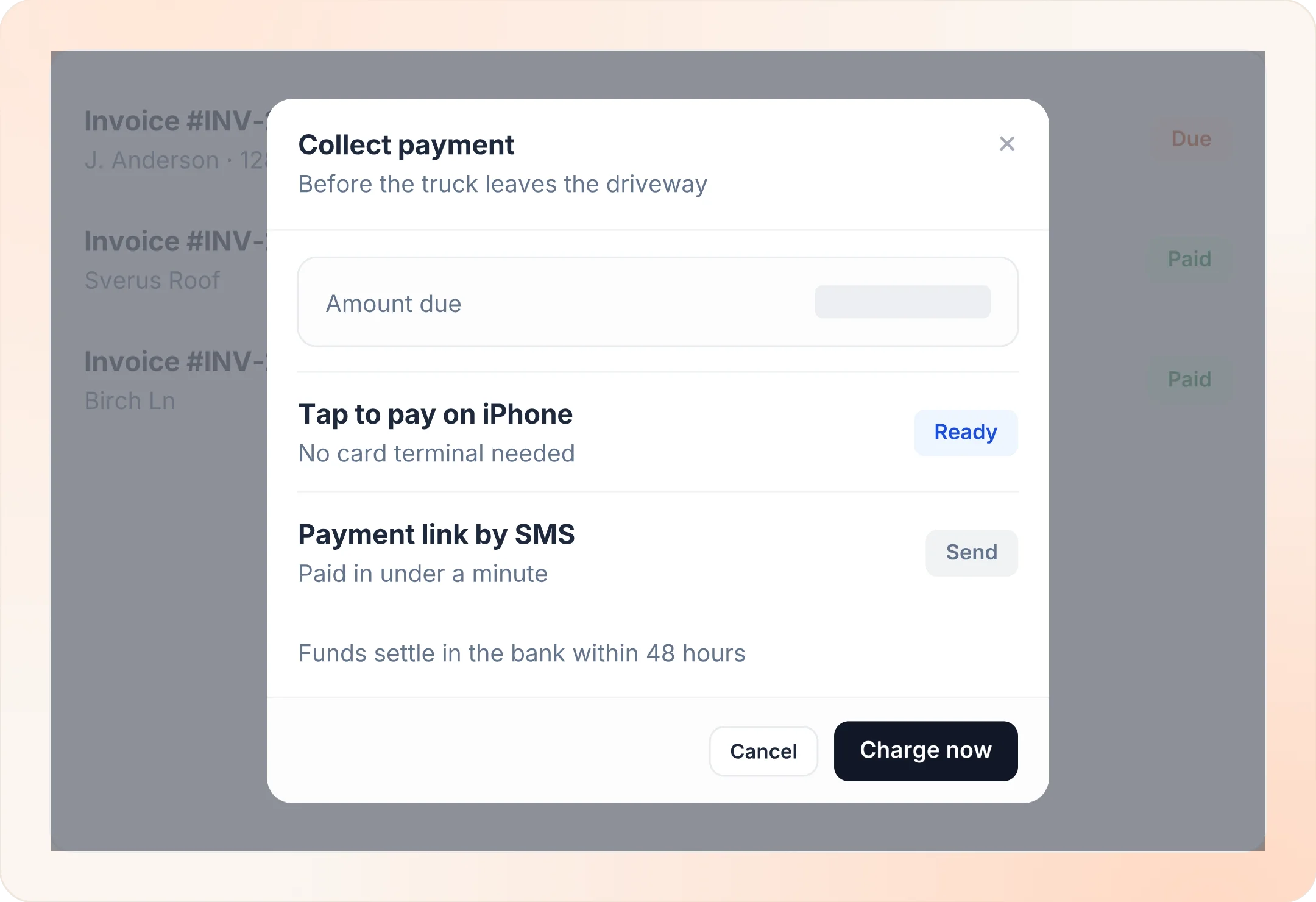
Digital Payments
Collect on site or by link — your choice
Crews accept tap-to-pay, mobile check deposit or a payment link sent straight to the homeowner's phone. Insurance checks are photographed and deposited from the job screen. Either way, the payment posts to the job record and the balance clears.
- On-site collection. Tap, swipe or scan a check before leaving the property.
- Remote link. Homeowner pays from their phone with no app required.
- Check deposit. Photograph an insurance check and deposit it digitally, right from the job.
Accounts Receivable Management
Know exactly what is owed and who is overdue
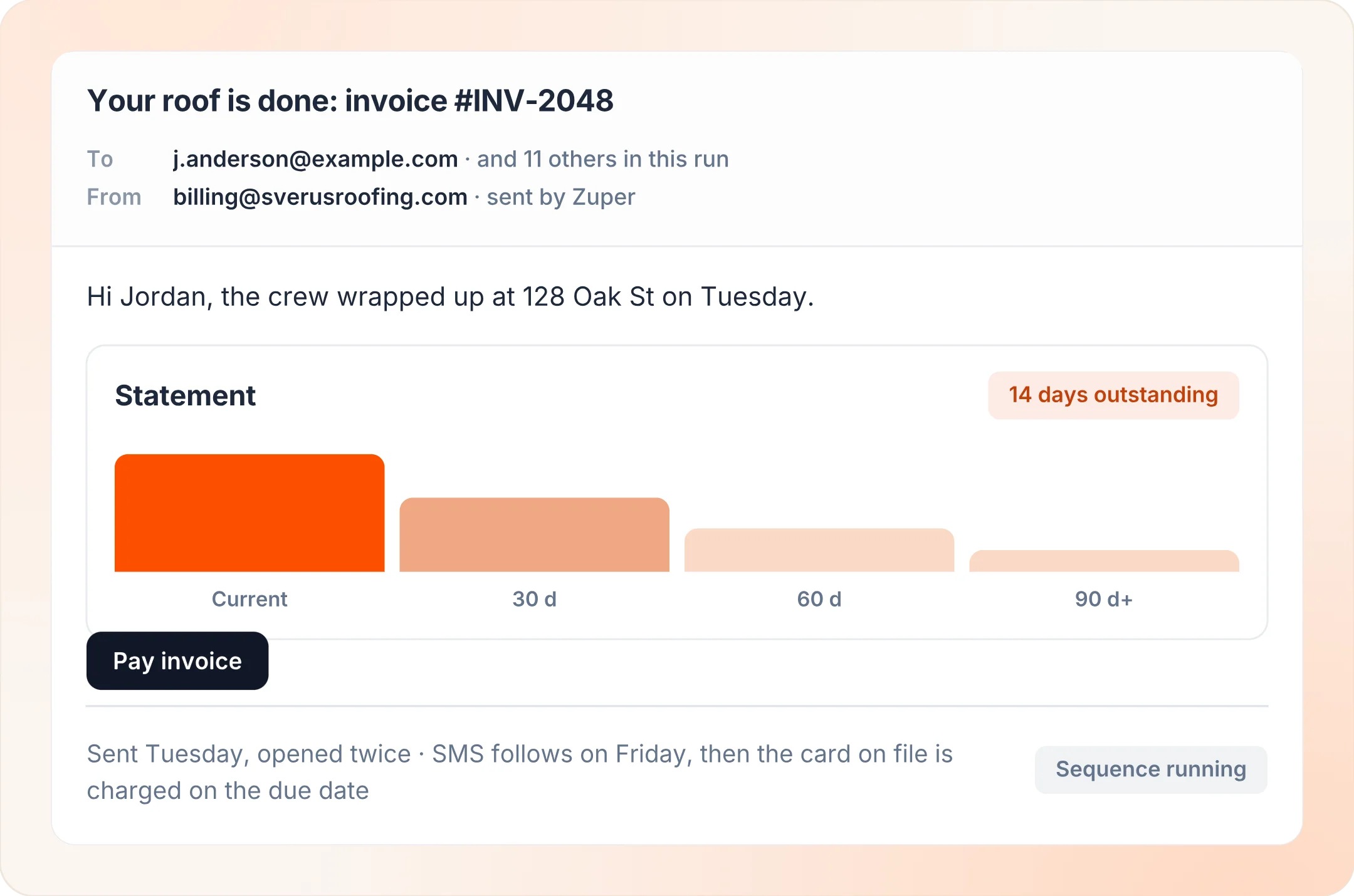
A single AR view shows every open invoice, its age and its status — sorted so the oldest and largest balances surface first. Automated reminders go out on a schedule you set, and every payment, dispute and note is logged against the job record.
- Aging dashboard. See the full AR stack by balance and days outstanding.
- Automated reminders. Overdue notices go out without anyone having to remember.
- Full audit trail. Every payment, dispute and note is logged to the job.
Also in Revenue Management
Included in the same pillar — no extra tool, no extra login.
Reporting and Analytics
Revenue by job type, crew, region or month — built from live job data, not a manual export someone has to remember to pull.
Learn more →Invoicing and Estimates
Build, send and track estimates and invoices from the same system your crew uses in the field, so the numbers always match the job.
Learn more →Payroll and Time Tracking
Crew hours flow from the job record into payroll without a re-entry step, with GPS verification on every clock-in.
Learn more →Job Profitability Insights
Every work order carries its own margin story — material markups, labor efficiency and overhead all in one place.
Learn more →
"Zuper took the operational noise out of the business. With visibility, automation, and our teams finally working from one system, we could stop fighting the day-to-day and focus on growing revenue."
JT Ulyatt
CEO, Maven Roofing
The Operating Layer
Four pillars carry a roofing job from the first inquiry to the final dollar. Revenue Management is the fourth.
Know your margin. Send the invoice. Get paid.
See a roofing job costed, invoiced and collected end to end.