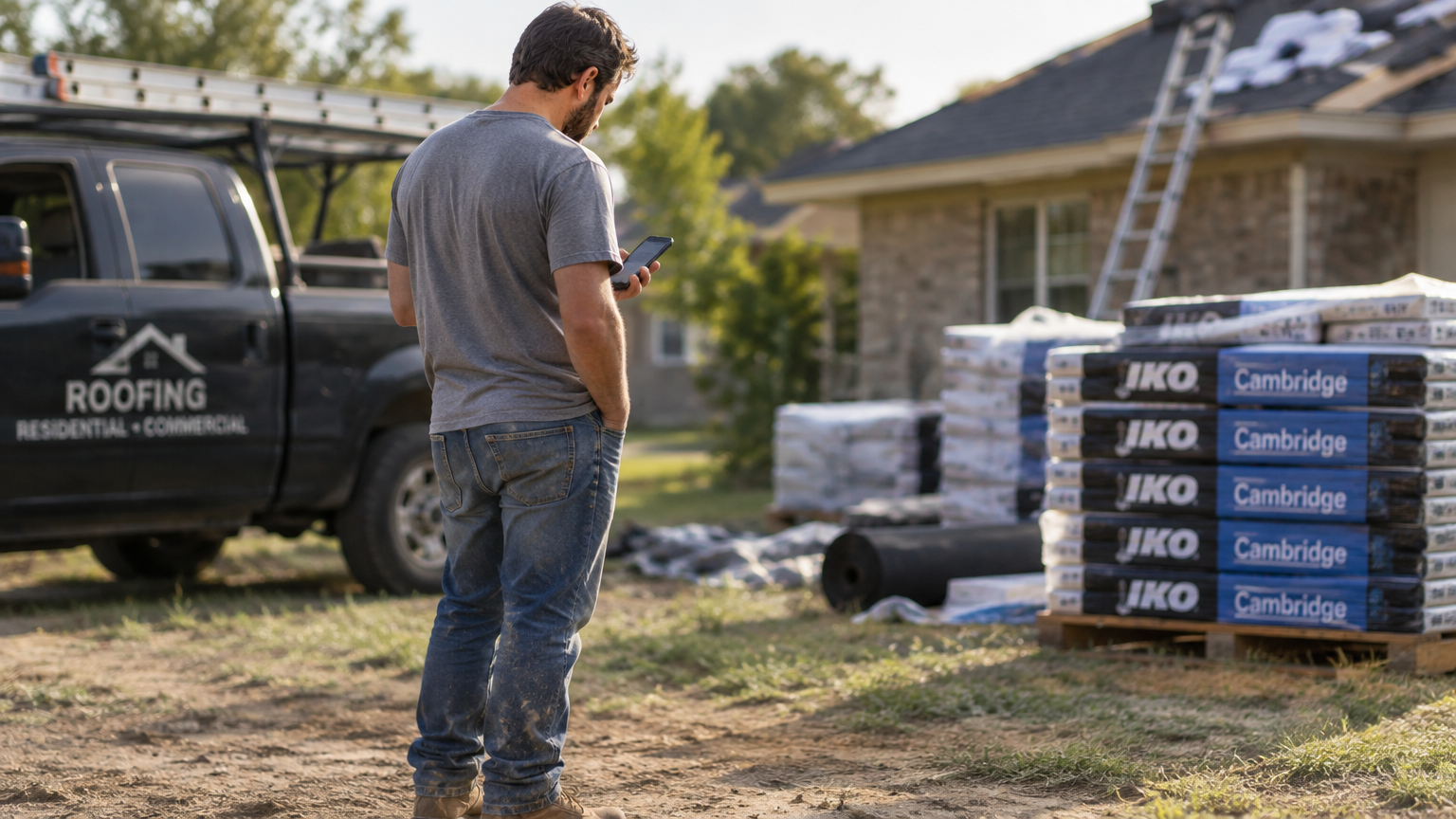


You lose valuable opportunities when no one answers the phone. Invoca’s analysis of home services businesses found that 27% of inbound calls go unanswered. When a homeowner reaches voicemail, another contractor gets the next chance to answer.
An AI receptionist for roofing companies protects that first interaction. It answers the phone, collects key details, assesses the caller’s need, and arranges what happens next. The larger benefit comes when that conversation stays connected to the rest of your operation.
An AI receptionist keeps roofing businesses responsive by handling customer interactions even when every employee is busy.
Where an AI Receptionist for Roofing Companies Adds Value and Human Judgment Still Matters
Use an AI receptionist for repeatable phone tasks and clear handoffs. Your team still handles sales and service decisions that require judgment. The table shows what the AI receptionist handles, what your office receives, and where human judgment remains essential.
| Roofing need | What the AI receptionist handles | What your office receives | Where your team steps in | Why it matters |
|---|---|---|---|---|
| New lead intake | Caller details, property information, and the reason for the call | A structured lead record | Confirming fit and deciding the next step | Less re-entry and faster response |
| Qualification | Service need, customer type, and urgency | A clearer sales opportunity | Sorting an insurance claim from a retail scope question | Better prioritization |
| Appointment setting | Available times and confirmation | A scheduled inspection | Handling exceptions and customer preferences | Fewer callbacks and loose leads |
| Peak-demand coverage | Extra phone volume and urgent signals | A triaged workload | Deciding escalations and crew priorities | Faster escalation |
| Existing customer support | Status questions and common requests | A focused service case | Resolving complex issues and complaints | Fewer repeat explanations |
Use this as a simple test. If a phone interaction ends without a usable record or a defined action, your staff still has to finish the work manually.
1. Begin With the Details That Drive the Right Decision
An AI receptionist follows the intake logic your office already trusts. Each question it asks the person on the other end of the line supports the next decision instead of merely adding length to a script.
For a new inspection, collect the property address, the condition the caller noticed, and whether the person owns or manages the building. Capture whether the homeowner needs an emergency tarp request or a retail replacement quote. For a returning customer, focus on the scheduled inspection or open job.
Choose fields that change the workflow. When every new opportunity arrives with the same core details, your staff reviews it quickly and moves ahead with less back-and-forth.
Create a separate path for unusual situations. An emergency tarp request requires a different response than a homeowner’s request for a retail replacement quote. The system must recognize that difference and direct the case in accordance with your rules.
2. Use Qualification to Improve the Handoff
Lead qualification starts in sales, but it shapes crew assignment, appointment length, preparation, and the experience the homeowner receives.
Job type matters here. A repair, a full replacement, and an insurance inspection require different skills and time blocks. Capturing that distinction early gives the office a better basis for scheduling.
Your staff gets more time for complicated scope questions and sensitive customer conversations, while the AI receptionist handles repeatable intake and leaves judgment with the people responsible for the work.
3. Make Appointment Setting Part of the Schedule
Booking an inspection only helps when it lands on the schedule your team actually uses. A stand-alone phone tool creates another administrative gap when someone still has to copy the details into a job system.
A connected booking workflow checks live slot availability against your business hours, closed days, and team assignments before offering a slot. The caller gets a realistic option, and the office keeps control over its scheduling rules.
During a hail storm, new inspections shouldn’t crowd out production work that’s already on the books.
When no suitable opening exists, the caller receives a clear expectation, and the office gets a task to resolve the request instead of promising a time the field can’t support.
Zuper’s CSR Agent page reports that a December 2025 storm produced a 458% call surge for A&A Roofing. CSR Agent handled 95 calls at peak demand with a 100% response rate, and the company booked $440,000 in jobs without adding staff.
4. Keep Estimates and Customer Questions Connected
The initial phone interaction rarely settles the job. A homeowner calls to understand an estimate, ask about the next stage, or confirm an inspection or crew visit.
Your process must preserve that call history. When someone calls again, the office needs access to the original inquiry, the scheduled inspection, and any open estimate without having to search through separate systems.
The AI receptionist supports routine communication. It uses approved company information to answer common questions, records what the homeowner needs, and prepares a summary for the estimator or office manager who picks it up. Pricing decisions, complex scope questions, financing conversations, and exceptions still belong with your staff.
5. Give the Office and the Field a Shared View
Roofing work creates distance between the office and the job site. A shared record keeps the homeowner’s call with the appointment, site photos, notes, estimate, and production updates, so the office and field work from the same job history.
Dispatch needs the location, sales needs property ownership and insurance status, and production managers need urgent jobs flagged. Managers also use recorded conversations and summaries to spot confusion and repeat-contact patterns.
6. Measure the Work That Follows the Phone Call
An answer rate tells you whether someone picked up. It doesn’t show whether the interaction helped the business.
Track a small set of measures before and after implementation. Review the results by service type or lead source when the data allows it. This reveals which parts of the business benefit most: new sales opportunities, existing accounts, or urgent service needs.
Track measures such as:
- Qualified lead rate: How many answered inquiries meet your sales or service criteria?
- Appointment rate: How often does a suitable inquiry become a scheduled inspection?
- Show rate: How many scheduled inspections actually take place?
- Response time: How quickly does someone act on an open estimate or service issue?
- Lead-to-job conversion: How often does a qualified opportunity become paid work?
- Escalation time: How quickly does an urgent case reach the right person?
- Repeat-contact rate: How often does someone call again about the same matter?
These measures point to different problems. For example, a strong answer rate with weak appointment results signals a calendar issue, while a good appointment rate with many repeat contacts may mean customers need clearer updates after the first conversation.
Map Your Roofing Call Workflows Before You Automate Them
- Start with a map of the calls your office receives. For each type, define the information that matters, the action the system takes, and the point where a person steps in.
- Then choose a few clear use cases. New inspection inquiries, appointment questions, and basic job-status requests are easier to define than complex sales conversations. Once those paths work reliably, expand the scope.
- Dispatch needs the location, sales needs property ownership and insurance status, and production managers need urgent jobs flagged. An effective system reflects those differences.
Use that feedback to see whether the technology reduces manual work or simply moves it to another part of the office.
How Zuper Connects the Roofing Workflow
The strongest AI receptionist for roofing companies is part of a connected operating system. It answers the phone, captures the need, sets up the appointment, supports estimate follow-up, and preserves context through production and payment.
That is the role we built Zuper to play. Zuper’s CSR Agent handles inbound, overflow, and after-hours calls, qualifies inquiries, books inspections, creates jobs, answers routine questions, and supports urgent-call triage. Zuper Connect keeps calls, texts, customer history, summaries, routing, and team conversations inside the same platform.
From there, your staff connects lead response to roofing scheduling software, Intelligent Quoting, and roofing project management software. The broader Zuper roofing platform brings lead management, inspections, production, revenue workflows, and field operations into one system.
Zuper’s roofing AI receptionist page reports that A&A Roofing handled a 458% call surge and booked $440,000 in jobs without adding staff. That example shows why phone coverage matters most when it connects directly to the job workflow.
Make Every Roofing Call Count
Judge the tool by one question: does it help your staff respond faster and carry better information into the next stage of the job? For contractors comparing an AI receptionist for roofing companies, that standard matters more than an impressive call count.
Zuper gives you the connected workflow to make every roofing call part of the job..
See how Zuper connects every roofing call to the work that follows.