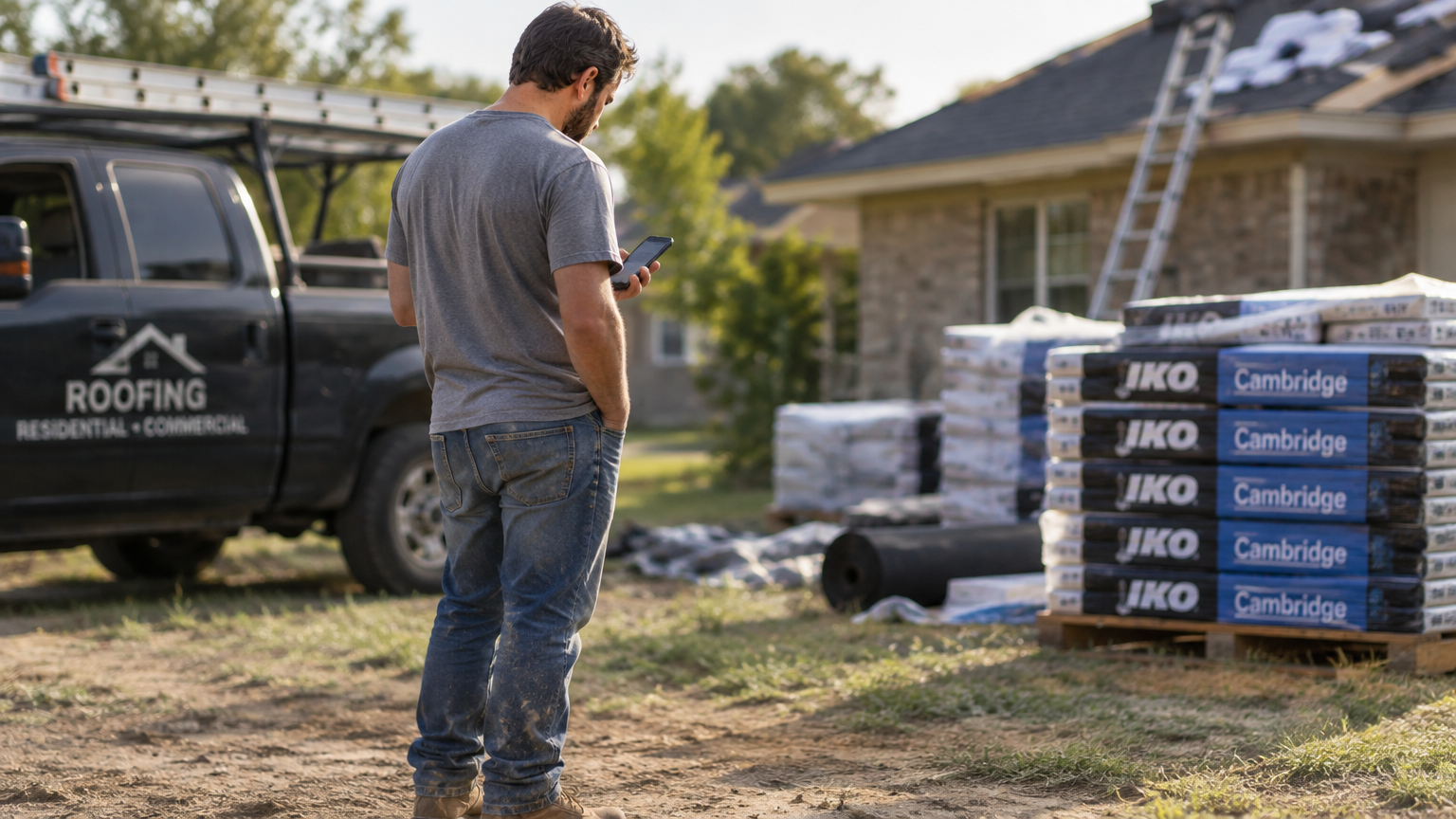


Your crew lead finishes a tear-off at noon and marks the job done in his phone. By the time the materials truck arrives three hours later, nobody in the office knows the first phase is complete, and the homeowner’s called twice asking when the replacement shingles will go on. Most roofing platforms are built to close jobs. Roofing project management software is built to run them: crew coordination, scheduling, field documentation, customer updates, and visibility into what’s happening on every active job at once.
We compared five platforms, including Zuper’s own software, on the criteria that matter most for running a job in the field: project visibility, crew coordination, offline mobile capability, automation, and customer communication. That said, we’ll give you a fair breakdown of where each platform performs well and where it falls short, and let you decide which one fits your operation.
The Best Roofing Project Management Software
| Rank | Platform | Project Visibility | Crew Coordination | Mobile/Offline | Automation Depth | Customer Portal | Specialty |
|---|---|---|---|---|---|---|---|
| 1 | Zuper | Excellent | AI Dispatch Assistant | Offline mode | Workflow Builder for no-code automation | Full self-service | AI-assisted field-to-office coordination |
| 2 | AccuLynx | Good | Milestone-based | Offline mode | Moderate | Interactive | Simple residential tracking |
| 3 | JobNimbus | Good | Board-based | Offline mode | Template-based | Not available | Insurance restoration |
| 4 | ServiceTitan | Very Good | Enterprise-grade | Full offline | Admin-heavy | Self-service | Enterprise field operations |
| 5 | Roofr | Fair | Minimal | Online only | Minimal | Not available | Aerial measurement |
Platform Reviews
1. Zuper, for AI-Assisted Field-to-Office Coordination
Zuper is built for how jobs actually run, not just how they’re managed from a desk. The platform connects CRM, scheduling, field documentation, and customer communication in a single system, so the crew lead who documents a repair at noon doesn’t have to call the office to trigger the next job phase. Kanban boards track active jobs across workflow stages, while Gantt charts map out project-level phases and dependencies, from tear-off to final inspection, with status updates that travel automatically between the field and the office. The mobile app keeps assigned jobs, checklists, and photos working when signal drops, then syncs in the background once it returns, which matters when your installers are on a remote property or dealing with a spotty connection in the middle of a hail-damaged neighborhood.
Most platforms track job status. Zuper tracks what’s happening on-site right now. Crew leads document damage findings by voice, and the platform compiles those notes, photos, and status changes into structured job summaries without a manual write-up required. Zuper’s AI-assisted dispatch recommends crew assignments based on job and base location, skill level, and job volume, cutting the time your dispatcher spends building the daily schedule. The CSR Agent handles inbound calls 24/7, so crews stay on roofs during storm surge instead of fielding status calls from the truck. The customer portal gives homeowners real-time ETAs and self-service job access, and 60+ native integrations, including QuickBooks, Hover, and HubSpot, connect your existing tools. For a full picture, Zuper’s roofing project management overview walks through each module.
Average Review Score: 4.6/5.0
Services Offered: CRM, AI-assisted dispatch, scheduling, estimates and proposals, voice documentation, customer portal, invoicing, payments, AI automation, wearable field tools
| Summary of Online Reviews |
|---|
| Zuper users note that “it makes scheduling, dispatching, and tracking jobs super easy” and that the platform “smoothly connects dispatching, technician tracking, invoicing, and customer communication in one platform.” Managers highlight that “the dispatch board is amazing, and the integrations with our CRM and other technologies are incredible.” Some reviewers note a significant initial setup and configuration period. Capterra |
2. AccuLynx, for Insurance Restoration Specialists
AccuLynx has been in the roofing market since 2008, and its depth in insurance restoration shows, though only with the Elite tier. Material takeoff connects directly to suppliers, including ABC Supply and SRS Distribution, workflows are designed around insurance restoration, and integrations with EagleView, GAF QuickMeasure, and Hover cover aerial measurement without extra configuration. For operations where most revenue comes from storm claims and supplement cycles, AccuLynx is built specifically for that workflow.
The customer portal is a paid add-on rather than a core feature, which matters for insurance restoration operations where keeping homeowners updated through the claims process is part of the job. Some reviewers flag photo navigation in the mobile app as a limitation, particularly on large jobs with hundreds of photos to manage.
Average Review Score: 4.4/5.0
Services Offered: CRM, estimating, material ordering, invoicing, scheduling, insurance workflow (Elite-tier only), customer portal (add-on)
| Summary of Online Reviews |
|---|
| AccuLynx users call it “extremely user-friendly” and value “the integration of all of the different softwares (eg. estimating, payment processing, reporting, etc).” Common criticisms include that “the app is terrible when it comes to photos,” and several reviewers cite cost as the top complaint, particularly at scale. Capterra |
3. JobNimbus, for Basic Residential Project Tracking
JobNimbus gives smaller residential shops a straightforward way to track jobs from lead to invoice, with a visual pipeline your sales team can use and photo capture that ties images directly to the right job record. It’s easy to learn, which matters when crew churn means you’re onboarding someone new every few months. For operations running straightforward residential jobs where coordination happens through the office, it covers the basics without much friction.
However, the platform has limits for complex or commercial work. The mobile app’s reporting capability is restricted: field teams can update statuses, but can’t pull the job reports some operations need. Workflow automation is capped at 10 on the base plan, which won’t scale during a busy storm season. Additionally, some commercial contractors report needing a second platform for job costing and vendor management, which adds cost and another login. If you’re already looking past basic residential and want to understand where the operational gaps tend to show up, you may want to look into what software roofing companies use before committing to any platform.
Average Review Score: 4.6/5.0
Services Offered: CRM, project boards, proposals, invoicing, photo management, payments, scheduling, material ordering
| Summary of Online Reviews |
|---|
| Reviewers highlight that “JobNimbus is great for roofers, their invoice and payment system is great and the overall tracking and scheduling of jobs work very well” and that “it brings everything into one place, especially for managing roofing and exterior projects.” The key limitation: one commercial contractor noted “I have to use JobNimbus for residential and another product for commercial as Nimbus doesn’t do any job costing or vendor portals, or customer portals.” Capterra, Software Advice |
4. ServiceTitan, for Large Enterprise Operations
ServiceTitan is a multi-trade field service platform that roofing operations for centralized dispatch across multiple locations, marketing attribution, financial reporting, and an integration library built for complexity across trades. The offline mobile app works for field techs, and the enterprise dispatch board gives larger shops the scheduling capacity to run 20+ crews without losing visibility. ServiceTitan’s depth is useful for operations running multiple crews across multiple locations, though it requires dedicated internal time to configure and maintain correctly.
However, that same depth comes with a weight most mid-sized roofing companies can’t carry. Implementation takes 12 or more weeks on average, and multiple Capterra reviewers say the onboarding nearly cost them the platform. For the 5–30 crew operation this comparison is built for, that combination of cost, complexity, and onboarding time drops ServiceTitan’s overall ranking despite its strong feature scores. For contractors who don’t need enterprise-scale infrastructure, growing roofing CRM options that scale without the overhead are worth comparing before committing to a 12-week implementation timeline.
Average Review Score: 4.4/5.0
Services Offered: CRM, dispatch, scheduling, invoicing, marketing, payroll, reporting, field management, customer portal
| Summary of Online Reviews |
|---|
| ServiceTitan users call it “a beast in that it encompasses everything you could need for your business – customer communication, invoicing, inventory, scheduling, etc.” and note strong reporting capabilities. Major criticisms include that “onboarding failed due to Service Titan’s own delays, causing my technician to leave my business,” that it is “a large investment,” and that “customer service is beyond terrible.” Capterra |
5. Roofr, for Aerial Measurement-Led Estimating
Roofr’s strongest feature is its aerial measurement tool, which generates accurate roof dimensions from aerial imagery without requiring a crew on-site. That’s a massive time saver when you’re managing 20 incoming storm leads and can’t get a field rep to every property within 48 hours. The proposal tool builds off those measurements and gets bids out fast, which matters when the homeowner is also talking to three other contractors, and you don’t have a week to manually sketch a quote.
Roofr has grown beyond measurement and proposals as well. The platform now includes invoicing, payments, material ordering, and automated customer communications, covering the administrative side of a closed job. What it doesn’t include is production management. Once a job starts, there’s no crew dispatch, no milestone tracking for active phases, no field documentation, and no customer portal showing homeowners where the job stands day to day. Operations coordinating active crews through production will likely require a separate platform. Multiple reviewers also report pricing increased 50% after their usage grew, which is worth factoring into total cost before committing.
Average Review Score: 4.7/5.0
Services Offered: Aerial measurement, estimating, proposals, payments, invoicing, material ordering, basic CRM
| Summary of Online Reviews |
|---|
| Roofr users praise “fast, accurate reports of exactly what we need for quotations” and find it “inexpensive and covers a wide range of locations.” Common criticisms include that “measurements are regularly incorrect, roof pitches are regularly incorrect,” the platform is “not optimized for mobile use,” and one user noted a “price increased 50% after we started using it more regularly.” Capterra |
Top Roofing Project Management Software by Specialty
We also broke down the top platforms into three subcategories based on specialty.
The Top Roofing Project Management Software for Field Crew Coordination
For contractors whose biggest daily cost is coordination time, platform strength on field operations matters more than any other factor in this category.
- Zuper: AI dispatch, voice documentation, and offline mobile for installers and crew leads on every job type
- ServiceTitan: Enterprise dispatch board manages routing and capacity for 20+ crews
- AccuLynx: Standard crew scheduling with strong insurance-focused workflow depth
- JobNimbus: Board-based tracking works for smaller residential operations
- Roofr: Minimal pre-sale coordination features; no crew dispatch, scheduling, or production tracking once a job starts
The Top Roofing Project Management Software for Insurance Restoration
Insurance restoration lives or dies on documentation. When your supplement depends on what the crew photographed and narrated on-site three weeks ago, the platform that makes field documentation automatic has a real advantage over one that makes it manual.
- AccuLynx: Supplier integrations, adjuster-ready templates, and dedicated supplement workflows (Elite tier only)
- Zuper: AI Voice Notes turn what the crew says on the roof into structured, photo-linked job records the supplement writer can use
- JobNimbus: Basic photo and job documentation for straightforward insurance claims
- ServiceTitan: Handles insurance documentation within a broader enterprise platform
- Roofr: Aerial measurement reports support remote damage documentation for initial claims assessment without requiring a crew on-site
The Top Roofing Project Management Software for Growing Multi-Crew Operations
As you add crews and territories, the bottleneck usually isn’t field capacity. It’s the admin infrastructure needed to coordinate more jobs without hiring more office staff. These platforms handle growth without requiring a proportional increase in back-office overhead.
- Zuper: AI automation, real-time profitability reporting, and no-code workflows that scale without adding admin headcount
- ServiceTitan: Deep enterprise reporting and scheduling for operations at $15M+
- AccuLynx: Scales within the insurance restoration niche with supplier integrations
- JobNimbus: Entry point for teams adding their first few crews
- Roofr: Aerial measurement scales during storm surge but stops at proposal delivery
Choosing the Right Roofing Project Management Software for Your Operation
Roofing jobs fail in the gap between the estimate and the final inspection, not because your crews can’t do the work, but because the information didn’t move fast enough to keep the job on track. Platforms built around sales pipeline management won’t fix that. Modern roofing project management software closes the gap by connecting what happens in the field to what needs to happen next, automatically and in real time.
If you’re running multiple crews, managing insurance claims through a busy storm season, or just tired of your dispatcher spending two hours a day on coordination that should take 20 minutes, the platform underneath your operation matters. Most contractors who’ve switched to a unified system point to the same benefit: the hours their crew leads stopped losing to phone calls, paperwork, and chasing down job status by hand. For the tech on the roof, that means less time writing up notes in the truck and more time on the next job.
Schedule a Roofing Demo to see Zuper’s field-to-office platform in action.