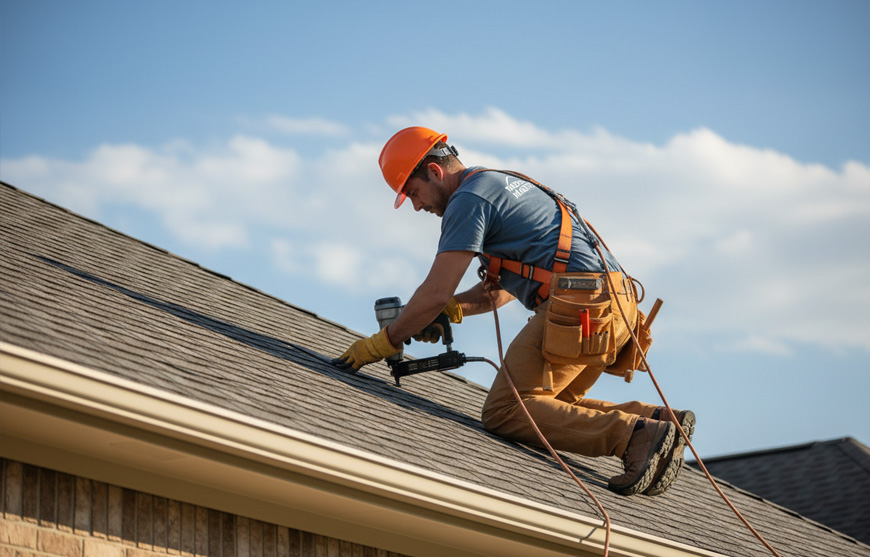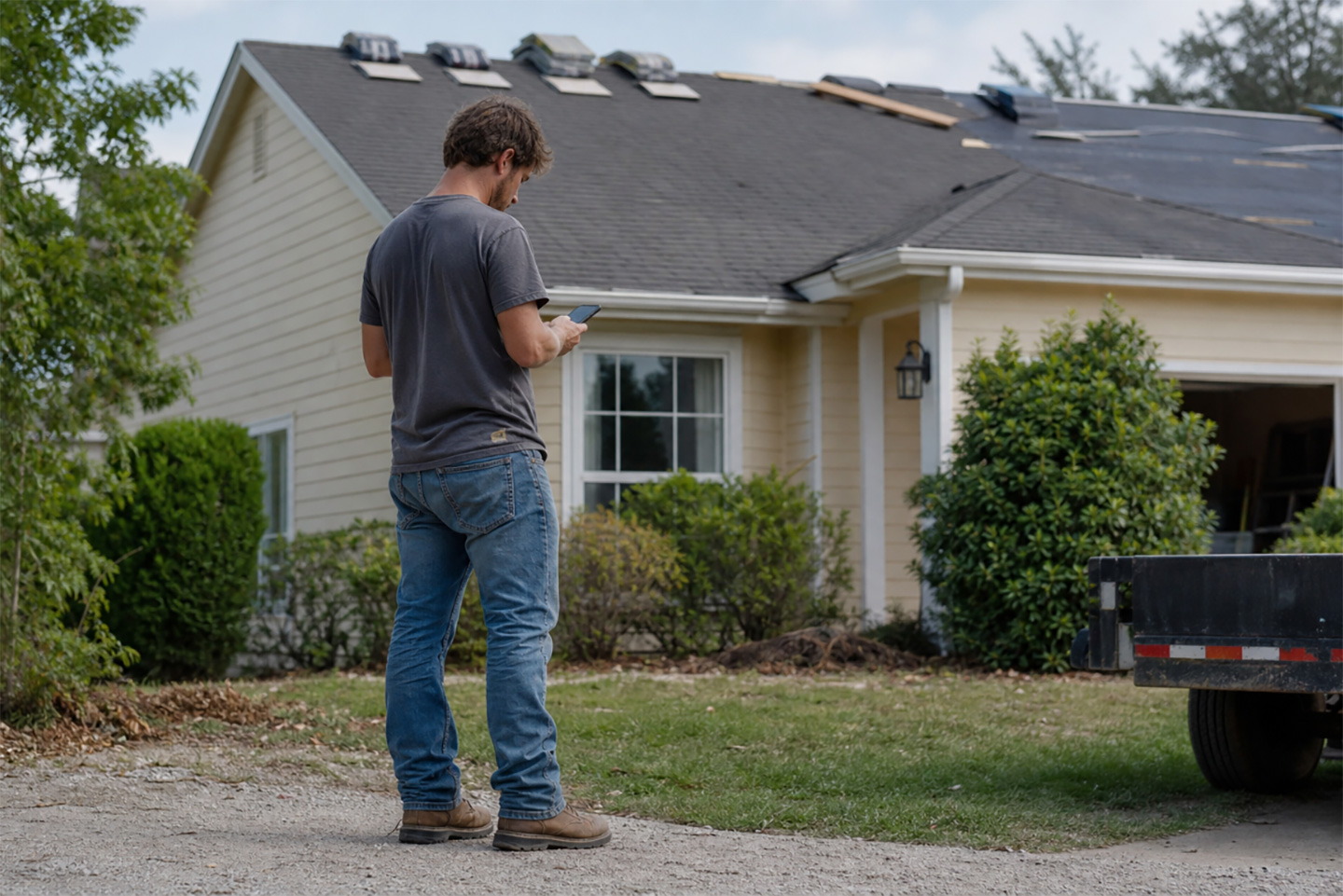


Your field lead wraps a hail inspection at 3 PM. Photos are in his personal camera roll. He called the office to report the scope, but nobody logged it. By tomorrow morning, your estimator will spend 45 minutes tracking down what happened before she can build the proposal. That’s the real answer to what software do roofing companies use: a lot of it, and almost none of it connected.
Most roofing operators have already consolidated onto one primary platform. The problem is that the platform still has gaps. So they added CompanyCam for photos, EagleView for measurements, and QuickBooks for accounting. Four or five tools, none of them fully connected. This piece breaks down the roofing tech stack as it actually exists in 2026, identifies the gaps each platform leaves, and explains why the most efficient operations have stopped filling gaps and started replacing the whole stack.
The Roofing Tech Stack at a Glance
Most roofing operations aren’t running seven disconnected point solutions. The reality is a two-tier model: one primary platform at the center, and several supplementary tools bolted on around it.
Tier 1: Primary Platforms
The hub most roofing companies anchor their operation on.
| Platform | Primary Strengths | Gaps That Require Additional Tools |
|---|---|---|
| AccuLynx | CRM, estimating, supplier ordering, and basic scheduling | Real-time AI dispatch, voice field documentation, and 24/7 automated customer intake |
| JobNimbus | Lead management, proposals, and basic workflow | AI-driven crew optimization, AI voice field documentation, and insurance supplement workflow |
| Roofr | Aerial measurements, proposals, payments, and basic CRM | Field operations depth, AI dispatch, and insurance supplement management |
| Housecall Pro | Scheduling, invoicing, and customer management | Roofing-specific workflows, insurance documentation, and AI crew optimization |
| Zuper | CRM, dispatch assistant, voice documentation, customer intake, invoicing, and payments | None: covers CRM, field operations, documentation, and payments in a single platform |
Tier 2: Supplementary Tools
Bolted on to fill what the primary platform leaves uncovered.
| Category | Common Tools | What It Adds | Why It Still Doesn’t Solve the Problem |
|---|---|---|---|
| Aerial Measurement | EagleView, GAF QuickMeasure, Hover | Accurate roof measurements from aerial imagery or on-site smartphone photos | Native integrations require configuration; many contractors still transfer measurements manually |
| Photo & Documentation | CompanyCam | Organized, timestamped site photos for insurance claims | Remains a separate app and login even with integration; adjuster-ready documentation is organized inside CompanyCam, not the primary platform |
| Accounting | QuickBooks, Xero | Invoicing, payroll, and financial reporting | Integrations exist but require setup; sync quality varies, and invoicing rarely triggers automatically at job close |
| Communication | Slack, RingCentral, OpenPhone | Field coordination, customer updates | No job context; messages detached from the job record |
What Software Do Roofing Companies Use, and Where Does Each Fall Short?
AccuLynx, JobNimbus, Roofr, and Housecall Pro are capable platforms. Any roofing contractor using them knows what they do well. The gaps aren’t in the basics. They’re in the field, and they’re why the supplementary tools stack up.
- Primary platforms handle the sales and office side of roofing well: lead capture, proposal generation, basic scheduling, and customer records. Where they fall short is the depth and integration of AI-driven field operations. No leading platform combines real-time crew dispatch based on skill level, location, and job complexity in a single workflow. None automatically converts spoken field narration into structured, adjuster-ready inspection records. And while Housecall Pro offers a 24/7 AI call answering product, it is a general field service tool without the roofing-specific insurance documentation workflows and supplement management that the job requires. These capabilities don’t emerge from incremental feature additions. They require a platform built around AI from the ground up.
- Aerial measurement is typically where the first supplementary tool enters the stack. Every primary platform eventually needs measurement data to build an estimate. EagleView and GAF QuickMeasure deliver accurate roof dimensions from aerial imagery; Hover generates the same from smartphone photos taken on-site. Worth every dollar during a busy hail season. But many contractors order reports and copy numbers over manually rather than configuring the integration of those measurements into their primary platform. Integrations exist, but require setup that most teams haven’t configured.
- Photo and documentation are where CompanyCam most commonly enters the stack for JobNimbus and Housecall Pro users. AccuLynx has stronger native photo management built around insurance workflows, including photo albums, GPS timestamps, and PDF exports for adjusters. JobNimbus has native photo attachment to job records, but more limited documentation capabilities. Direct comparisons confirm that CompanyCam’s annotation tools and adjuster-ready report builder go beyond what JobNimbus’s native photos produce. Both platforms offer CompanyCam integrations that sync photos automatically to the job record. For many insurance-focused teams, CompanyCam handles the documentation workflow itself, with the sync bringing finished photos into the CRM.
- Accounting is where QuickBooks enters and never fully leaves. AccuLynx and JobNimbus both offer two-way QuickBooks integrations that sync invoices and payments. However, AccuLynx invoices sync to QuickBooks automatically upon creation; there is no native trigger that generates an invoice when a job closes. Roofr’s integration is one-way and requires a manual export from each finalized contract. With 82% of contractors waiting more than 30 days for payment, the gap between job completion and invoicing still costs money even when the integration is active.
- Communication tools are where the coordination context gets lost permanently. While AccuLynx and JobNimbus include native two-way texting, external tools like Slack, RingCentral, and OpenPhone don’t attach communication threads to job records. A year later, when an adjuster asks why a supplement was revised, the answer is either in someone’s phone history or gone.
How the Gaps Show Up in the Field
Your primary platform solved the paperwork problem, but it didn’t solve the field coordination problem. Even on a well-run AccuLynx shop, a field lead spends part of his day bridging gaps that a connected platform would handle automatically.
Here’s what that looks like during a standard day. Without an all-in-one platform, your field lead:
- Opens CompanyCam separately from the primary platform to document site conditions, then organizes and labels photos manually before they’re adjuster-ready
- Dictates damage notes to himself in the truck after the job. There’s no way to narrate findings on a steep pitch and have them automatically structured into an inspection record
- Texts scope updates to the office from his personal phone; that context lives in his messages, not the job record
- Completes the job knowing the QuickBooks invoice won’t go out until someone in the office creates it manually, a step that happens later, if it happens that day
- Calls the estimator to confirm whether revised measurements made it into the proposal, because there’s no field-accessible view that shows estimate-to-invoice status
With an all-in-one platform, that same lead:
- Gets a push notification with full job details, prior inspection notes, and customer history before he arrives; everything in one place, one login
- Narrates damage observations via voice while on the roof; the AI transcribes and structures the narration into an adjuster-ready inspection record attached to the job automatically
- Snaps photos in-app; they auto-attach to the correct job section with no separate labeling step and no second app
- Updates job status in one tap; the office and dispatcher see it instantly
- Sends a mobile pay link on-site the moment the job is complete; payment syncs to accounting automatically
Your crews don’t want five apps. They want the job details, clarity on what’s expected, and a way to log their work without a 20-minute write-up session in the truck after every stop. An all-in-one platform gives them that.
That’s also where callbacks start. When the estimator doesn’t have the site photos the field lead captured, or the crew arrives without the inspection notes, the first-time fix rate drops. For a roofing team where a callback costs a full half-day plus materials, that’s a number worth taking seriously.
The Real Cost of Running a Primary Platform Plus Supplements
Every supplementary tool a roofing team adds creates a new monthly subscription, a new integration to maintain, and a new place where information can fall through the cracks. Zuper’s analysis of the full roofing tech stack documents how those costs compound across subscriptions, aerial measurement reports, integration overhead, and the staff time spent moving data between systems.
The time costs compound the software costs. Consider what a single weather event triggers when your stack isn’t connected:
- A weather delay affecting 10 jobs takes about 4.8 hours to reschedule manually across fragmented systems
- A project manager spends that time updating the primary platform, texting crews, calling homeowners, and adjusting material orders one contact at a time
- During storm season on the Gulf Coast or in the Midwest, this isn’t a one-time event. It’s a weekly occurrence for three to six straight months
- Every manual rescheduling step is also an opportunity for a missed confirmation, a double-booked crew, or a homeowner who never got the call
Why AI-Driven Platforms Are Replacing the Primary-Plus-Supplements Model
The roofing companies growing fastest right now aren’t evaluating which supplements to add to their primary platform. They’re replacing the primary platform and all its supplements with one.
Maven Roofing, a veteran-owned company, switched from a primary-platform-plus-supplements stack to Zuper. The team cut technology costs by $250 per employee per month, reclaimed 8 hours per person per week, improved same-day close rates by 20%, and shortened new-hire ramp-up time by 40%. Those results didn’t come from working harder.
The trigger for most consolidation decisions isn’t a software evaluation. It’s a bad season:
- A hail event that generates 200 leads and exposes every broken handoff between the primary platform and the tools bolted onto it
- An insurance cycle where supplements keep getting denied because documentation was scattered across CompanyCam, the CRM, and someone’s email
- A summer where crew churn meant three months of re-training new people on four different apps
All-in-one roofing platforms solve the re-training problem by default: one platform, one login, one place to see every job.
The biggest shifts in 2026 are both consolidation and automation. The most capable roofing platforms both eliminate the supplementary tools and replace the manual work those tools used to require a person to do. That’s where AI roofing tools have changed the equation for crews in the field.
Voice documentation on steep pitches. When your lead is working a 10/12 pitch with gloves on, typing isn’t realistic. Zuper’s AI Voice Notes let crews narrate what they’re seeing while they work. The platform transcribes, organizes, and attaches the note to the right job record automatically. No after-hours write-ups. No missing context when an adjuster requests documentation two weeks later.
Inspection records without double entry. Zuper’s AI Walkthrough captures photos and crew narration in a single flow, organizes them within inspection forms and checklists, and generates a shareable summary. For insurance claims, that means organized, labeled documentation ready for the adjuster without an office admin spending three hours sorting a shared folder the night before a deadline.
After-hours customer coverage during storm surges. Zuper’s CSR Agent answers every inbound call, books inspections, confirms job status, and sends payment links by SMS around the clock, without a human picking up the phone. A&A Roofing captured $440,000 in deal value during a December 2025 storm by letting the CSR Agent handle 95 calls at peak demand while their crews stayed in the field.
Dispatch that accounts for real conditions. Zuper’s AI dispatching looks at crew locations, certifications, skill levels, and current job volume to recommend the right assignment. Your most experienced installer goes to the complex commercial job. Your crew nearest the site goes to the residential repair. The system recommends the right assignment to your dispatcher.
The result is that the average contractor reclaims roughly 7 hours a week in administrative time, 364 hours annually per person spent on tasks that generate zero revenue. Automated workflows shift that burden off the people doing skilled work: your field leads on the roof and your estimators building supplement packages.
Frequently Asked Questions
What’s the difference between a roofing CRM and a roofing field service platform?
Roofing CRMs like AccuLynx and JobNimbus are built around the sales workflow: lead capture, proposals, customer records, and basic scheduling. Field service platforms are built around the operational workflow: crew dispatch, real-time job tracking, AI-driven routing, and field documentation. Most roofing companies discover they need both and end up running a CRM as their primary platform with a field service or dispatch tool bolted on. A true all-in-one platform covers both without requiring two separate systems.
If I’m already on AccuLynx or JobNimbus, is it worth switching?
It depends on how many tools you’ve added alongside your primary platform. If you’re still on CompanyCam, EagleView, and QuickBooks separately and manually bridging each one, you’re already carrying the cost of fragmentation even with a strong primary platform. The break-even point for many roofing teams is when the time cost of managing the supplements exceeds the cost of switching. For teams of 10 or more in active-storm markets, the break-even point typically occurs within the first season.
Can field crews actually adopt an all-in-one platform?
Adoption depends entirely on the mobile experience. A platform built for office managers will have a mobile app that feels like an afterthought. The real test: can a crew member log a status update, attach a photo, and add a note in under 60 seconds? If it’s slower than a text message, consistent adoption won’t happen. Zuper gets most roofing teams operational in weeks, not months.
Five Tools Is Four Too Many
The answer to what software do roofing companies use in 2026 is: one primary platform they trust, and several supplements they’ve accepted as permanent. AccuLynx or JobNimbus for CRM and estimates. CompanyCam for photos. EagleView for measurements. QuickBooks for accounting. That’s five. Each one does its individual job. The problem is what happens between them: manual transfers, coordination calls, duplicate entry, and hours of overhead that your field crews and office staff absorb every day.
The companies pulling ahead aren’t asking which supplements to add to their current stack. They’re asking how few platforms they can run without losing capability. Zuper’s answer is one. It replaces the primary platform and every supplement it requires, covering every step from first call to final payment, with AI that automates the coordination work that used to require someone at a desk or a crew member writing notes in a truck.
Your crews shouldn’t need five apps to do one job.
See how Zuper replaces your full stack. Book a demo today.