HubSpot + Zuper
Zuper plugs directly into HubSpot Sales Hub and Service Hub so your team can turn deals and tickets into scheduled, dispatched field jobs without leaving HubSpot. Every update from the field syncs in real time.
One Connected Workflow, From Deal to Done

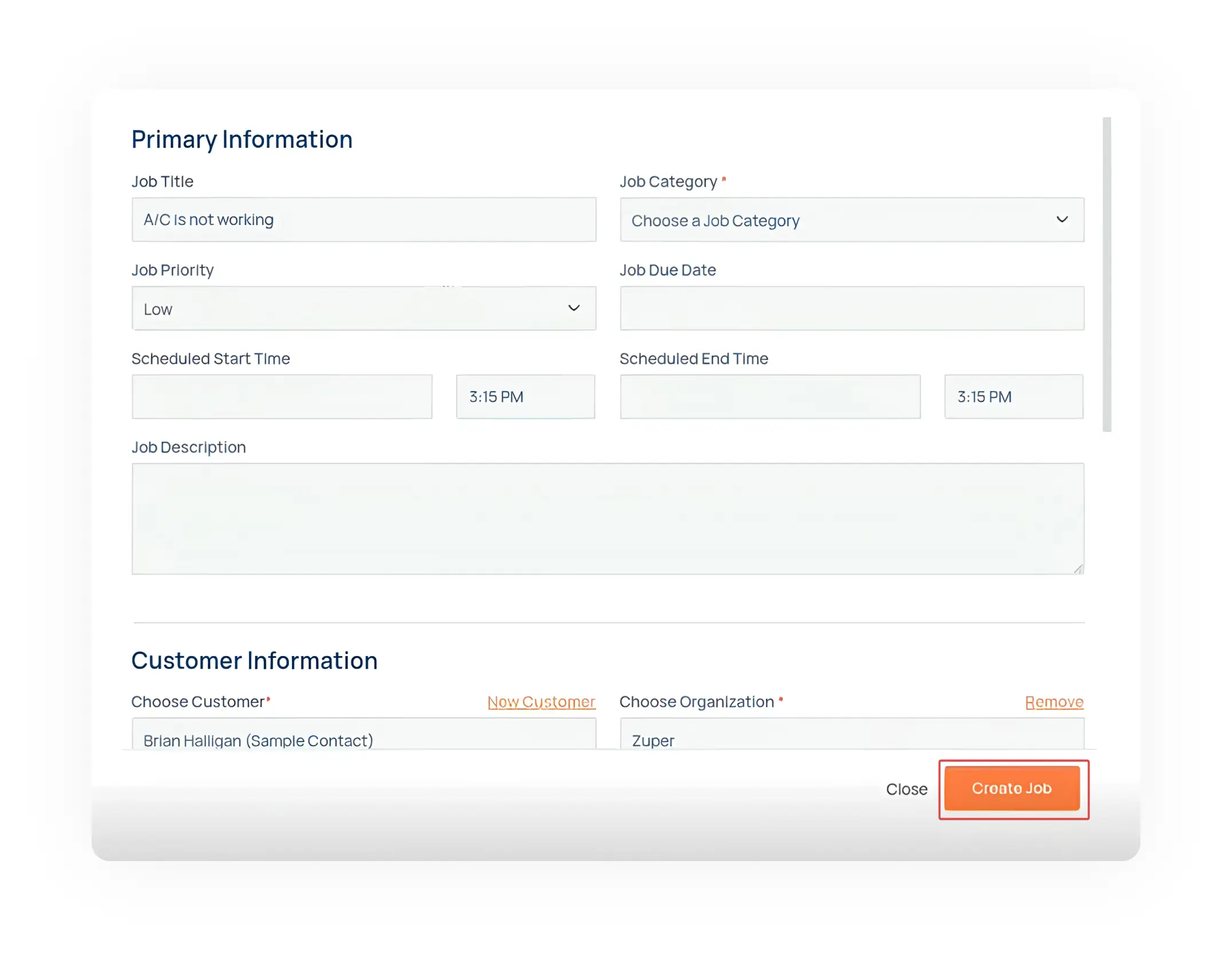
Zuper's HubSpot integration places a widget directly on your deal and ticket screens. Your reps convert a closed deal or service request into a field job with a click. No platform switching. No double entry. The right tech gets dispatched based on skill, location, and availability, and every update flows back to HubSpot automatically.
See It in Action
Watch how field service teams use Zuper + HubSpot to connect their sales, service, and field operations into one workflow.
What the Integration Actually Does
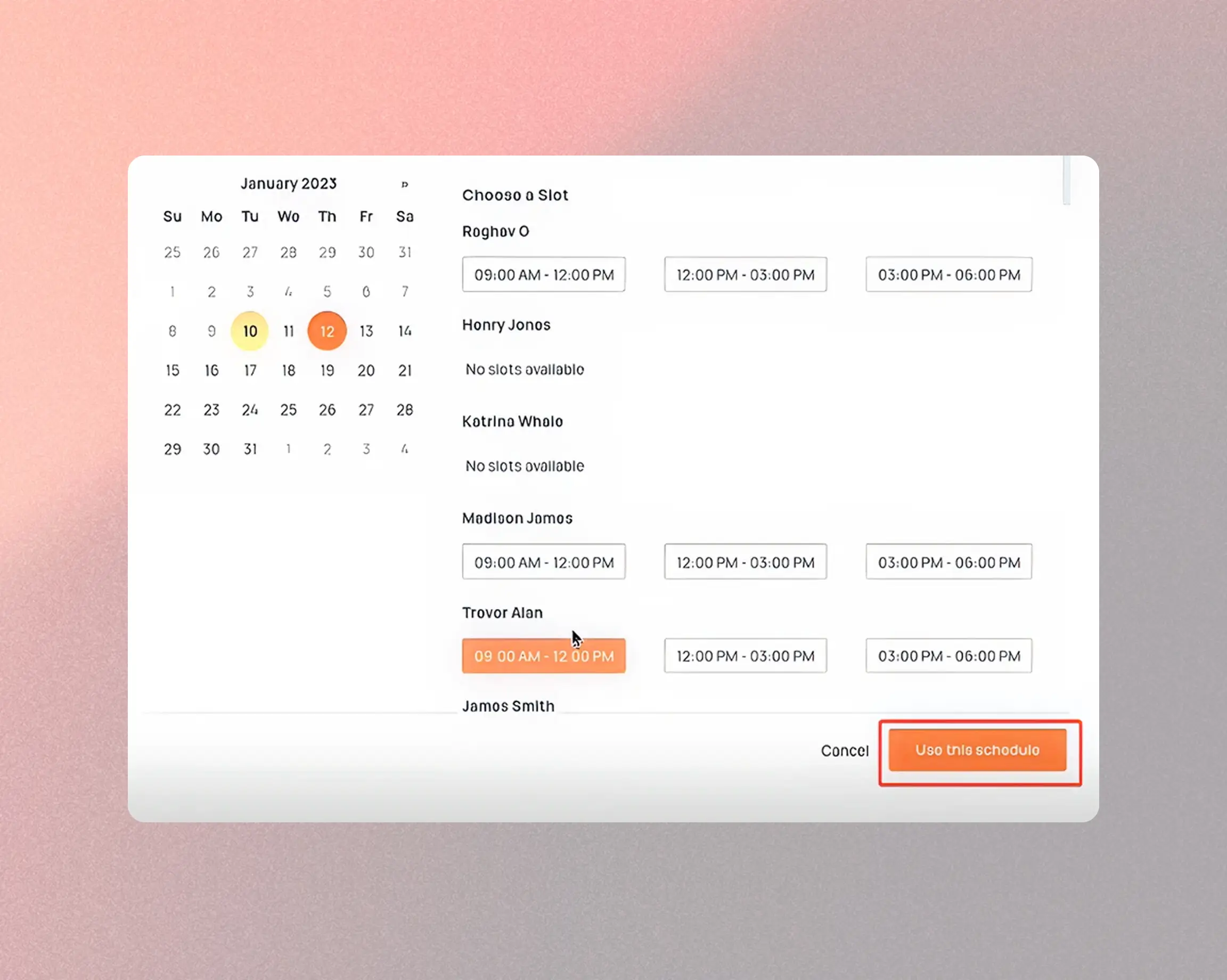
Schedule and dispatch from HubSpot.
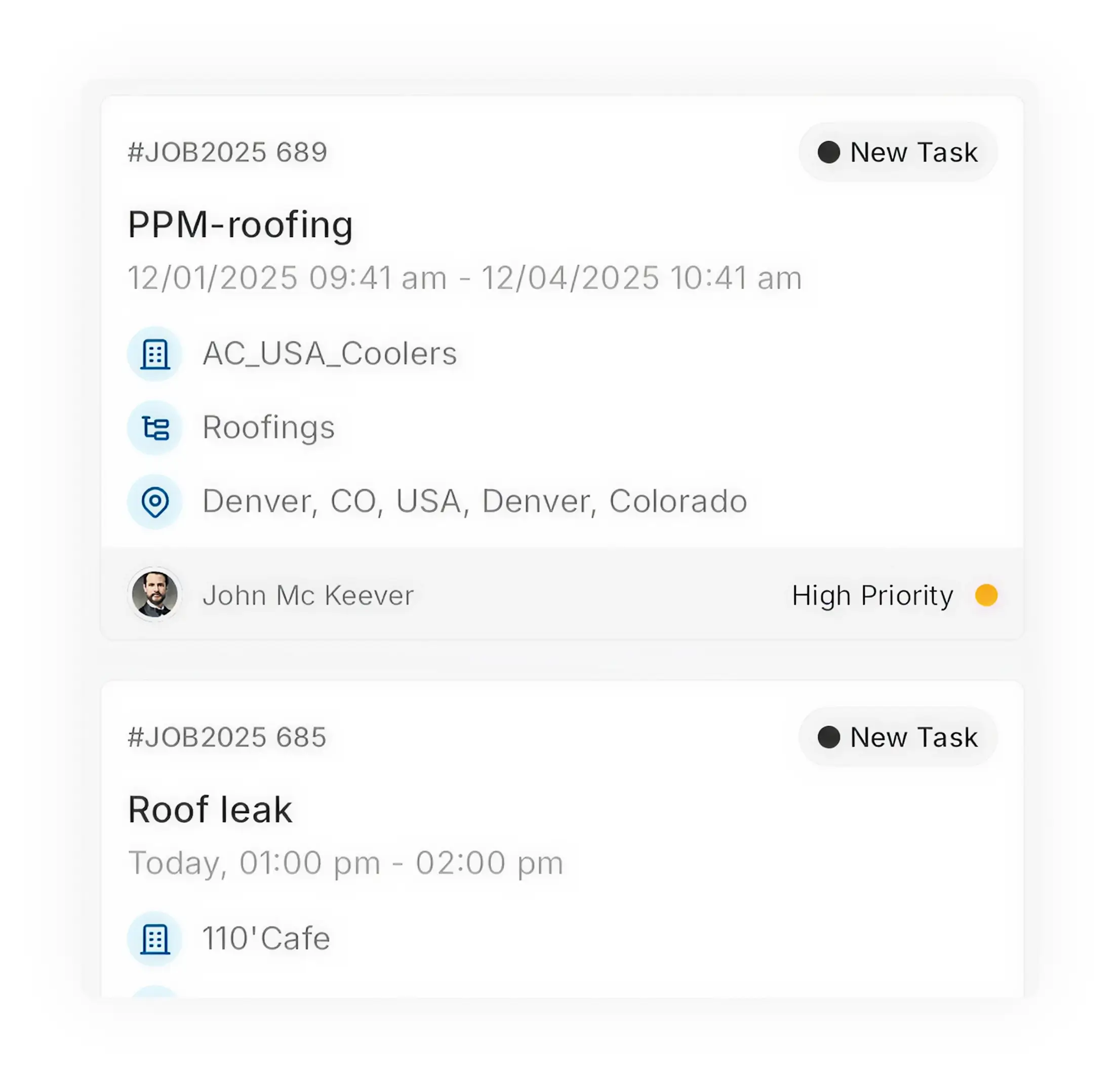
- A deal closes or a ticket comes in. Your rep opens the Zuper widget right on the HubSpot screen, picks the best available tech based on skills, proximity, and schedule, and dispatches them
- No tab switching. No copy-pasting addresses
Two-Way Sync, Always Current
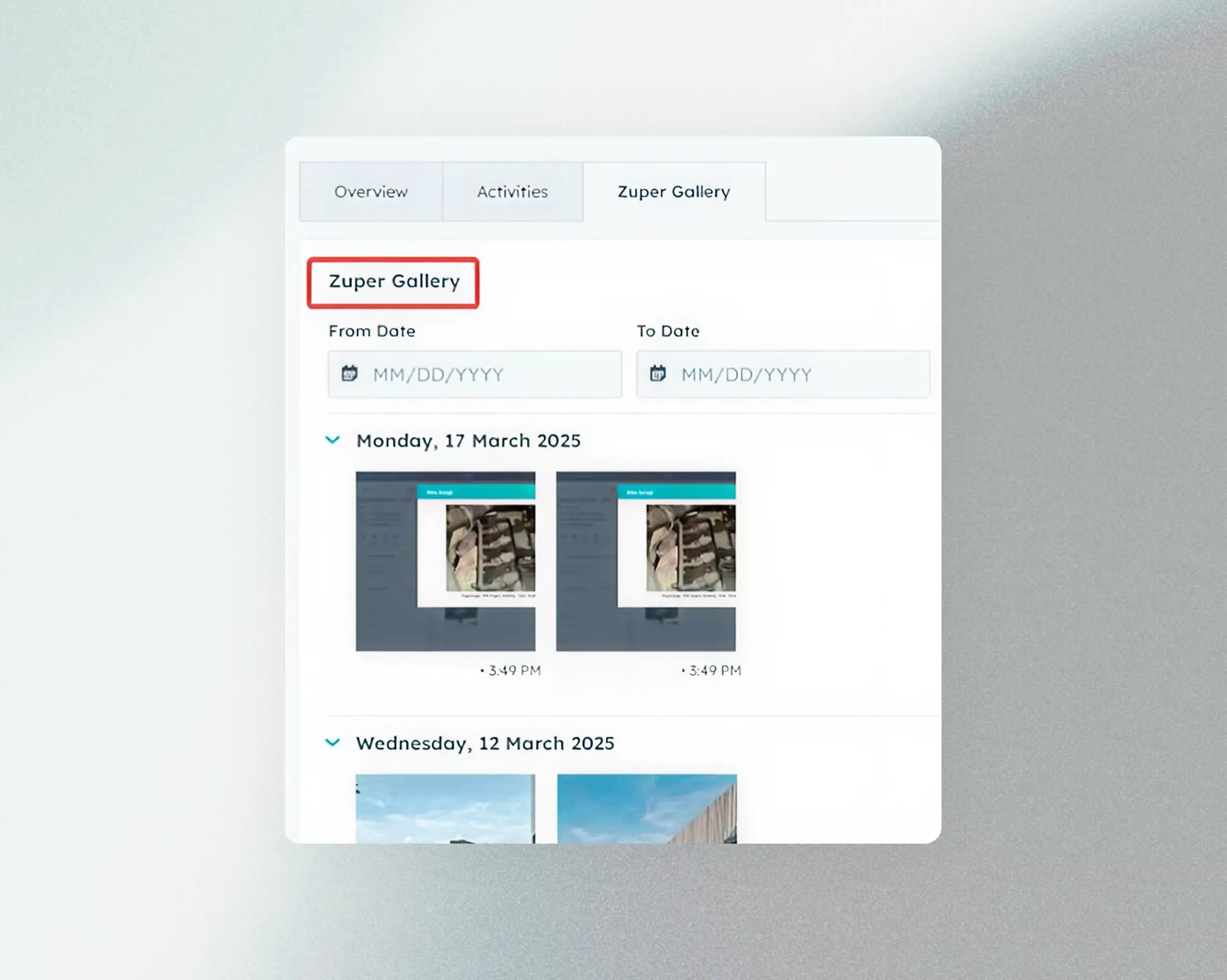
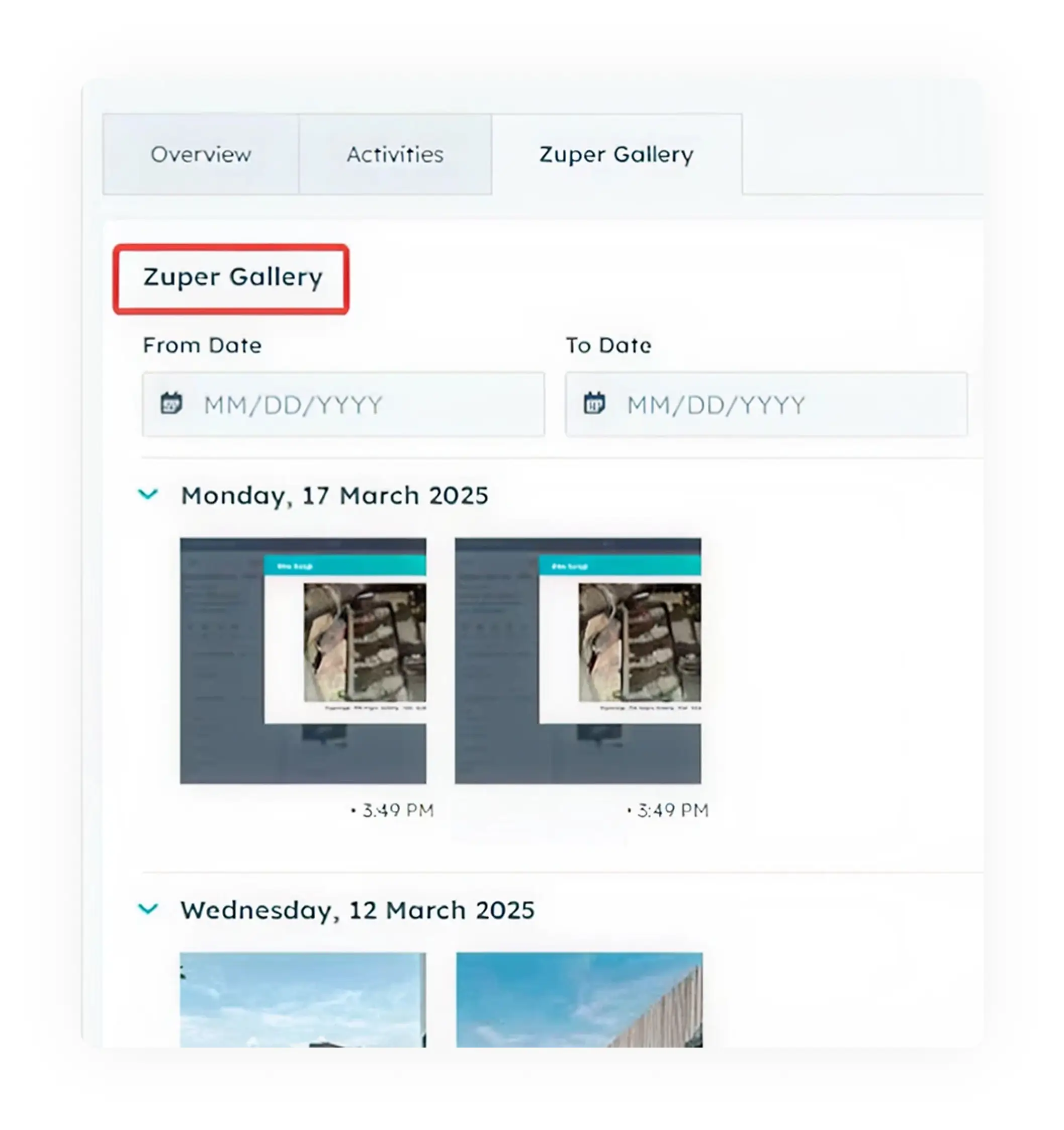
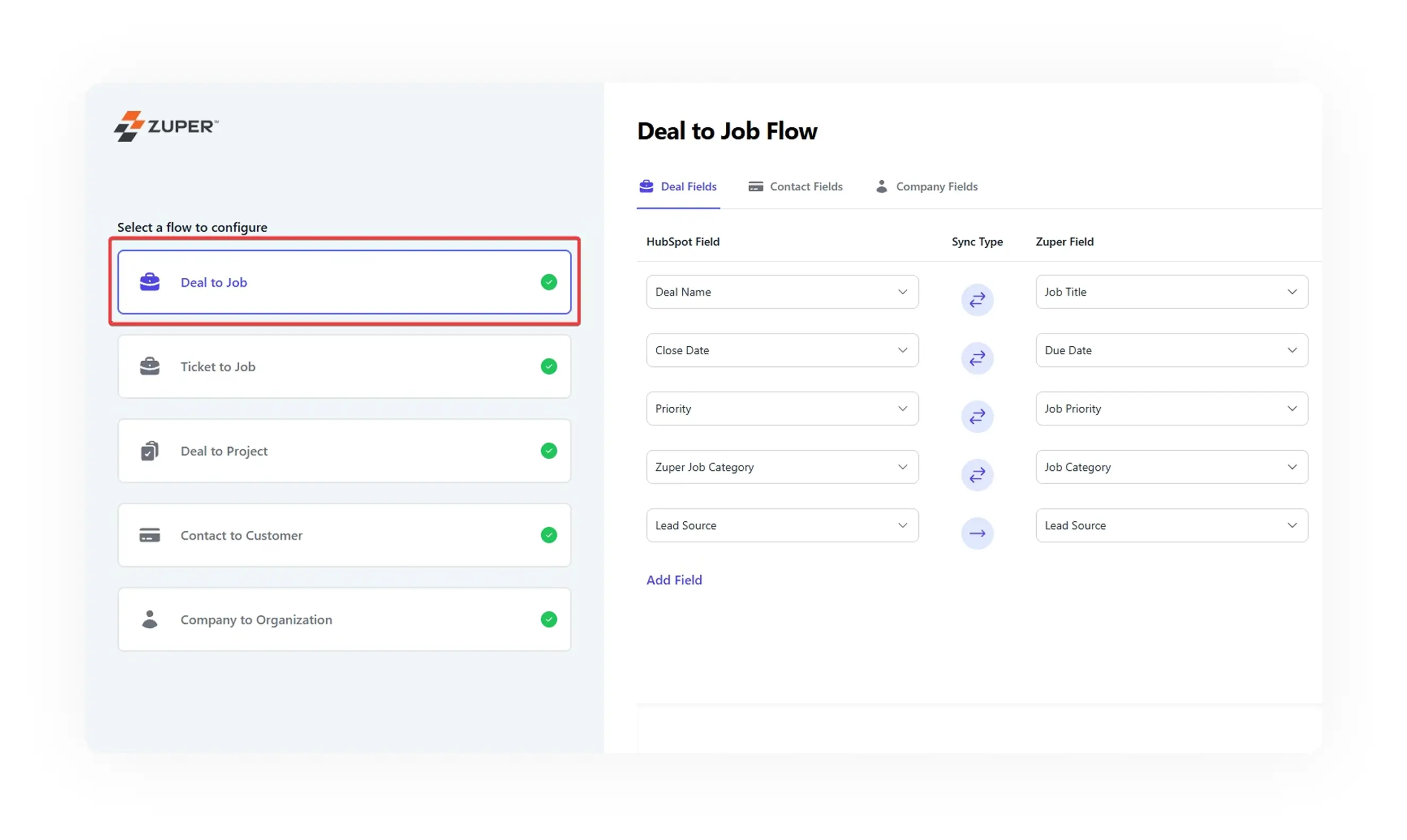
- Job notes, photos, status changes, and customer signatures captured in the field push straight to the HubSpot record
- Your service reps see exactly what's happening on site without calling the tech. If a new rep takes over the ticket, the full history is already there
Automated Customer Updates
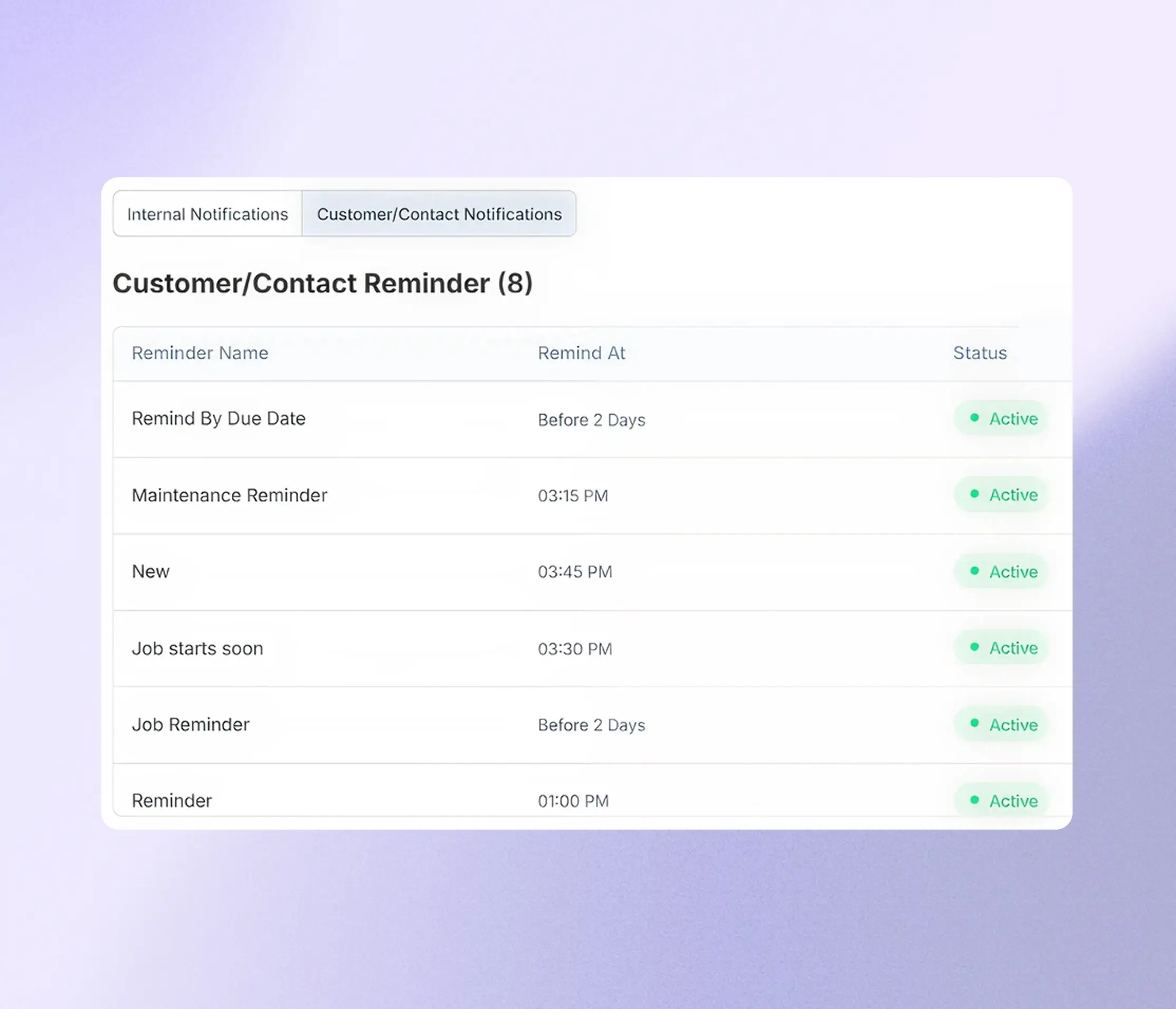
- Your customers get notified automatically when a tech is on the way, when the job status changes, and when the work is complete
- Text or email. No one in your office has to remember to send them.
Estimates, Contracts, and Invoices
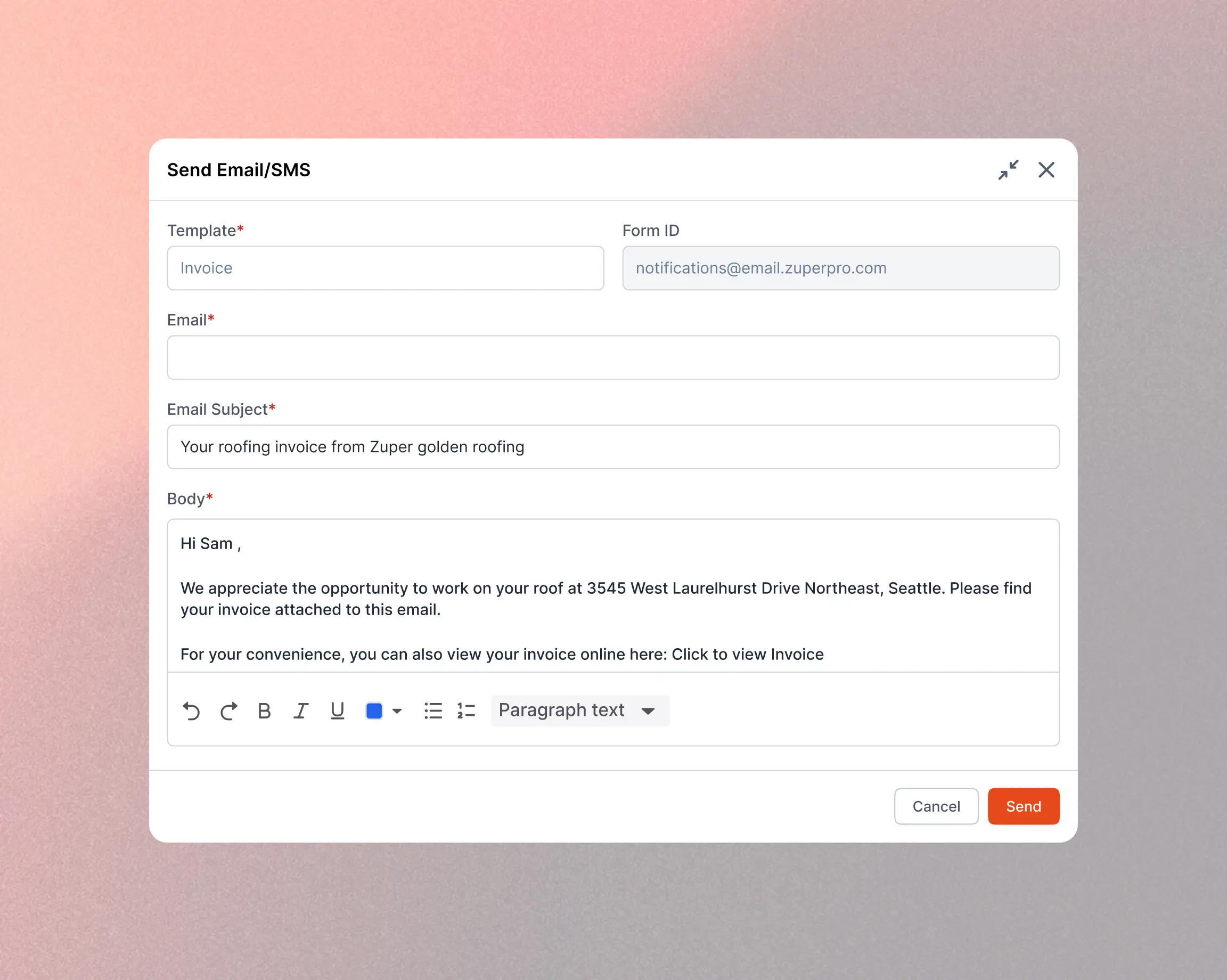
- Generate and send digital estimates, contracts, and invoices from Zuper, and share them with customers for approval via text or email.
- The paperwork follows the job, not the other way around.
HubSpot Handles the Before. Zuper Handles the After.
HubSpot is where your leads, contacts, deals, and support tickets live. Zuper is where those deals become scheduled jobs, dispatched crews, completed work, and collected payments. The integration keeps both sides talking.
Deal Closes in HubSpot
A "Closed Won" deal or a service ticket triggers job creation in Zuper automatically, or your rep creates it manually from the widget.
Tech Gets Dispatched
Zuper assigns the right tech based on skill set, location, and availability. The tech gets all the job details on their mobile app before they leave.
Field Updates Sync Back
Job progress, notes, photos, and time logs from the field flow back to HubSpot in real time. Your office team and the customer stay informed at every step.
Job Complete, Record Complete
When the work is done, the full job record (including signatures, invoices, and customer feedback) lives in both platforms. Nothing falls through the cracks.
Everything You Need to Run Field Service From HubSpot
Zuper brings a full field service platform to your HubSpot setup. These are the tools your office and field teams use every day

Work Order Management

Smart Scheduling

Intelligent Dispatching

Location Intelligence

Estimate Management

Contract Management

Invoice Management

Digital Payments

Customized Workflows

Asset Management

Timesheet Management

Reporting and Analytics

Mobile Applications

Inventory Management
Stop Re-Typing. Start Connecting.
See how Zuper + HubSpot can give your sales, service, and field teams one shared view of every customer and every job.
