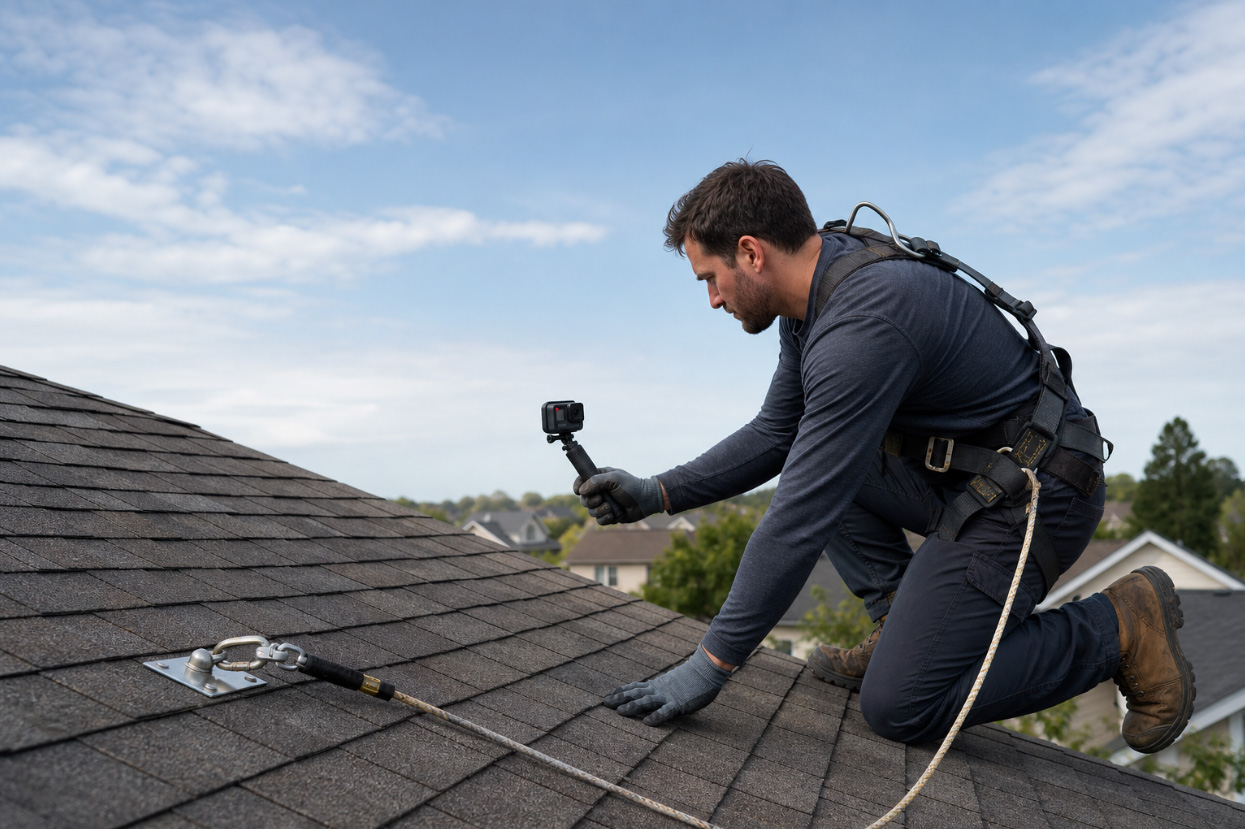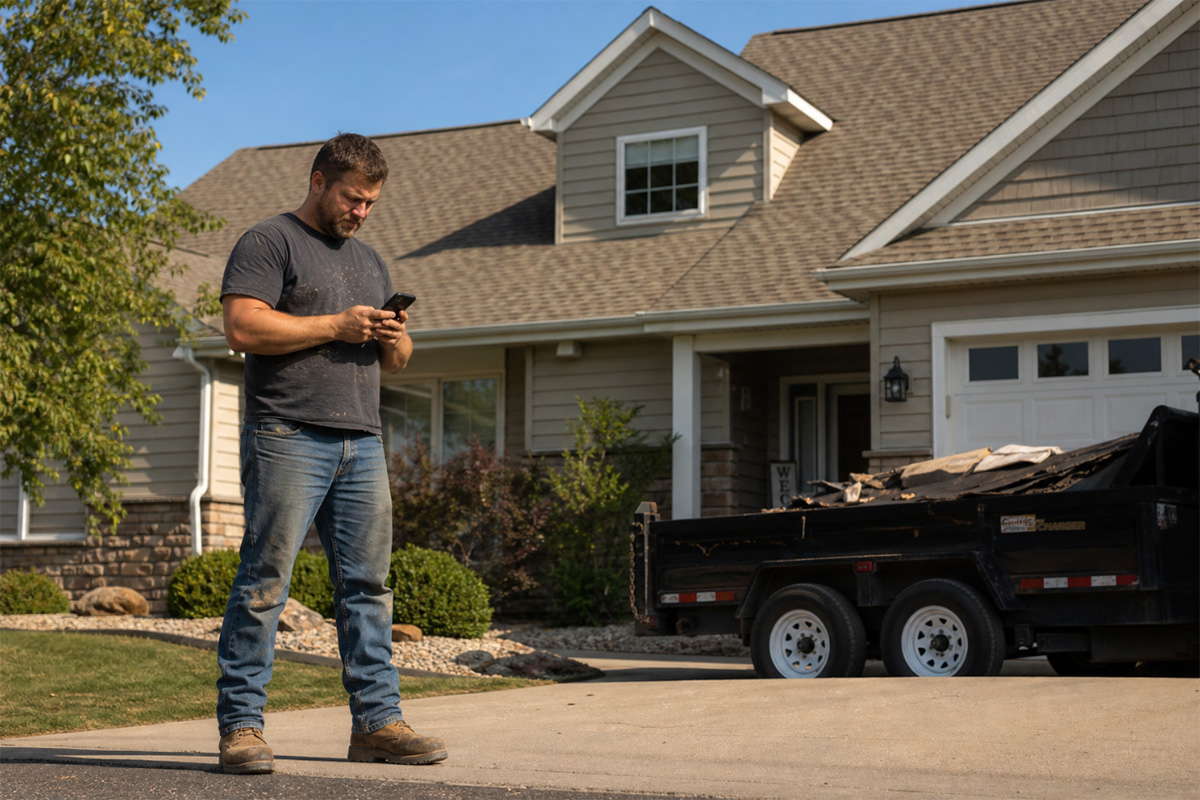


You’re on a roof at 7:30 AM, and your phone already has three missed calls. Your office is texting to ask for a job update that lives in the estimating app, not the scheduling one. Your crew lead is waiting to find out whether the next job is confirmed. The homeowner wants a start time. You’ll handle all of it when you climb down.
That’s the real cost of managing six different apps. And it’s why more roofing contractors are asking a different question in 2026: not “what are the best apps for roofing contractors,” but “why am I still running all of them separately?”
This guide gives you both. A category-by-category breakdown of the top tools on the market, and a look at what’s costing you when those tools don’t connect.
Best Apps for Roofing Contractors, Organized by Function
Most roofing companies don’t build a tech stack on purpose. Instead, they add tools as problems appear: an estimating app when proposals got messy, a CRM when leads started slipping, a scheduling app when the whiteboard stopped working. Here’s what’s in the average roofing contractor’s app drawer right now, and what each tool does.
| Category | App | Best For | What It Doesn’t Handle |
|---|---|---|---|
| Estimating | Roofr | Proposals, invoicing, payments, and CRM in one tool | No scheduling, dispatch, or field documentation |
| Estimating | RoofSnap | Satellite measurement accuracy | No pipeline CRM, scheduling, or dispatch |
| Estimating | HOVER | 3D residential roof measurements from smartphone photos | No scheduling, dispatch, or CRM |
| Estimating | EagleView | Aerial measurement reports for bidding and material ordering | Measurement only; no job management |
| CRM | JobNimbus | Pipeline customization and workflow flexibility | Scout covers voice job updates; no AI dispatch, documentation packages, surge-capacity call handling, or payment-link texting |
| CRM | AccuLynx | Roofing-specific production and supplement tracking | No AI-powered field documentation; AI tools are sales-side only |
| Scheduling | Jobber | Smaller multi-trade operations | General field service; not built for roofing workflows |
| Scheduling | Workyard | GPS crew time tracking | No CRM, estimating, or job management |
| Documentation | CompanyCam | Job site documentation, task tracking, and field collaboration | No CRM, estimating, or crew scheduling |
| Payments | Square / Stripe | Generic payment collection at job completion | No job management or roofing-specific workflows |
| All-in-One | Zuper | Full operations with AI automation across field and office | Replaces the rest |
Estimating
Roofr has grown into more than a standalone estimating tool. Under one login, you get aerial measurement reports, proposals, a built-in CRM, material ordering, invoicing, and payment collection. That’s a useful range for a single platform. The gap it doesn’t close is on the field side. There’s no crew scheduling, dispatch, or field documentation. If you’re coordinating multiple crews across active jobs, you’ll still need separate tools for that.
RoofSnap takes a similar approach, with satellite-based measurements feeding directly into estimates. For insurance jobs where accurate square footage affects what the adjuster approves, this one earns its keep. However, because that is the app’s only function, once the proposal is signed, you have to manually move the data into whatever system runs the rest of the work.
HOVER turns a smartphone scan of a property’s exterior into an accurate 3D model, no special equipment or training required. It then carries that data into measurements, estimates, material lists, and proposals. Its tagline is “Measure, design, and estimate all in one place,” and it delivers on that. Many insurers accept HOVER data for claims documentation, and its native Xactimate integration makes it a practical choice for insurance workflows.
EagleView uses proprietary aerial imagery to produce roof measurements without anyone setting foot on the property first, which makes it a natural fit for large-scale or storm-volume work.
However, neither HOVER nor EagleView handles crew scheduling, dispatch, or ongoing job management.
CRM
JobNimbus built its reputation specifically in roofing, and it shows. The Kanban-style pipeline is flexible enough to match how your sales team actually works, and workflow stages can be customized without bringing in a developer. Your leads, proposals, and job notes all live here. On the AI side, Scout lets crew members use voice or text to update jobs from the mobile app in real time, and AssistAI handles inbound calls 24/7, capturing lead info and booking appointments when your team is unavailable. What’s missing is depth across AI capabilities: no automated field documentation packages, no AI dispatching, and no hands-free wearable tools. AssistAI handles calls, but doesn’t extend to payment link texting or the simultaneous surge capacity that a tool like Zuper’s CSR Agent (discussed below) is built for.
AccuLynx goes deeper on the production side than most CRMs. Material ordering, subcontractor management, and supplement tracking are native features, not workarounds. For a mid-to-large operation running a lot of insurance jobs, AccuLynx deserves serious consideration. The tradeoff is field AI: AccuLynx’s built-in AI ranks leads by likelihood to buy, which is useful for sales but doesn’t help a crew member documenting a job on the roof. There’s no AI-powered field documentation, no automated job summaries, and no hands-free capture tools.
Scheduling
Jobber works for contractors running multiple home service types alongside roofing. The interface is clean, the mobile app is solid, and it handles the basics well for smaller operations. However, it’s not built specifically for roofing, so storm surge handling or supplement workflows aren’t in scope. For straightforward scheduling, it delivers what it promises.
Workyard is the go-to when you need GPS-level visibility into where crews are and how hours are tracked. If you’ve had billing disputes over time worked, Workyard removes the guesswork. It’s a time and location tool rather than a full operations platform, so it works best alongside a CRM rather than as a replacement for one.
Documentation and Payments
CompanyCam has grown well beyond photo documentation. Your crew can capture photos and videos, complete checklists, capture AI-powered voice notes, track task progress, collect signatures, and process payments, all without leaving the app. For roofing crews, the documentation side is still the biggest draw: photos attach to job records automatically and are immediately shareable, so when an adjuster asks for pre-condition evidence three weeks later, it’s ready. Its 50+ integrations, including JobNimbus, AccuLynx, and Roofr, mean it fits into most existing roofing tech stacks without extra configuration.
For payments, most contractors are still running Stripe, Square, or whatever processor their CRM supports. The friction shows up at job completion: the person collecting payment has to switch apps, locate the right invoice amount, and hope it matches what’s sitting in the accounting system back at the office.
The Real Cost of Disconnected Tools
Here’s what each app’s website won’t tell you: none of them fix the handoff problem. Here’s where things break down in practice:
- When your estimating app doesn’t know what’s scheduled, your crew shows up to a job without knowing the full scope.
- When your CRM doesn’t connect to scheduling, double-booking becomes a real risk the moment hail season hits and the phones start ringing all at once.
- When CompanyCam photos live in one system and job notes live in another, your office spends 20 minutes piecing together what happened on-site before they can talk to an adjuster.
Contractors lose 15+ hours per week to manual data entry, chasing job details, and coordinating across disconnected apps. That’s nearly two full working days of overhead that has nothing to do with actually installing roofs. The problem compounds with scale. At 10+ crews, job status updates get missed, and a crew gets dispatched to a job that was canceled because the cancellation came in through one app and never made it to the dispatch screen. All of it plays out routinely in operations where tools don’t talk to each other.
There’s also what disconnected tools do to the people using them. Roofers didn’t become roofers to type job summaries on their phones. When field documentation is tedious, it doesn’t get done. When it isn’t done, your office calls for an update. When your office calls, your crew stops working to answer. That loop runs dozens of times a day on a busy crew, and everyone pays for it in lost time and frustration.
Contractors consolidating their stack have one goal: keeping their people focused on the actual work.
How Zuper Replaces Your Entire App Stack
We’re obviously biased here since this is Zuper’s blog, but here are specific ways in which our all-in-one platform can benefit roofing contractors
Zuper is a field service management platform that covers every stage of a roofing job: lead capture, estimates, scheduling, dispatch, field documentation, invoicing, and payments. One system, synced across the office and the field in real time.
Here’s what that looks like on the ground.
Your crew documents jobs without stopping work. Zuper’s Field Agent (beta) is the AI companion that lives on your crew’s phones and works alongside them. Zuper’s AI Voice Notes let a roofer describe what they’re seeing while still on the ladder. The platform transcribes it, cleans up the language, and attaches it directly to the job record. That means:
- No truck time rebuilding notes from memory
- No typing updates into a phone at the end of a shift
- No office call asking what happened on-site
For storm jobs where you’re documenting hail damage across 12 properties in a day, that’s 30 minutes saved per tech, per job, that go back into billable work.
Dispatch gets smarter when things change. Zuper’s Dispatch Assistant looks at real-time crew locations, qualifications, availability, and proximity to recommend the right person for each job. When a homeowner cancels at 9 AM because of incoming weather, the system surfaces who’s nearest and available so you can fill the slot instead of eating the dead time. That matters when you’ve got four crews to keep moving, and the forecast shifts mid-morning.
After-hours calls don’t go to voicemail. Zuper’s CSR Agent answers inbound calls 24/7, books inspections, and handles common questions about your services without anyone on your team picking up the phone. During storm season, when call volume spikes overnight, and every missed call is a job that goes to your competitor, that’s not a convenience feature. It’s how one roofing company captured $440K in deal value during a December 2025 storm event, with the CSR Agent running at 100x peak surge capacity while crews stayed in the field.
Insurance documentation holds up to scrutiny. Zuper’s roofing field service management platform automatically organizes photos, voice notes, inspection checklists, and AI-generated job summaries by job record. Your crew documents on the roof, and by the time they drive away, your office has a complete package ready for the adjuster. Less back-and-forth on supplements. Faster approvals.
The roofer in the field actually uses it. Zuper Glass, Zuper’s wearable AI, captures what your crews see and say hands-free, converting it into structured job documentation in real time. For roofers on steep pitches, having both hands free is a safety issue as much as an efficiency gain. One Zuper customer noted that Zuper Glass helped him catch himself on a wet roof because both his hands were free. You won’t find that detail in most software comparisons.
If you want to go deeper on specific angles, these pieces cover more detail:how Zuper handles admin reduction andhow it compares as an AI roofing CRM.
Frequently Asked Questions
I already use JobNimbus. Do I need to migrate everything at once?
Not necessarily. Some contractors use JobNimbus as their CRM while evaluating broader platforms. The real question is whether the gaps between your current tools are costing you enough to make a migration worth it. If your crew is losing 30+ minutes per job to admin, or if you’re missing leads during storm surges because call volume is outpacing what your current setup can handle, those are signals worth taking seriously.
How quickly can my team get up and running on a new platform?
Most roofing contractors are fully operational on Zuper within 4 weeks. The implementation team handles data migration, workflow configuration, and team training, so you’re not starting from scratch. Most crews notice the difference within the first week once AI Voice Notes and Dispatch Assistant are live on actual jobs.
Do AI features actually help field crews, or are they mainly useful for back-office staff?
It depends on the platform. Most CRM-level AI sits on the office side: reporting, pipeline management, customer communication. Zuper’s AI runs on both sides of the job. Field Agent (beta) and Zuper Glass are built for the roofer on the job site, while Dispatch Assistant makes sure the right crew gets there in the first place. When you’re comparing platforms, the question worth asking is: where does the AI actually run?
Stop Managing Apps. Start Running Jobs.
There’s nothing wrong with the apps covered in this guide. Roofr is genuinely good at estimating. CompanyCam solves a real documentation problem. JobNimbus has earned its reputation in roofing CRM. The real question is whether they work together, and at scale. The answer is usually no.
The best apps for roofing contractors have always been the ones that let your crew stay focused on the work. In 2026, that increasingly means one platform that connects everything, such as Zuper, rather than five apps that each do one thing well and nothing between them.
If you’re running disconnected tools and want to see what changes when you consolidate, the Zuper demo is the fastest way to find out.
Schedule a Demo with Zuper to see the full platform in your workflow