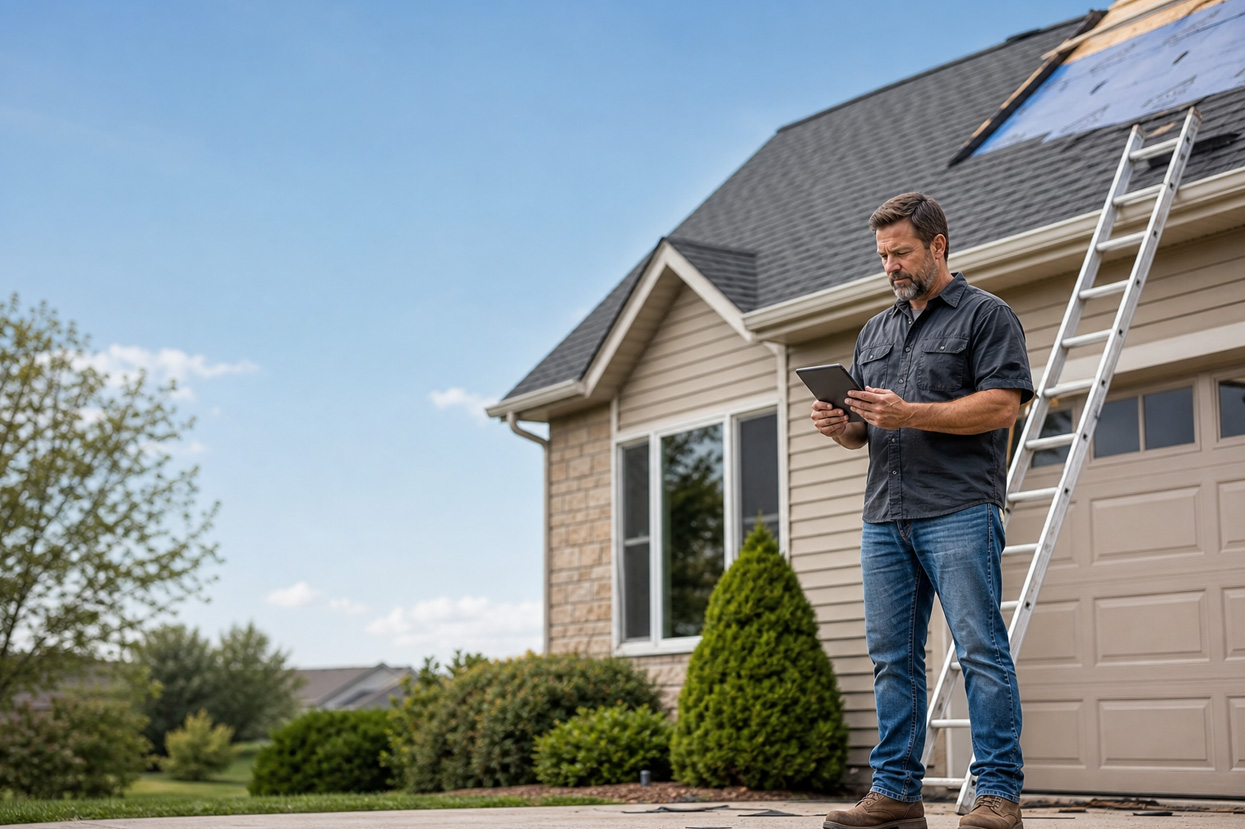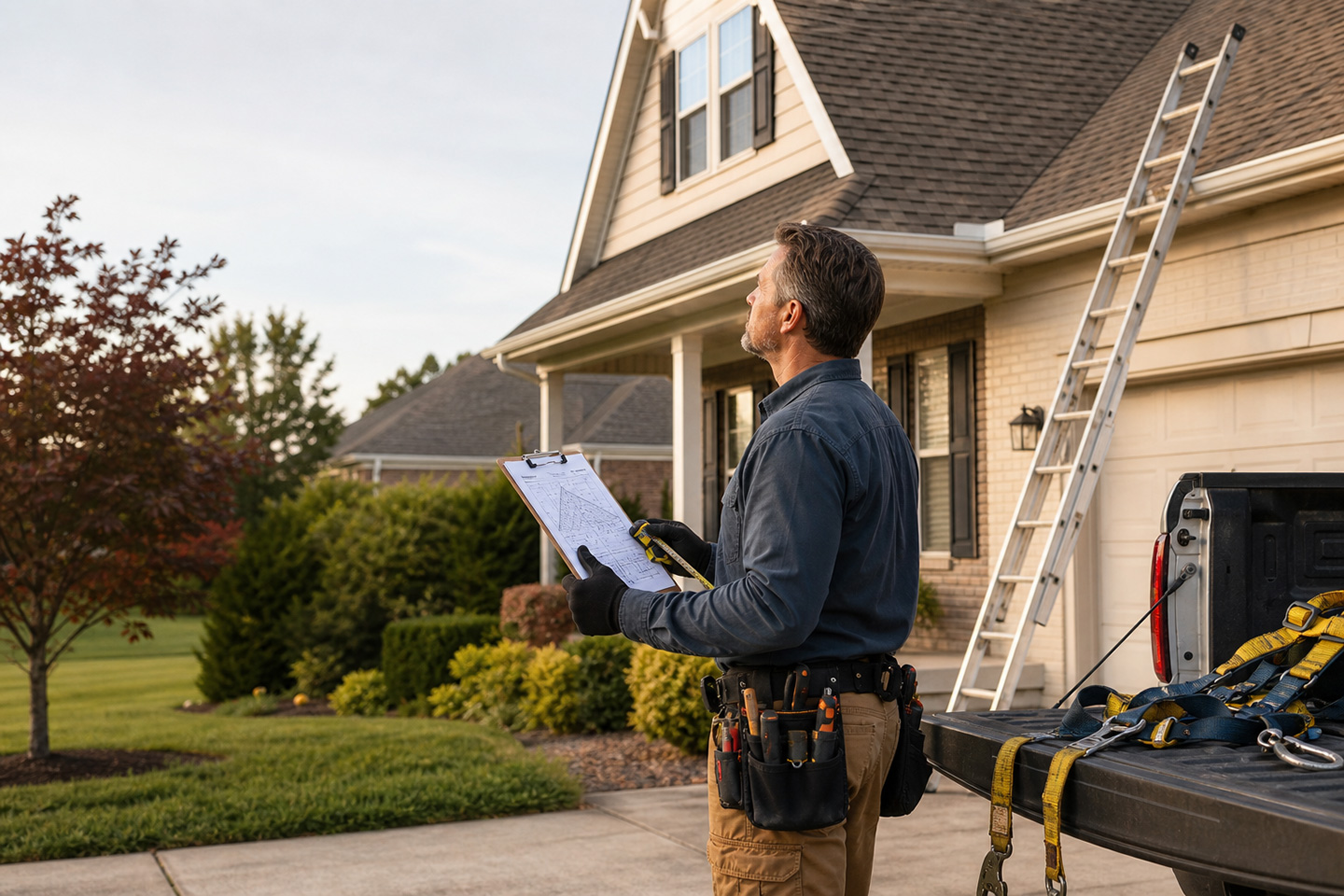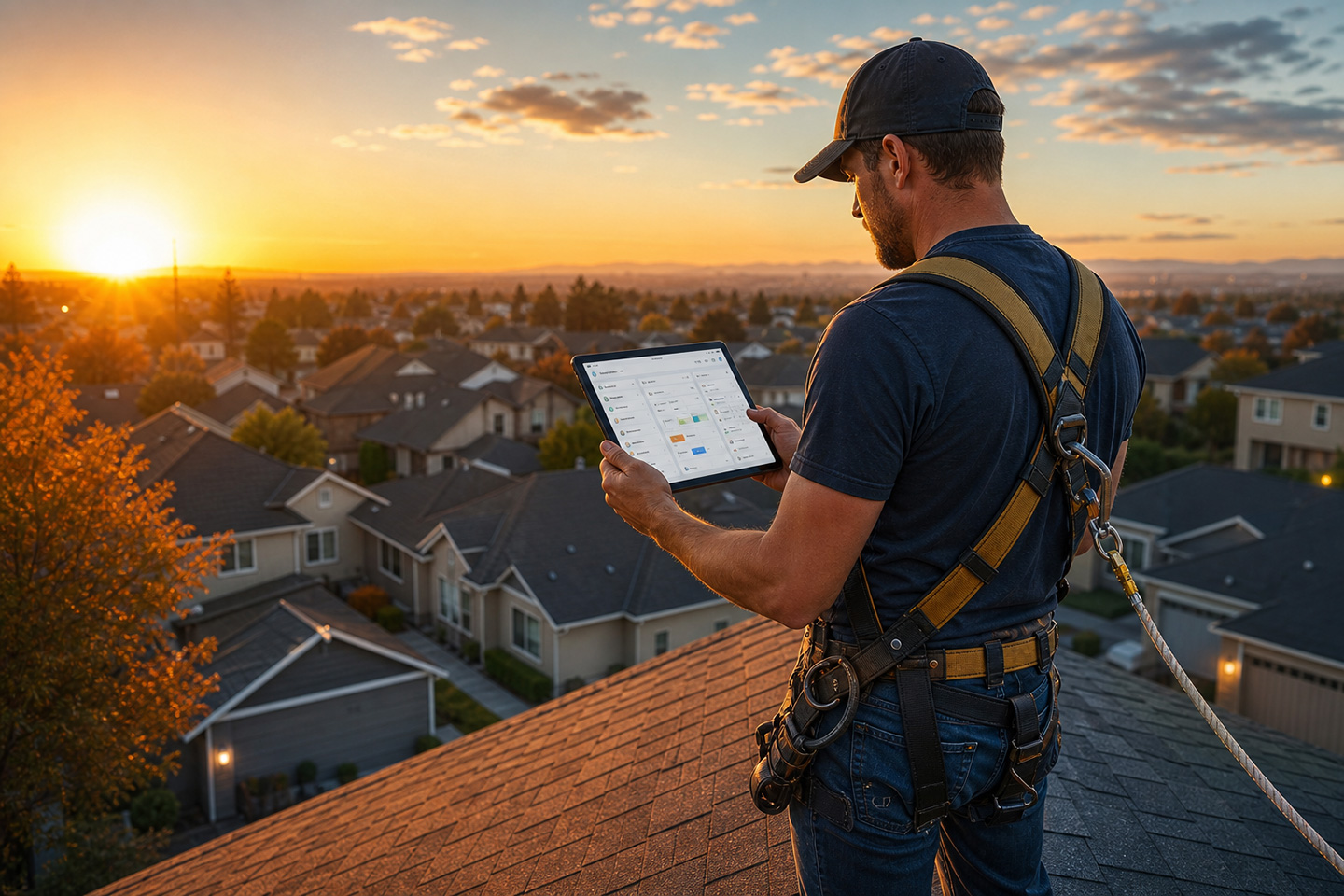


You’re halfway through a roof inspection when the office asks for one more photo, the homeowner wants an update, and your crew lead needs the next address. Reaching for your phone interrupts the work and leave important details undocumented.
That’s why smart devices for roofing contractors are becoming part of the field kit. Wearables, drones, mobile hardware, connected measurement tools, and action cameras help you document the work, respond to office requests, and hand off better information for the next job.
The buying question goes beyond what a device can record. You also need to know where the information goes, who can use it, and how much admin work remains after the truck leaves the property.
Smart Devices for Roofing Contractors at a Glance
From hands-free capture to aerial inspection, the right device helps your crew collect better field information and pass it to the people who need it.
| Device category | Useful field task | Data captured | What to evaluate |
|---|---|---|---|
| AI smart glasses | Capture observations while climbing or handling materials | Photos, video, voice notes | Hands-free use and direct workflow integration |
| Drones | View steep, large, or hard-to-reach areas | Aerial images, video, measurements | Inspection coverage and data handoff |
| Phones and tablets | Record notes, photos, checklists, and signatures | Images, voice input, forms, status updates | Offline access and speed of documentation |
| Action cameras | Record walkthroughs or detailed conditions | Video, still images, spoken context | Audio quality and file organization |
| Moisture and thermal tools | Support leak and condition checks | Readings and visual evidence | How readings are stored and shared |
| Connected measurements tools | Confirm dimensions and site conditions | Measurements and job-specific data | Whether estimators can use the data without re-entry |
The sections below compare each category by field task, captured data, and the handoff that follows.
Smart Glasses Help Roofers Document Work Hands-Free
While on the roof, you need to steady yourself, move materials, hold a flashlight, or point out damage for a teammate. A phone captures the evidence, but handling it at the wrong moment creates another interruption.
Smart glasses help with three field tasks:
- Capture photos or video without taking out a phone
- Add spoken context while the roofer is looking at the work
- Keep both hands available for movement, tools, or safety equipment
Zuper Glass captures photos, video, and voice notes through taps and voice commands. Those captures sync into the Zuper job record, while AI-polished notes can be cleaned up, translated, and formatted for use by the office or production team.
Zuper Glass also addresses the job-site conditions that matter to roofing crews. It weighs 1.5 ounces, fits under most hard hats and alongside standard safety eyewear, and uses dual microphones to reduce background noise. The glasses are dust and water-resistant, run for up to eight hours, and include 4GB of onboard storage for up to an hour of video or 10,000 photos without a signal.
In a disconnected workflow, consumer smart glasses such as Ray-Ban Meta leave a manual step for the office. Someone downloads the media from the companion app and uploads it into the system that the business runs. Zuper Glass pairs with Zuper Go, and lands captures in the right job with no third-party app and no manual upload.
Read more about hands-free field service for the skilled trades. The important distinction is the path from capture to usable job documentation.
Drones Give You Another Way To Inspect a Roof
Drones already have a foothold in roofing. The 2026 State of the Roofing Industry Report found that 54% of contractors use drones regularly.
DJI and Skydio drones fit several roofing workflows:
- Review roof sections before sending a technician onto the structure
- Capture visual evidence for estimates or insurance documentation
- Record large properties faster than a ground-only inspection allows
- Give estimators and production teams more context before the job starts
The drone report still needs to reach the rest of the workflow. If it sits in a cloud folder, someone will need to download it, rename files, re-enter measurements, and rebuild the job in another system.
Read more about drone data and AI workflows for roofing. The evaluation question is simple: after the flight, how many manual handoffs remain?
During storm response, that answer affects the whole crew. Your team sorts urgent inspections, checks material needs, and assigns work while call volume rises. The drone saves time across the business when its output supports those decisions.
Mobile Hardware Cuts Down on Typing
Not every roofer needs smart glasses. Mobile hardware already covers most of the work when the team dictates instead of typing.
Zuper separates three mobile documentation features by task:
- AI Voice Notes: Dictate job notes, checklist updates, and inspection details
- AI Take and Talk: Pair a photo with a spoken description of the condition
- AI Walkthrough Note: Record a walkthrough while capturing images along the way
The distinction between these tools matters. AI Voice Notes handles text input; AI Take and Talk connects one image to a spoken description; and AI Walkthrough Note provides a broader visual record of the visit.
Mobile hardware also gives crews a practical way to close out work. At the end of a flashing repair, a crew lead photographs the replaced section, records that the flashing was sealed, and changes the job status to complete. The next morning, production sees the completion photo, the final note, and the status in the job record, so the team knows what was completed and whether a follow-up visit is still needed.
The device should work when service is weak. Before you buy, check how the crew captures information offline, when it syncs, and whether the final record stays attached to the right property and job.
Action Cameras Preserve a Continuous View of the Work
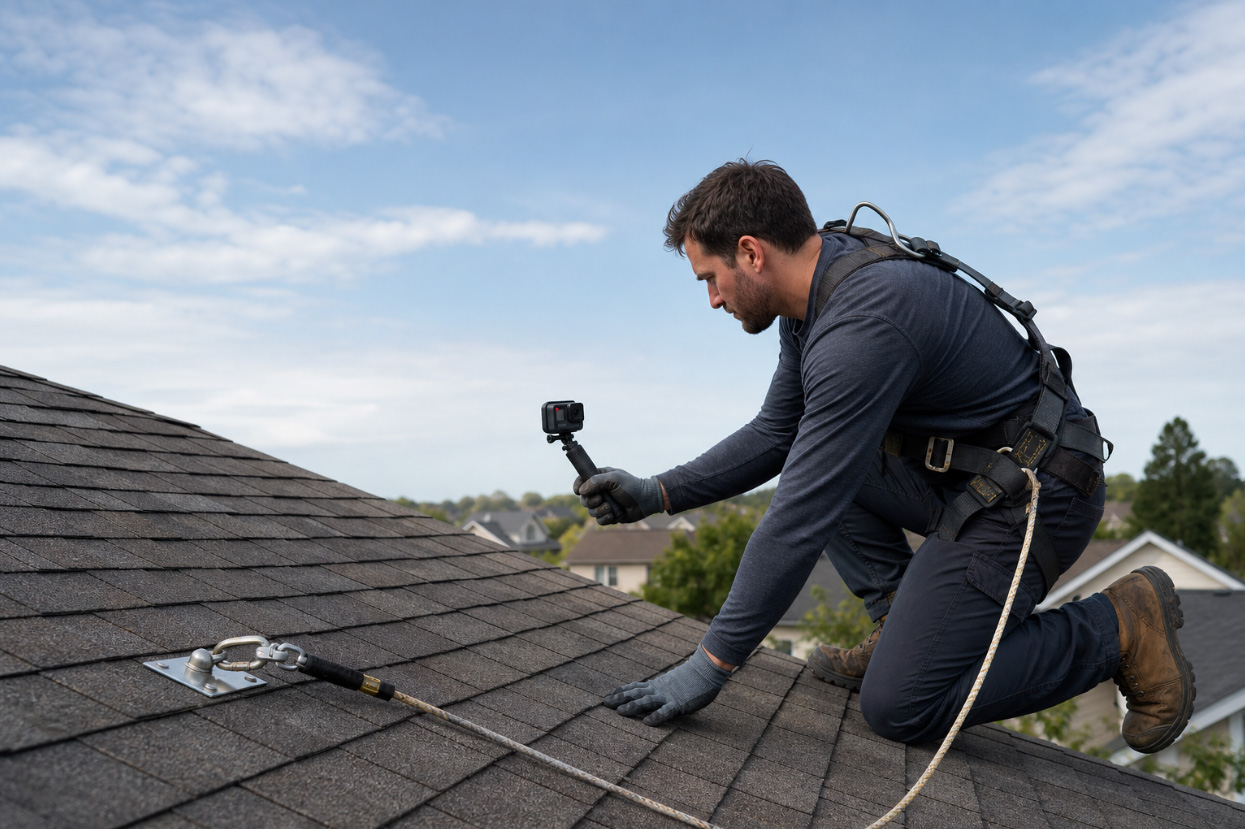
Action cameras give crews a dedicated way to record a continuous walkthrough. A GoPro mounted on a chest harness, placed on a short grip, or positioned for a close-up inspection keeps the camera separate from the phone used for calls and job updates.
Action cameras suit:
- Roof walkthroughs before tear-off.
- Attic inspections and hard-to-reach conditions.
- Progress records during installation.
- Completion videos for production review or customer updates.
The tradeoff is file handling. A long video still needs a job, a date, and useful context. Without that structure, the office receives a large file that takes time to review and attach.
Before choosing an action camera, check battery life, storage, audio quality, mounting options, and the steps required to attach the finished video to the correct job.
Moisture and Thermal Tools Add Evidence to the Job
Moisture and thermal tools answer a different question from a standard camera. They show conditions that are difficult to explain with a visual image alone.
FLIR thermal cameras help crews document heat patterns and suspected problem areas. Delmhorst moisture meters provide readings that support leak investigations and repair decisions. Use these tools when the reading affects:
- Whether a repair needs more investigation.
- Which materials or areas require replacement.
- What evidence belongs in a supplement package.
- How the crew explains the condition to the homeowner.
Record the affected area, capture the reading, take a supporting photo, and attach the result to the job. A moisture reading without a location creates another question for the office. A reading tied to a photo and spoken explanation gives production more useful evidence.
Connected Measurement Tools Add Detail that Photos Miss
Connected measurement tools focus on geometry and site conditions. Bosch GLM and Leica DISTO laser measures help crews confirm distances, dimensions, and areas that affect estimates or material planning.
Use them to:
- Confirm dimensions before an estimate is finalized.
- Check areas that are difficult to measure from the ground.
- Give production a clearer starting point for material planning.
- Reduce re-entry when measurements move into the estimate.
Build a simple capture routine:
- Record the location or affected area
- Capture the reading or measurement
- Take a supporting photo
- Speak or write what the result means
- Attach everything to the job before moving on
If the device cannot send data into your operating platform, give the crew a short upload path and a clear naming standard. The process should take less time than a follow-up call from the office.
Match the Device to the Field Problem
Choose each device where it removes a specific bottleneck:
- Smart glasses: Best when you need hands-free photos, video, and voice notes during an inspection
- Drones: Best for steep, large, or hard-to-reach areas where an aerial view reduces unnecessary climbs
- Mobile hardware: Best when you want a lower-friction way to handle notes, checklists, photos, and status updates
- Action cameras: Best for continuous walkthroughs, tear-offs, attic work, and completion records
- Moisture and thermal tools: Best when condition readings affect repair decisions or supplements.
- Connected measurement tools: Best when readings, dimensions, or thermal evidence affect estimates, repairs, or supplements
The right choice depends on the bottleneck your crew faces most often. A company handling storm inspections should prioritize drones. A team documenting steep residential roofs should prioritize smart glasses. A production-heavy operation should start with connected measurement tools and action cameras.
Use this checklist when comparing smart devices for roofing contractors:
- Capture: Can the roofer record photos, video, voice, or measurements without repeated stops?
- Attach: Does the information reach the correct customer, property, and job?
- Understand: Can the platform turn spoken observations and media into a usable record?
- Act: Can the office use the platform for estimating, inspections, scheduling, dispatch, and customer updates?
- Find: Can you and your team retrieve the documentation later for a supplement, warranty question, or dispute?
Zuper Closes the Loop From Capture to Action
Zuper is the AI operating platform that connects the physical device to the next operational step. Field captures land on the job record, AI writes the note, and dispatch and estimating read from the same record.
That closes the gap between a roofer finishing work and the office knowing what happened. The crew documents the condition in the field. Production sees the status and supporting media. Estimating works from the same job context instead of asking the roofer to repeat the visit.
Read How Can AI Help My Roofing Business? for more on manual handoffs, scheduling, and admin time. Compare the wider app stack in Best Apps for Roofing Contractors, which shows how disconnected tools create more work.
Smart Device Question Roofing Contractors Ask
What smart devices do roofing contractors actually use?
Roofing crews use AI smart glasses, consumer smart glasses, drones, phones and tablets, action cameras, moisture meters, thermal cameras, and laser measurement tools. The right mix depends on whether the main need is hands-free documentation, aerial inspection, condition evidence, or measurements for estimating and production.
What do smart glasses do that a phone cannot?
Smart glasses keep the phone in a pocket while the roofer captures photos, video, and voice notes. Zuper Glass also sends those captures into the correct Zuper job through Zuper Go, so the office does not need a separate download and upload step.
How does field media get attached to the right job automatically?
Zuper Glass pairs with Zuper Go, the roofer opens the job, and new captures flow into that job record. Other devices need a workflow that identifies the property and job, or someone must attach the files manually afterward.
Which device should a roofing company buy first?
Start with the task that creates the most rework. Choose smart glasses for hands-free inspection notes, drones for hard-to-reach areas, action cameras for continuous video, moisture and thermal tools for condition evidence, and connected measurement tools for estimates and material planning.
Choose Hardware You Will Actually Use
Start with the field problem that costs you the most time. That may be documenting steep sections, recording hail damage, proving completed work, or staying informed during a busy week. Then, test the complete handoff, not just the device. Ask a crew lead to capture a condition, add context, and send the record to the office. Track how many times someone has to stop, switch apps, rename a file, or re-enter information.
Choose smart devices for roofing contractors based on the field bottleneck they remove and the quality of the handoff they create. Request a demo to see how Zuper connects field hardware to AI-native roofing operations.