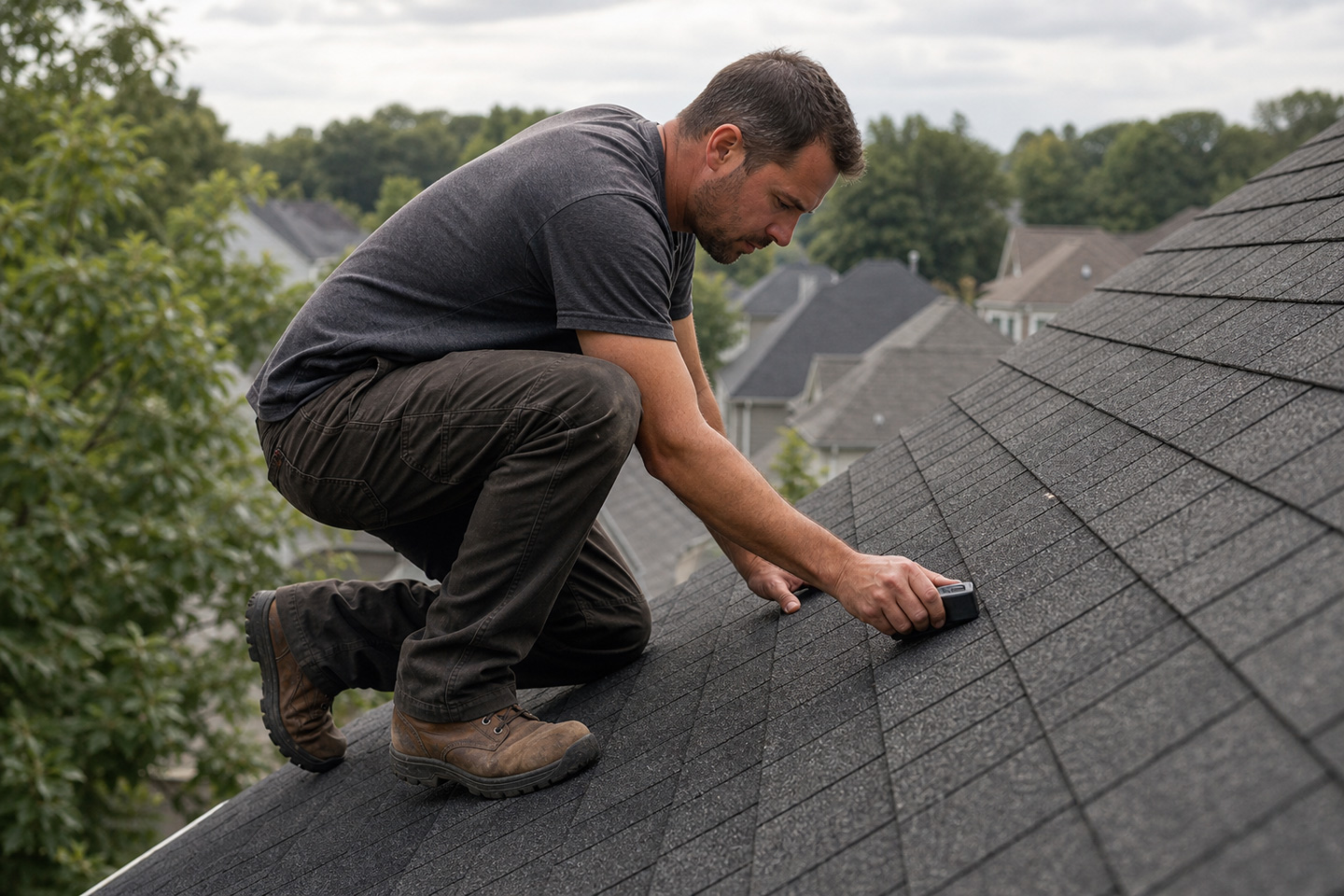


A hailstorm drops on a Tuesday afternoon. By Wednesday morning, your crews are fielding calls from three zip codes, two adjusters are waiting on documentation, and you’ve got 40 new leads sitting alongside the 12 jobs already in production. The office coordinator is rebuilding the dispatch board by hand. The field tech is typing up yesterday’s inspection notes at the kitchen table before driving to the first job. Nobody’s following up on the leads that came in after 6pm.
That’s not a staffing problem. That’s a software problem.
The best roofing CRM for storm restoration keeps all of it moving without adding manual work: after-hours lead intake runs automatically, dispatch assigns the right crew without a coordinator spending the first two hours of every morning on the phone, and field techs document inspections on-site instead of reconstructing them later. The platforms worth your attention cut admin work out of the surge. The ones that don’t will cost you the most profitable window your business will see all year.
We built Zuper, and we think it’s the right answer here. But we’ve laid out all five platforms honestly so you can make the call that fits your operation.
Best Roofing CRM for Storm Restoration: Platform Comparison
In the table below, we break down the five platforms best suited for storm-driven roofing operations. Review scores are averaged across G2 and Capterra where both are available.
| Platform | Surge Lead Handling | Insurance Doc Support | Dispatch & Crew Coordination | Multi-Job Tracking | Avg. Review Score |
|---|---|---|---|---|---|
| Zuper | CSR Agent captures and books leads after hours automatically | Searchable job history; documentation ready for supplement pulls | AI shortlists the best-fit technician by skill, location, and availability; dispatcher assigns in seconds | Full job lifecycle tracked across all active jobs simultaneously | 4.6/5 |
| AccuLynx | AI ranks leads by close likelihood; no after-hours intake | Dedicated claim stages, Supplement Tracker, and Permit Tracker | Calendar-based scheduling; manual crew assignment | Strong per-job tracking with good milestone visibility | 4.4/5 |
| JobNimbus | Fast mobile lead entry; no AI after-hours lead capture | Basic insurance tracking; no dedicated supplement workflow | Calendar-based scheduling; manual crew assignment | Drag-and-drop Boards work well; limited visibility at high volume | 4.6/5 |
| Contractors Cloud | Lead management and pipeline tracking; no AI-driven intake or after-hours automation | Photo documentation and milestone tracking; no dedicated supplement or claim workflow tools | Milestone-based crew coordination; no auto-dispatch | Project management built for high-volume concurrent jobs; change order tracking included | 4.5/5 |
| ServiceTitan | High-volume intake capacity; complex to configure for surge | Claim management through configurable workflows; setup requires dedicated admin resources | Advanced dispatch board; requires dedicated ops staff to run | High-volume capable; complex navigation slows field teams | 4.4/5 |
AccuLynx Source 1 | AccuLynx Source 2 | AccuLynx Source 3 | JobNimbus Source 1 | Contractors Cloud Source 1 | Contractors Cloud Source 2 | ServiceTitan Source 1
Platform Summaries
1. Zuper: For Storm-Scale AI Automation
Storm leads arrive at all hours, including evenings and weekends when your office is closed. Zuper’s AI CSR Agent captures and books them automatically: no one has to stay late, and no lead sits cold until Monday. During storm events, the CSR Agent has delivered 100% call answer rates across beta customers, capturing $200K to $500K in qualified pipelines per event.
The coordinator who used to spend the first two hours of every morning rebuilding the dispatch board by hand gets that time back. Zuper’s Dispatch Assistant reads crew skills, current location, and availability in real time. It shortlists the best-fit tech for each job, and lets your dispatcher make the assignment in seconds instead of working through a call list. In the field, techs work through inspections without touching a form. AI Voice Notes capture free-form observations hands-free. Field Agent handles structured checklists: the tech speaks their answers on-site, and Field Agent maps each one to the correct checklist field automatically, including photos. Everything syncs when connectivity returns. Maven Roofing saved 8 hours per person per week after switching and lifted their same-day close rate by 20%.
Zuper Sense, the intelligent command center that watches your business so you don’t have to, catches what’s about to break, and tells you what to do next. Zuper Sense monitors, analyzes, predicts, and recommends. It shows the cash slipping out, the pipeline stalling, the crews running over, before any of it shows up as a problem. Every prediction arrives with the action drawn up and the outcome it’s projected to deliver. Insights pinned to the Radar refresh themselves in real time, so the business runs on what’s actually happening right now.
Zuper is our first choice here, and we built it. What we’d point to is this: when CSR Agent books a lead at 11pm, the Dispatch Assistant already has that job queued for morning assignment. No one has to manually move it down the line. That’s what connected means in practice, and it’s what separates Zuper from platforms where those tools were bolted together from separate products. Our guide to the most important CRM features for roofers is a good place to start evaluating the fit for your operation.
Best For: Storm crews of 5-200 seeking full-cycle AI automation
Avg. Review Score: 4.6/5
| Summary of Online Reviews |
|---|
| Verified reviewers describe Zuper as “very intuitive and easy-to-use on both desktop and mobile,” and highlight “plenty of features” that scale well for larger operations. The support team’s responsiveness is consistently praised across reviews. Some note that the implementation ran longer than expected and that the learning curve is higher for complex workflows. Capterra, G2 |
2. AccuLynx: For Insurance-Heavy Workflows
If most of your storm work runs through insurance, AccuLynx is worth a close look. It’s purpose-built for roofing contractors, and that shows in the depth of its insurance tracking: dedicated tools for managing claim stages, tracking supplements through six statuses (“requested,” “under review,” “pending re-inspection,” “need more information from rep,” “approved,” and “completed”), and logging adjuster contact details directly in the job file. “Managing leads, jobs, photos, estimates, and communication felt a lot more organized compared to juggling multiple tools,” noted one Senior SDR in a verified Capterra review.
The gap shows on the dispatch side and in the field. AccuLynx’s scheduling tools handle steady-state volume, but they don’t automate crew assignments when surge hits: you’ll still manage that manually, which means your coordinator absorbs the load. For field techs, the mobile app trails the desktop in speed and functionality. When a crew lead needs to pull up job details on a roof in a neighborhood with spotty signal, that friction adds up across a surge week. AccuLynx is the right fit if insurance documentation is your primary bottleneck and your dispatch volume doesn’t spike dramatically after a storm.
Best For: Insurance-primary operations running complex supplement workflows
Avg. Review Score: 4.4/5
| Summary of Online Reviews |
|---|
| Reviewers highlight AccuLynx’s “centralized business organization” and describe it as keeping permits, documents, customer communication, and invoicing “tied to the job” in one centralized place. The most common complaint is “high and inflexible pricing,” with 71% of pricing-related reviews flagging per-user cost as a barrier for smaller teams. Capterra, G2 |
3. JobNimbus: For Mobile-First Field Crews
Your canvasser knocking doors in a hail-hit neighborhood needs to log a new lead before they reach the next house. JobNimbus is built for that. Its mobile interface puts lead entry, task tracking, and job status in the field rep’s hands, so a lead gets logged at the door, a task gets assigned in the field, and nothing gets lost between the truck and the office. It’s designed for fast onboarding, which matters when you’re adding canvassers quickly during a surge and don’t have a week to run training sessions.
Where it falls short is on the back-office side. There’s no native AI dispatch or after-hours lead responder: your office team still absorbs the surge manually. Reporting depth is limited too, which makes it harder to track jobs at scale once you’re running 20 or 30 concurrent projects. It’s the right fit for small to mid-size roofing companies where field adoption is the bottleneck and back-office volume hasn’t outpaced what a coordinator can handle manually.
Best For: Small residential storm crews, mobile-first canvassing teams
Avg. Review Score: 4.6/5
| Summary of Online Reviews |
|---|
| Verified users praise JobNimbus as “very easy to learn and navigate” and highlight its “easy flow” for day-to-day operations. The most common complaints center on “limited and unreliable mobile functionality” (56% of mobile-related reviews); several reviewers separately note limited reporting depth for tracking jobs at scale. Capterra, G2 |
4. Contractors Cloud: For Multi-Job Production Management
Post-storm, the production manager’s job gets harder fast: 15 concurrent jobs, change orders coming in from three adjusters, photo documentation piling up from crews in four zip codes. Contractors Cloud is built for that visibility problem. It tracks milestones, manages change orders, and keeps photo documentation organized across every active job so your production manager knows exactly where each project stands without calling the crew lead. Their HailWatch integration (subscription required) overlays recent storm data on the project map, letting your team identify which past customers are in an affected area and prioritize outreach before competitors do.
It doesn’t have AI-assisted dispatch or after-hours lead capture. For field crews, that means job assignments still come through manual coordination: the crew lead finds out about tomorrow’s schedule from a phone call, not a push notification. It’s the right call for operations where managing production at high volume is the hard part.
Best For: Production-heavy operations tracking multiple concurrent jobs
Avg. Review Score: 4.5/5
| Summary of Online Reviews |
|---|
| Verified reviewers consistently praise Contractors Cloud’s ability to keep all business functions in a single place, describing it as “one stop access to all of our info: calendar, customer info, scheduling, and production.” The most common complaints center on the interface feeling dated and the mobile app lagging behind the desktop experience in capability and usability. Capterra |
5. ServiceTitan: For Large Enterprises
ServiceTitan handles high job volume, but it’s not built for storm-season speed. Implementation runs 12–16 weeks, and the platform’s depth requires dedicated admin resources to configure and maintain. During a surge, you don’t have that runway. For field techs, the learning curve is real: the feature depth that makes ServiceTitan powerful for large operations also makes it slower to navigate on a phone between stops. It makes sense for companies with multiple active crews and dedicated back-office staff who can absorb the complexity and still run efficiently.
Best For: Growing roofing operations with multiple active crews and dedicated operations staff
Avg. Review Score: 4.4/5
| Summary of Online Reviews |
|---|
| Reviewers highlight ServiceTitan’s ability to “facilitate scalable business expansion” and its “efficient technician dispatching tools.” The most commonly cited complaints are “frequent technical glitches and delays” (73% negative, 49 reviews) and “high and increasing software costs” (62% negative, 45 reviews). Multiple reviewers separately note that onboarding is time-consuming and that the platform’s depth creates a meaningful learning curve for new users. Capterra, G2 |
Which Platform Actually Handles the Surge?
The best roofing CRM for storm restoration does things a standard platform won’t: captures leads at 11pm, dispatches crews across three neighborhoods without a coordinator spending the morning on hold, and gives field techs everything they need before they climb the first ladder. It also does all of that without adding admin labor on either end. The contractors pulling the most out of storm season aren’t just moving faster; they’re cutting manual work out of dispatch, documentation, and lead intake entirely. That’s what AI-built CRM actually delivers, and it’s the category Zuper was built to solve.
AccuLynx is the call if insurance documentation is where you lose the most hours. JobNimbus earns its place if your canvassing team’s adoption rate is the bottleneck. But if you want one platform that automates the full storm cycle, from the first after-hours call through the final supplement, Zuper was built for it.
See how other contractors are using it during peak storm season: explore the AI Operating System for roofing, review what roofing sales strategies pair best with CRM automation, or compare how Zuper stacks up across all roofing CRM categories.
Schedule a demo with Zuper to see storm-scale automation in action →