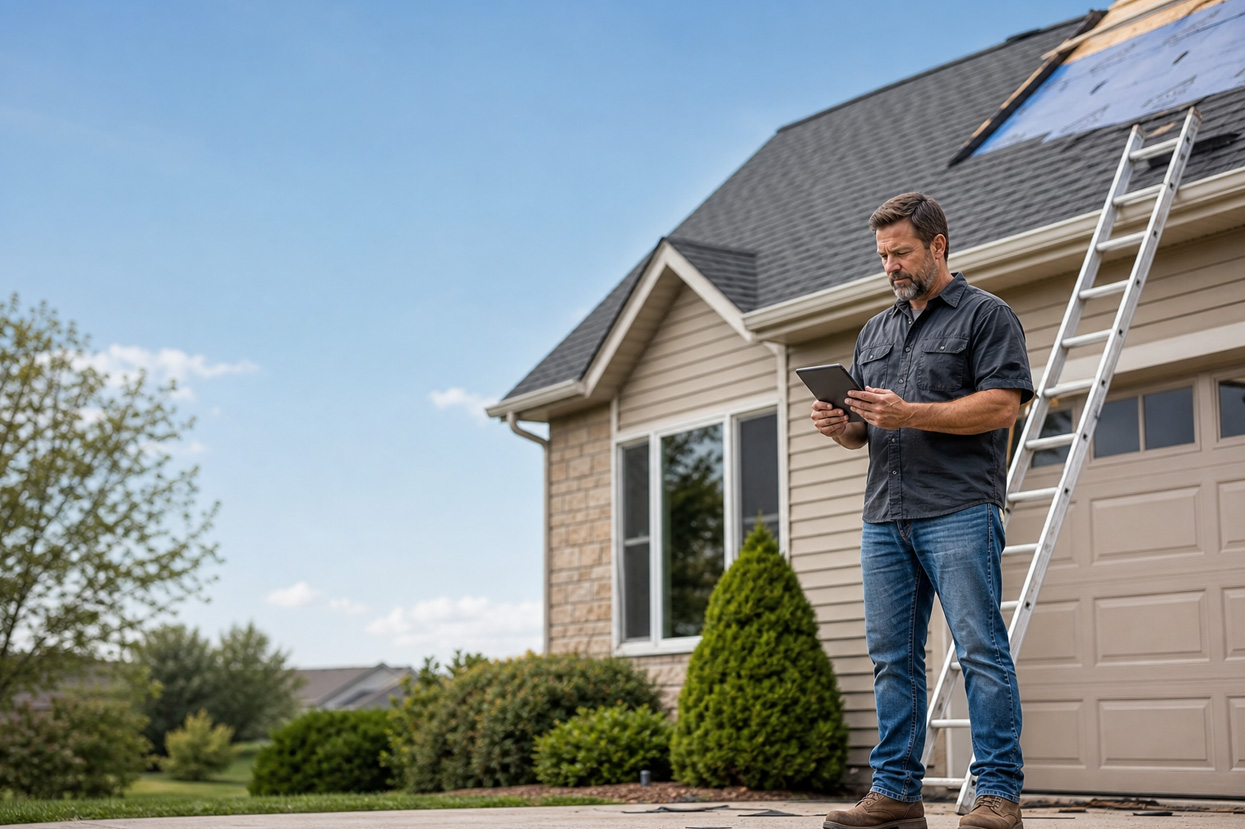


You finish the walkthrough, take 40 photos, describe the damage to yourself twice on the drive back, and still spend 45 minutes at the office assembling an estimate from scratch. By the time the proposal goes out, the homeowner has already talked to two other contractors.
That gap between inspection and signed contract is where most roofing companies lose margin. AI roofing estimating software closes that gap, but only when it’s built to connect the parts of estimating that currently don’t talk to each other. That’s the right frame for evaluating any platform: not “does it have AI?” but “what does the AI actually connect, and how many manual steps does it cut?”
This article covers six workflow areas where AI changes the outcomes of estimating. For each one, here’s what good looks like and what to watch for.
How AI Changes Roofing Estimating
| Workflow Area | Traditional Method | AI-Powered Approach | Time Impact |
|---|---|---|---|
| Roof Measurement | Manual ladder measurement, or third-party aerial report (via EagleView, Hover, or Roofr) | Satellite/aerial analysis; data flows directly into the estimate when platform-integrated | Hours (manual) or per-report fees → measurements auto-populate on integrated platforms |
| Estimate Assembly & Proposal | Manual line-item entry from measurements; PDF emailed from office | Auto-populates from measurement data; proposal sent from the property | Hours of manual data entry → minutes on a connected platform |
| On-Site Documentation | Photos taken, notes typed after the job | Voice notes + AI transcription captured in real time | Eliminates after-hours write-up; documentation captured on-site |
| Estimate Review | Manual check for missing items and pricing errors | Rules and AI checks catch scope gaps and missing line items before delivery | Scope gaps caught at estimate assembly, rather than after signing |
| Post-Signing Workflow | Manually create job, assign crew, confirm materials | Automated triggers from signed proposal | Removes 4–6 manual steps per deal |
| Customer Communication | Phone and email during business hours only | AI handles responses, confirmations, and updates 24/7 | Scales to handle surge volume; A&A Roofing handled 95 calls at peak demand |
These savings compound only when the tools share data. A measurement tool that cuts takeoff time still creates work if you’re re-entering those numbers into your estimating system by hand. An AI proposal tool that generates documents fast still leaves gaps if signing it doesn’t trigger job creation. The best AI roofing estimating software reduces manual work by connecting measurements, estimates, documentation, and project workflows into a single system. Each section below tests that connection at a specific point in your workflow.
AI-Powered Measurement Analysis
A 5% pricing error on a $20,000 re-roof amounts to $1,000. On a $40,000 job, it’s $2,000. Manual measurement accuracy varies with roof complexity and the person holding the tape. On a cut-up roof with multiple pitches, hips, and valleys, any error in pitch or square footage compounds directly into material costs and margin.
Satellite and aerial tools, including EagleView and Hover, analyze roof geometry from above: squares, pitch, facets, valleys, ridges, and hip length. EagleView remains the standard for insurance-grade adjuster reports and carrier-accepted measurements. Their reports catalog penetrations, drip-edge requirements, flashing locations, and material surface areas, which are the component-level details carriers want when reviewing a claim.
Hover’s 3D capture works differently. A crew member walks the property and takes 5–10 ground-level photos with a phone. Hover builds an interactive 3D model that captures structural geometry satellite imagery can miss, which is useful for complex roofs, siding jobs, and insurance claims where Xactimate-compatible documentation matters. For supplement work, that ground-level record can be harder for a desk adjuster to dispute than an aerial-only report.
| Measurement Tool | Capture Method | Best For | Cost |
|---|---|---|---|
| EagleView | Aerial (manned aircraft + drone) | Insurance-grade adjuster reports | Contact for pricing |
| Hover | 3D smartphone capture | Visual selling + supplement documentation | $999/year Pro; $9–$49/project (roof-only) |
| Roofr | Satellite measurement by address | Fastest path from measurement to signed proposal; full residential CRM | Free Starter; $13–$19/report |
| Zuper + Hover integration | Hover 3D capture, integrated into the estimate | End-to-end workflow without manual transfer | Zuper integration included; Hover scan fees apply separately |
Measurement speed matters less than what happens to that data afterward. Zuper integrates directly with Hover and GAF, so measurement numbers flow straight into the estimate without re-entry. Your rep gets accurate line items before they’ve finished the inspection walkthrough.
Proposal Generation That Closes Jobs Before You Leave the Driveway
Once a homeowner has time to sleep on it, they request competing bids. A proposal that arrives the next morning competes against estimates already signed on driveways while you were driving back to the office.
A quick note on terminology: in roofing, “estimate” refers to the pricing and scope calculation; “proposal” is the formatted document that goes to the customer. In many platforms, and throughout this article, the same workflow produces both.
Traditional proposal workflows break the timing advantage. Measure the roof, drive back to the office, transfer line items into a template, format the document, and email a PDF. That’s at least half a workday later. If a storm just rolled through and you’ve got eight jobs to estimate, it’s longer.
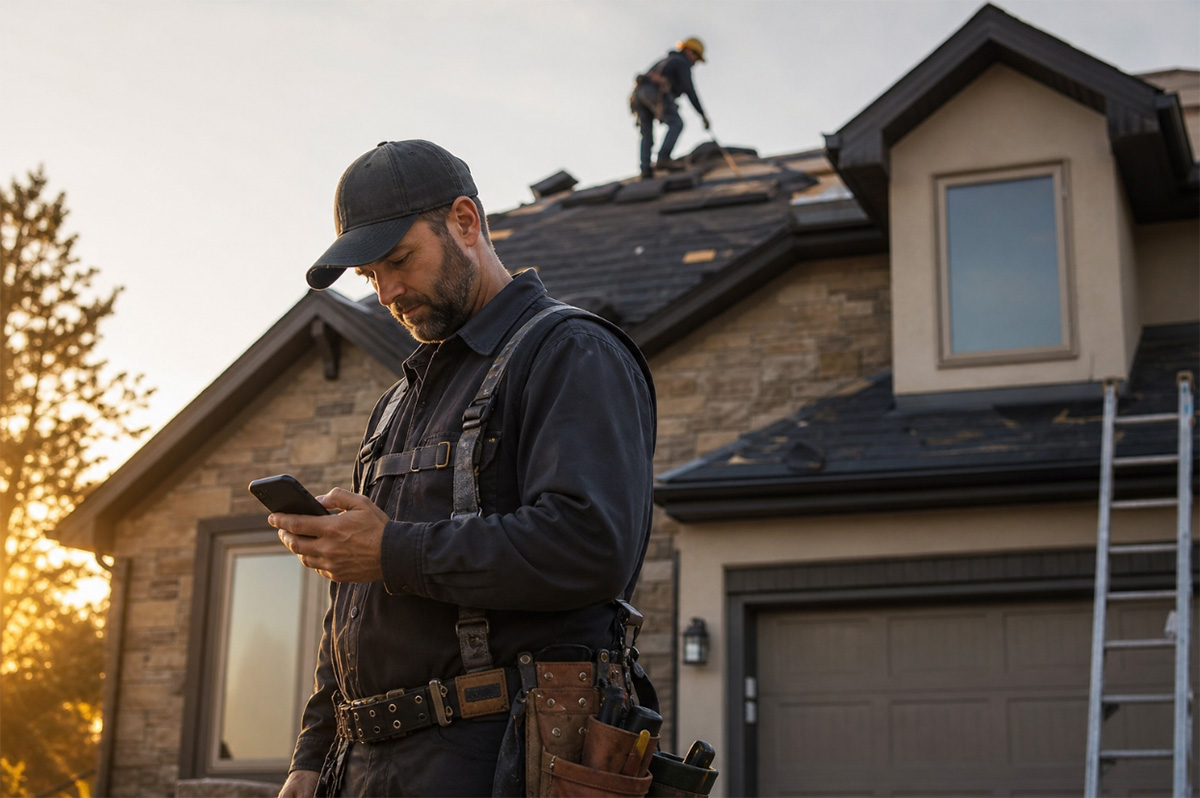
When measurement data is already in the system and pricing rules apply automatically, generating a good-better-best proposal takes minutes. Your rep reviews the numbers, adjusts the margin if needed, and sends it from their phone before leaving the property. Maven Roofing improved same-day close rates by 20% after switching to an integrated platform that enabled on-site proposals.
Zuper’s AI Walkthrough Note lets your tech capture inspection photos and narration on-site in a single flow, building the documentation record before they come down from the roof. Intelligent Quoting then applies your pricing rules to assemble an accurate estimate from that job data. The customer receives a branded proposal they can review and sign from their phone, so the record that protects you on insurance jobs is built into the same process that closes the sale.
Documentation That Works for the Crew, Not Against Them
Your tech is halfway through a tear-off when you need documentation. They’ve got gloves on, they’re on a steep pitch, and there’s no good time to stop and type notes. But if those observations aren’t captured before they leave the property, someone in the office will reconstruct the job from a three-minute phone call later that evening.
For insurance work, that gap is more than an inconvenience. Adjusters want organized photo documentation that shows the damage location, extent, and context. Without it, supplements get rejected, and you’re spending two weeks chasing a carrier for the difference between what they approved and what the job actually costs.
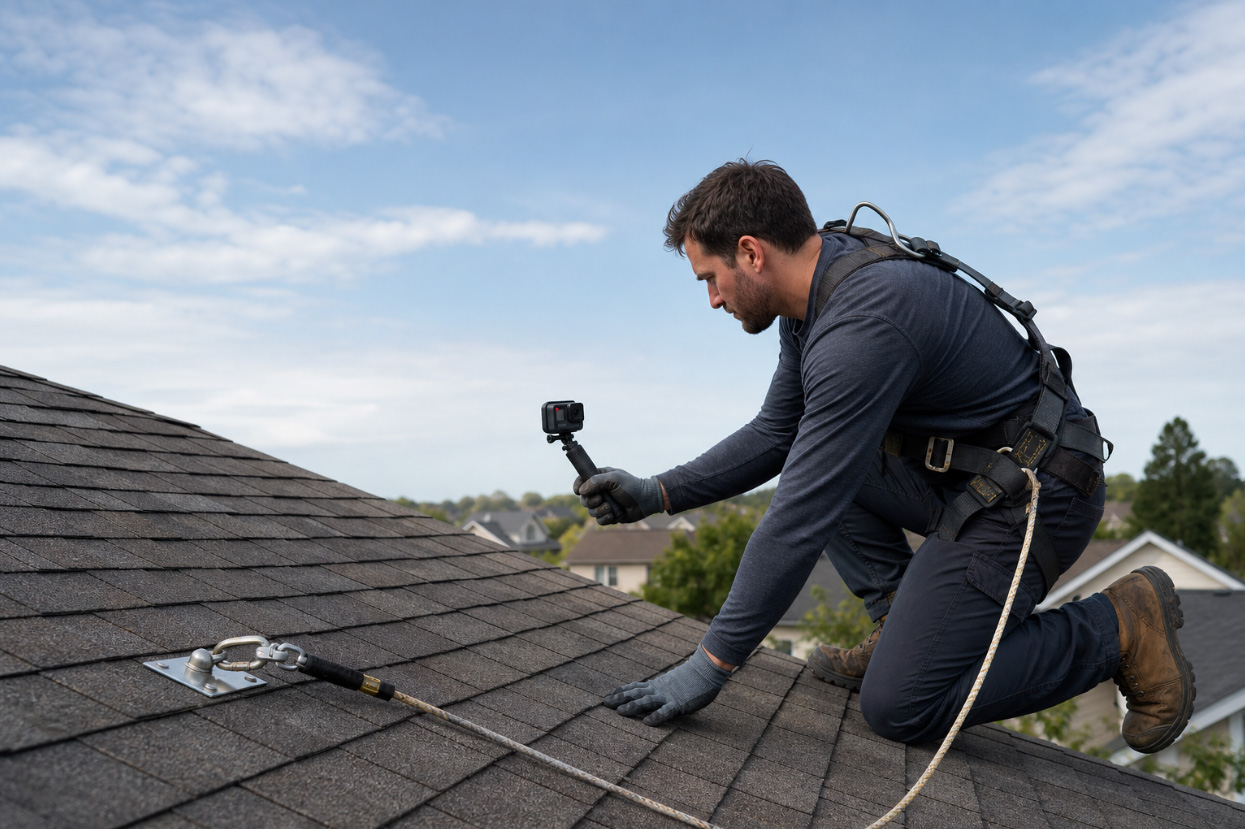
Zuper’s AI Take and Talk addresses the gloves problem directly. Snap a photo of damaged decking, say what you’re looking at, and Zuper transcribes the description and tags it to the photo in one step, with no typing and no stopping work. For a full site walkthrough, the AI Walkthrough Note records video and narration simultaneously, with dual-camera support if needed, then transcribes and summarizes the session into organized job notes. Both save directly to the job already open in the app. The documentation is complete before the crew comes down from the roof. No after-hours write-up, no reconstruction from memory, no phone tag between field and office.
For production managers reviewing job status across multiple crews, AI Job Summary compiles the structured data from any job into a clean overview: status progression, who’s assigned, timeline of events, tasks completed, parts used, and associated records. You see where a job stands without calling anyone.
Estimate Accuracy Before the Proposal Goes Out
The estimate that looks right often isn’t. A crew documents the job; measurements populate the scope, but nobody checks the pitch threshold for the ice and water shield. Or the drip edge was left off because it’s ordered as an afterthought and wasn’t in the template. The proposal goes out, the homeowner signs, and you’re having a scope conversation before the crew arrives.
Connected platforms address scope accuracy at the point of assembly. Conditional rules fire automatically during estimate creation: when pitch exceeds a configured threshold, ice and water shield is automatically added to the line items. When square footage triggers a ventilation calculation, the quantities appear without manual input. The estimate reaches the customer with the scope already complete because the rules handled it during assembly.
Platforms like AccuLynx and Roofr include scope templates and pricing rules that reduce line-item omissions at the assembly stage. Zuper’s Intelligent Quoting works the same way: contractor-configured conditional rules and measurement-driven formulas fire automatically as the estimate is built. When measurements auto-populate from Hover and pricing logic runs on the incoming data, the estimate is accurate before a human needs to check it.
Workflow Automation After the Estimate Is Signed
Every signed proposal kicks off the same stack of tasks: create the installation job, assign the crew, send a customer confirmation, create material orders and update the project status. That’s four to six steps that take time, and on a day when three crews are in the field and the phone’s ringing, at least one gets missed.
Zuper’s Workflow Builder automates the steps that follow a signed proposal. The system creates the installation job and sends a customer confirmation. Zuper’s Dispatch Assistant recommends crew assignment based on technician schedule and proximity. Purchase orders for materials can be created without manual entry, and approved invoices sync with QuickBooks via Zuper’s native integration.
Weather delays are where this shows up most clearly. When a job gets rescheduled, the system handles the downstream steps: notifying the crew, updating the customer, and adjusting the calendar. The 15 minutes it used to take to manually change a single appointment now run in the background across every affected job. Your office team handles exceptions instead of routine handoffs.
AI Roofing Estimating Software and Customer Communication
After a hailstorm rolls through on a Thursday night, you don’t have one inbound call to manage by Friday morning. You’ve got 50+. Every homeowner within a 4-zip radius wants an inspection scheduled, and most of them are calling whoever answers first.
That call volume is also where proposals get lost. A homeowner who can’t reach you books someone else. One who gets a voicemail and a next-morning callback has already had two conversations with your competition by the time you call back.
A&A Roofing handled 95 calls during a December 2025 storm event using Zuper’s CSR Agent, an AI receptionist that answers every inbound call 24/7. It booked inspection appointments, answered service FAQs, and sent payment links by text without anyone on the office team picking up the phone. A&A captured $440K in deal value during that storm because the AI handled the volume while their crews stayed on jobs.
The same system handles the slower-burn communication that causes customers to leave on normal days. A homeowner who texts for a job status update gets a response in minutes, without your office staff having to call the crew and relay the answer. An after-hours inspection request gets booked immediately, not when someone checks voicemail in the morning. For field crews, if a homeowner texts asking about crew arrival while your tech is mid-tear-off with gloves on, AI responds instantly. The customer gets an update, and the crew stays on the job. Nobody stops working to keep a homeowner informed.
How to Evaluate AI Roofing Estimating Software
Before committing to a platform, apply these six criteria to any tool you’re considering:
- Does measurement data flow directly into estimates? If you’re re-entering numbers from a takeoff report into a separate estimating system, the AI saved time on one step but didn’t remove work.
- Can the crew document on-site without stopping work? On-site photo narration, voice-to-text transcription, and video walkthroughs with real-time notes matter more than how polished the office interface looks.
- Does the system catch estimate gaps before delivery? Pricing rules and scope logic should be built into the estimate assembly, not a separate manual review step.
- Does a signed proposal reduce what your office has to do next? Job creation and crew assignment should require as few manual inputs as possible after signing. The more of that sequence the platform handles, the less your office has to manage by hand.
- Can it handle customer communication during storm surges? If after-hours call volume overwhelms your staff, you’re leaving deal value on the table during your highest-opportunity windows.
- Are these functions connected on a single platform or spread across separate tools? Separate platforms mean your staff has to handle handoffs. Connected platforms mean the system does.
How Zuper Connects Estimating to the Full Operations Platform
Full disclosure: Zuper built this platform, and we’re biased. The strongest argument for Zuper is also the strongest argument for connected systems generally. Contractors get the most from AI estimating when measurement, proposals, documentation, and communication run on a single platform where each step feeds automatically into the next. Standalone tools that win individual feature comparisons still require someone to bridge the handoffs between them.
Zuper’s roofing platform was built specifically to reduce admin time across the full job lifecycle, from lead intake through final payment. The AI capabilities, including AI Voice Notes, AI Walkthrough Note, AI Job Summary, Intelligent Quoting, CSR Agent, Dispatch Assistant, and Zuper Glass for hands-free field documentation, aren’t separate modules. They’re part of how every stage of the job runs.
For crews, that means leaving every job with documentation already filed and less admin waiting back at the office. For office staff, it means managing exceptions instead of routine data entry. Contractors using Zuper have seen measurable results across operations:
- Maven Roofing: $250/employee/month in technology cost savings, 8 hours/person/week recovered, new-hire ramp-up shortened by 40%
- Roof Doctors (California, since 1987): call handling times cut in half, onboarding new staff takes minutes instead of weeks
- A&A Roofing: $440K in deal value captured during a single December 2025 storm event
These outcomes came from connecting estimating, documentation, dispatch, and communication, not from any single feature in isolation.
Build an Estimating Process That Works on the Roof and in the Office
The roofing companies closing the most jobs in 2026 aren’t necessarily the most experienced. They’re the ones who turn inspections into signed proposals before leaving the property. They document jobs cleanly enough to secure supplement approvals on the first try. And they keep customers informed without adding office headcount to handle the volume.
AI roofing estimating software is what makes that possible at scale, because it removes the manual steps that slow your team down between “I measured that roof” and “the customer signed.”
If your current process still requires your crew to type up notes after they leave the property, manually enter measurement data into a proposal, or wait until morning to respond to inspection requests, you’re leaving time and margin on the table on every single job.
See how Zuper connects estimating, documentation, and field operations in one AI-native roofing platform. Book a demo.